AI tool
Yap
Yap converts speech to text locally for developers. This free, open-source macOS dictation tool uses Apple's on-device SpeechAnalyzer API, requiring no network calls or large models.
About Yap
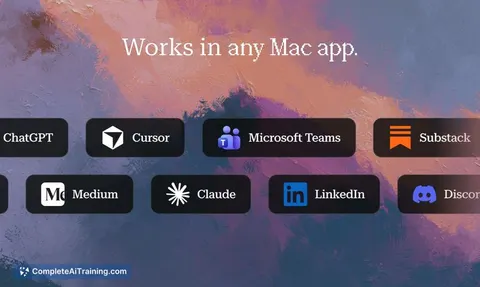
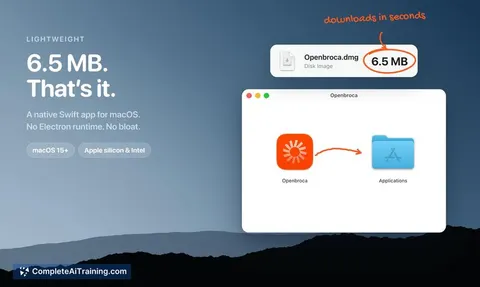
Yap is an open-source voice dictation app for macOS that converts speech to text in any text field. It uses the on-device SpeechAnalyzer API introduced in macOS 26, so no internet connection or model download is required. The app is a 4 MB Swift binary, licensed under MIT, and built by Frigade.
Review
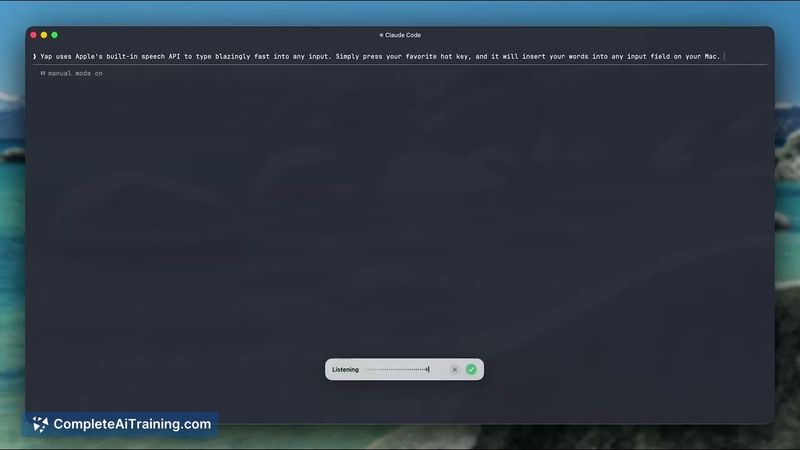
With Yap, you set a hotkey, talk, press it again, and the words land in whatever you were typing. The entire process stays on the Mac; no network calls happen. It's a stripped-down alternative to heavier dictation tools that often bundle browser engines or require subscriptions.
Key Features
- Hotkey toggles dictation on and off; transcribed text pastes directly into the focused text field.
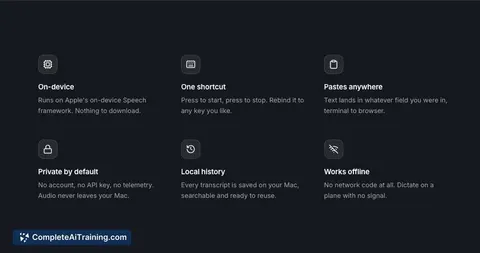
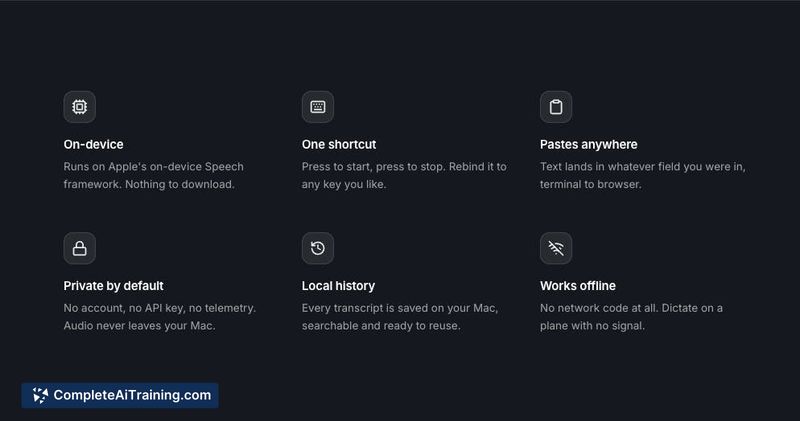
- On-device speech recognition using Apple's SpeechAnalyzer - no model download, no internet required.
- Clipboard contents remain untouched; the app restores any previous clipboard after insertion.
- Small resource footprint: the app file is 4 MB, and memory usage idles around 60 MB.
- Open-source codebase (MIT license) and free to use.
Pricing and Value
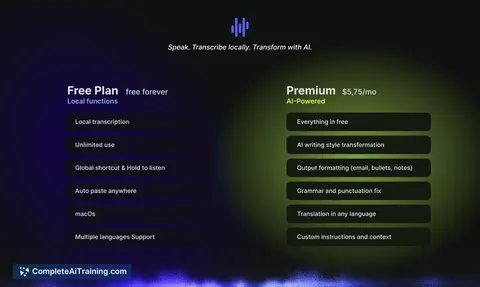
Yap is free software. There is no paid version, subscription, or in-app purchase. You can download it from the project's GitHub page or website and use it without restrictions.
Pros
- Dictation works offline, and no audio data leaves the device.
- Hotkey-based insertion feels quick and doesn't disrupt the workflow.
- The app preserves the clipboard, so you won't lose copied content.
- Memory and storage usage are minimal, even on older Macs.
- The source code is available for anyone to audit or modify.
Cons
- Raw transcription lacks grammar or fluency editing; you get exactly what you said, including verbal pauses (though the latest update reduces some of them).
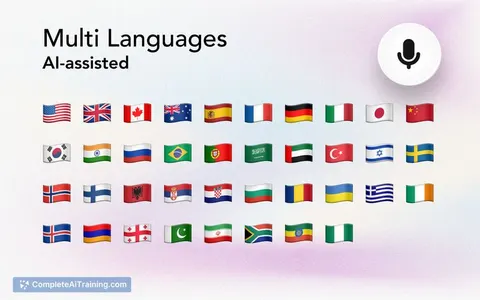
- Accuracy and language support are tied to Apple's on-device dictation; languages with weak offline support will produce less reliable results.
- Not well suited for dictating into password prompts, sudo dialogs, or other secure text fields where macOS blocks assistive paste.
Yap is a practical tool for quick notes, short messages, and emails where privacy and speed outweigh the need for polished text. Users who rely on dictation for long-form writing with automatic grammar correction or
Jobs Yap suits
We checked Yap against 500+ jobs; these get the most out of it.
Alternatives to Yap
Other tools that do the same main job. Our AI compared Yap with similar tools and kept the ones you could use instead.