AI tool
Tersa
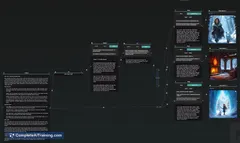
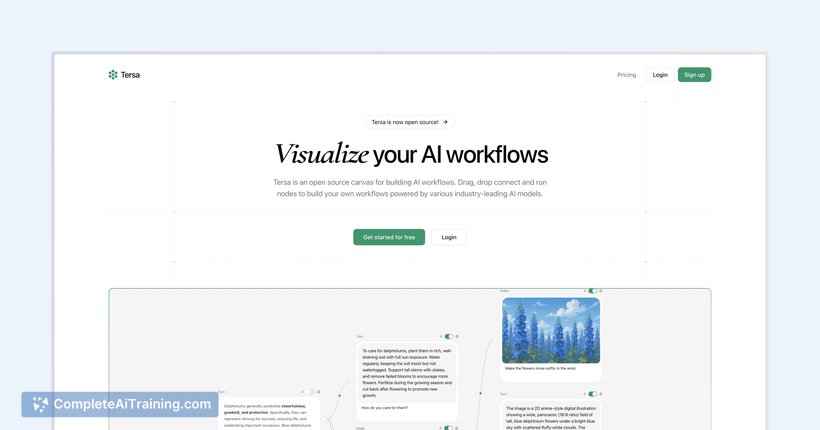
Tersa is an open source canvas for building AI workflows by dragging, dropping, and connecting nodes. Easily create custom workflows powered by top AI models to streamline and automate complex tasks.
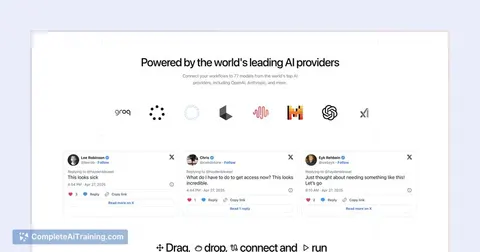
About Tersa
Tersa is an open-source platform that offers a visual canvas to create and manage AI workflows. It allows users to drag, drop, connect, and run nodes using a variety of leading AI models, making workflow building intuitive and flexible.
Review
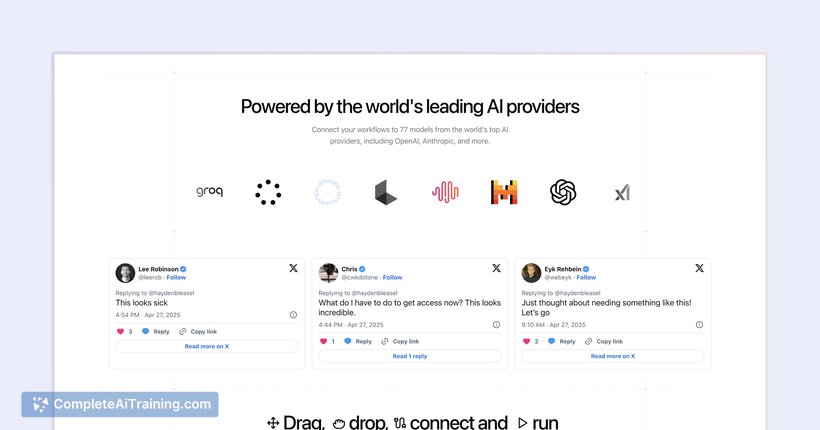
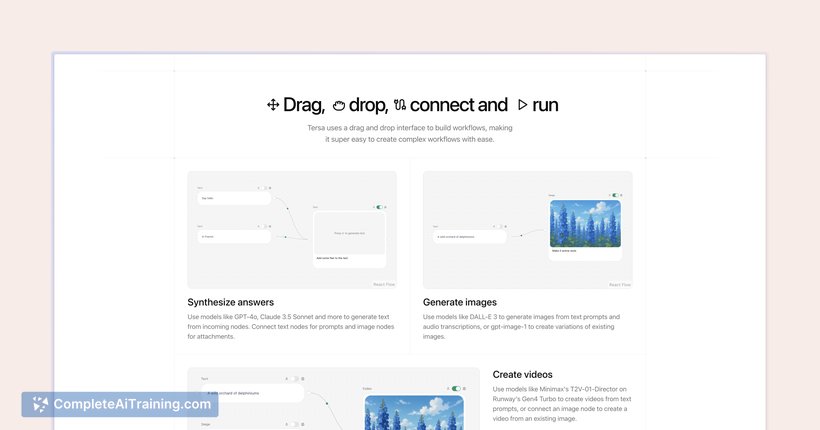
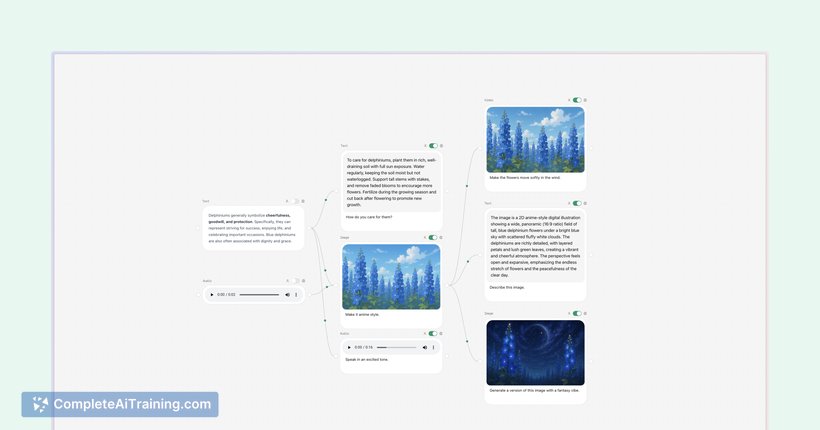
The platform provides a straightforward way to design AI workflows without needing extensive coding knowledge. By integrating multiple AI models into a single interface, it simplifies combining different AI capabilities for various projects.
Key Features
- Drag-and-drop interface for easy workflow creation
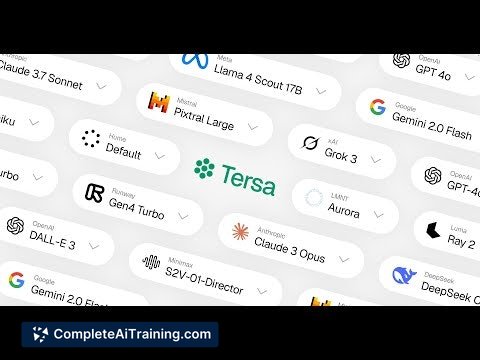
- Supports connections to over 70 AI models from providers like OpenAI and Anthropic
- Open-source with active community support and development
- Ability to upload documents and videos (though video transcription is not yet supported)
- Customizable nodes including AI and output nodes with future plans for enhanced functionality
Pricing and Value
Tersa is available as a free open-source tool, which provides significant value especially for developers and AI enthusiasts who want to experiment with AI workflows without upfront costs. Its open-source nature allows users to modify and extend the platform according to their specific needs. This makes it a cost-effective solution for both individual users and teams looking to prototype AI-driven applications.
Pros
- Completely free and open-source, encouraging customization and transparency
- Intuitive visual interface reduces the learning curve for building AI workflows
- Integration with a wide range of popular AI models
- Active community and ongoing feature development
- Supports multimedia inputs including documents and video uploads
Cons
- Video transcription functionality is not yet available
- Some advanced node features are still in development and may require manual setup
- Documentation could be expanded for beginners to fully utilize all features
Overall, Tersa is well-suited for developers, AI researchers, and enthusiasts who want a flexible and open platform to prototype and manage AI workflows visually. Its free access and broad model support make it an attractive option for experimentation and small projects, while ongoing development suggests it will continue to improve in capability and ease of use.
Jobs Tersa suits
We checked Tersa against 500+ jobs; these get the most out of it.
Alternatives to Tersa
Other tools that do the same main job. Our AI compared Tersa with similar tools and kept the ones you could use instead.