AI tool
Toki 2.0
Toki 2.0 is an AI scheduling agent that plans your days proactively, turns ideas into events, remembers preferences, and automates actions with triggers.

About Toki 2.0
Toki 2.0 is an AI scheduling agent that converts loose ideas into concrete plans and manages your calendar proactively. It captures vague inputs-like a thought or a quick voice note-and suggests or schedules times based on your preferences and context.
Review
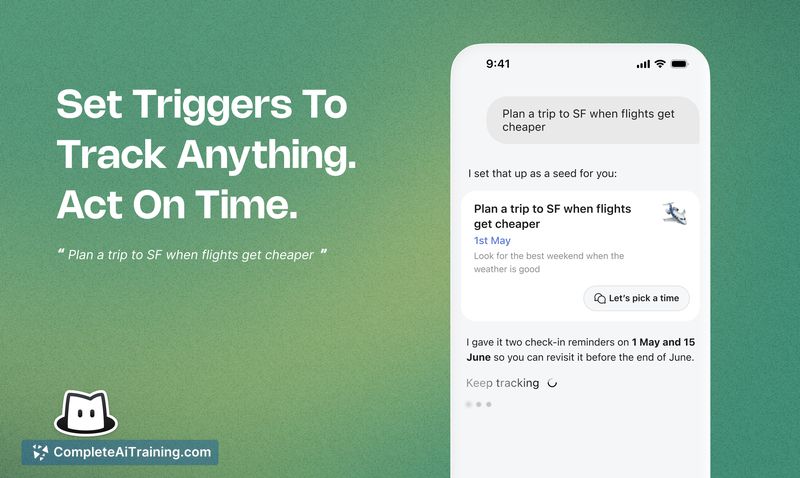
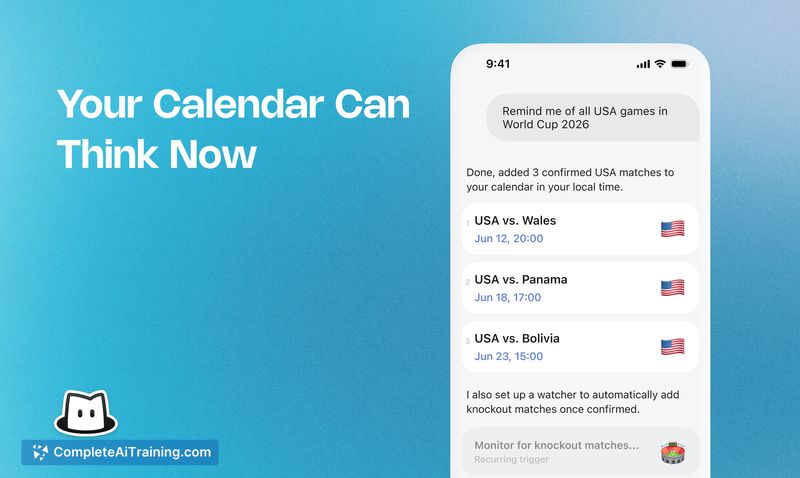
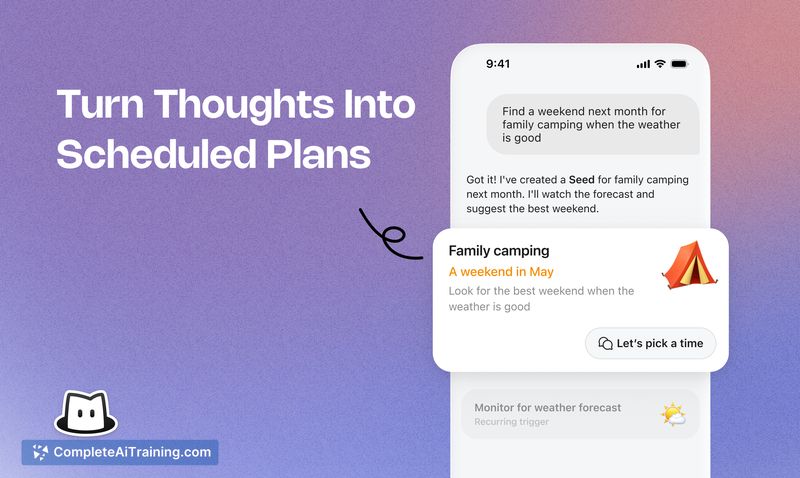
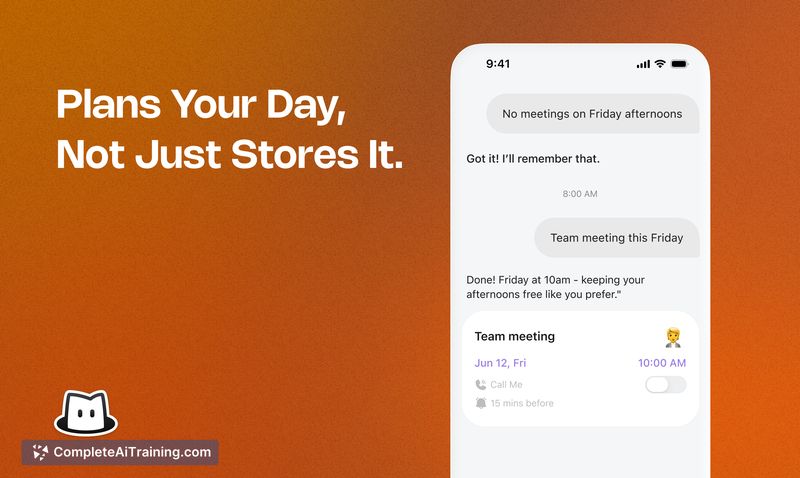
Toki 2.0 moves beyond basic calendar entry by acting on early planning signals and resolving conflicts automatically. The app learns from calendar history and explicit preferences, supports multiple input modes, and can run conditional automations to keep plans current.
Key Features
- Seed: turn vague ideas or "maybe" tasks into scheduled items that fit your day.
- Proactive scheduling and conflict resolution: suggests times and adjusts plans when overlaps occur.
- Learned preferences and personal rhythms: adapts placement based on your past behavior and explicit rules (for example, protected mornings).
- Triggers and tracking: automates actions and can monitor signals over time (e.g., watch for price changes or conditions and surface updates).
- Multiple input and integration options: voice, text, images, messaging apps, and two-way sync with existing calendars; supports sharing for multi-person coordination.
Pricing and Value
Toki 2.0 offers a free tier for basic use and a premium subscription called Toki Super that unlocks advanced features and priority limits. During launch, one-month premium codes have been distributed, which can help evaluate Super before committing. For users who want to reduce manual scheduling and follow-up, the tool can pay back its cost through saved time and fewer scheduling headaches; power users who need deep calendar visualization or heavy customization may find the free tier limiting.
Pros
- Makes it easy to convert early ideas into actionable calendar items without much manual planning.
- Proactive conflict handling and smart placement reduce back-and-forth scheduling work.
- Supports a wide range of inputs (voice, images, messaging) and integrates with existing calendars.
- Can automate tracking and trigger-based actions so certain intentions are actively monitored.
- Free tier available for basic usage and testing.
Cons
- The conversational interface can feel less intuitive for getting a broad visual overview of a busy calendar.
- Some users will want more customization and calendar-view features than currently available.
- Background tracking and automated actions are useful but require clear privacy controls and transparency about what is monitored.
Overall, Toki 2.0 is best for individuals and small groups who prefer low-friction scheduling via natural inputs and want an assistant that turns ideas into plans. Advanced users who rely on dense visual calendar management or extensive customization may need to supplement Toki with a traditional calendar interface.
Jobs Toki 2.0 suits
Useful in almost any job. We checked Toki 2.0 against 500+ jobs; these get the most out of it.
Alternatives to Toki 2.0
Other tools that do the same main job. Our AI compared Toki 2.0 with similar tools and kept the ones you could use instead.