
AI tool
Wolfram Language 15
Wolfram Language 15 adds LLM integration and notebook interface updates to its symbolic and numeric computation engine. It provides scientists and developers with tools for system modeling, visualization, and data analysis.
About Wolfram Language 15
Wolfram Language 15 is a computational language designed for both human use and AI agent interaction. This release introduces new functionality across many technical domains-LLM & AI, notebook interfaces, symbolic computation, visualization, and more. It continues the long-running development of the Wolfram Language, which began nearly four decades ago.
Review
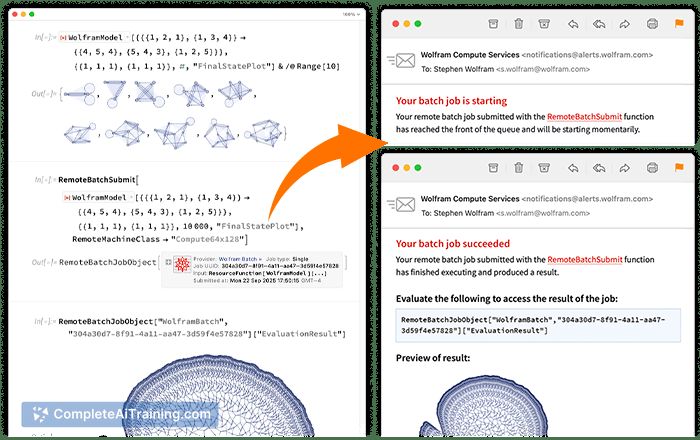
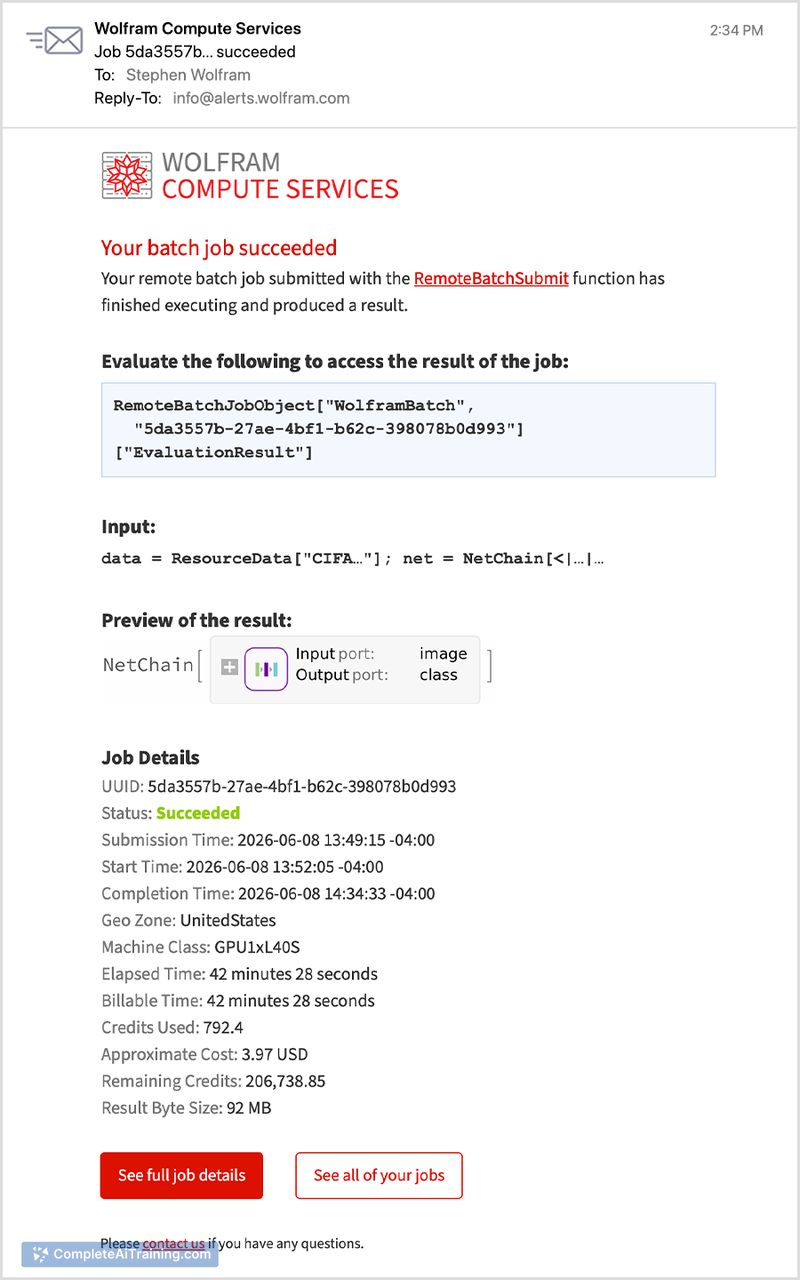
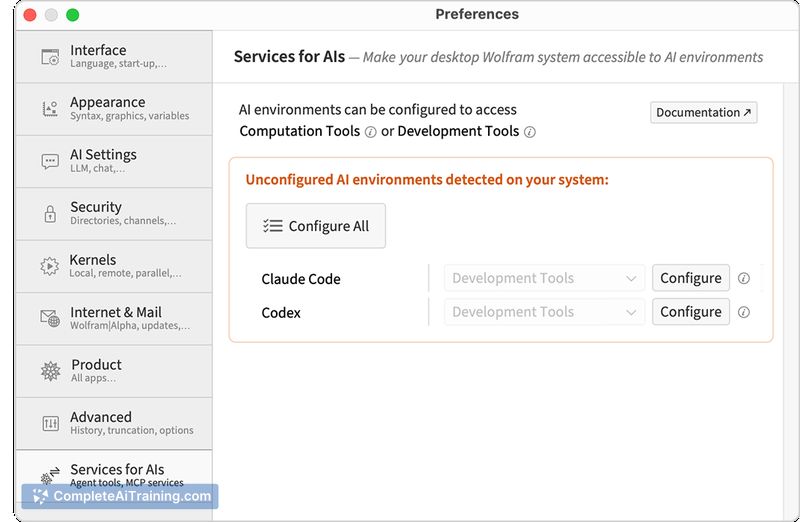
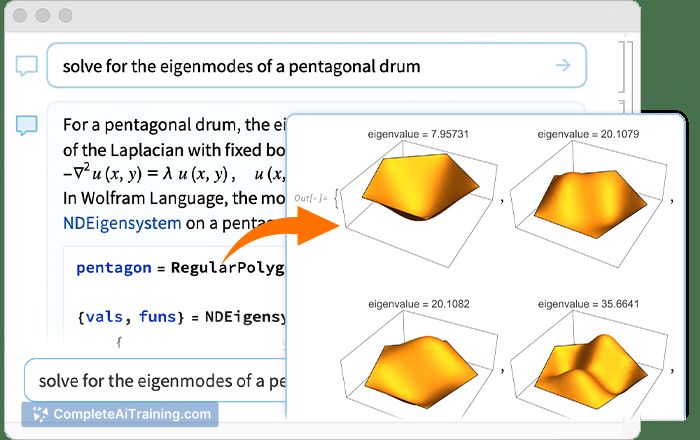
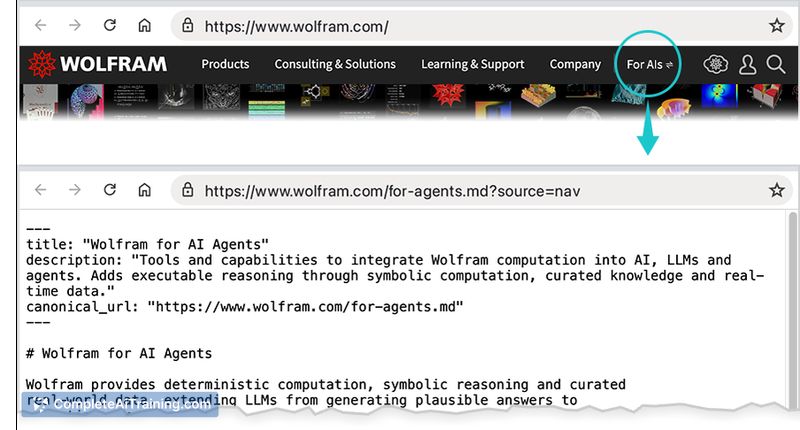
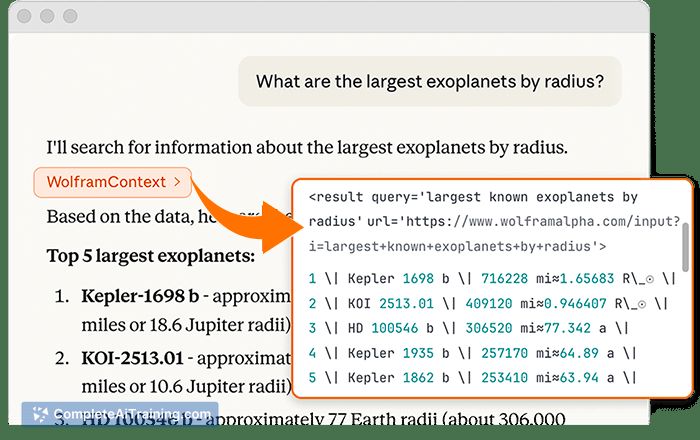
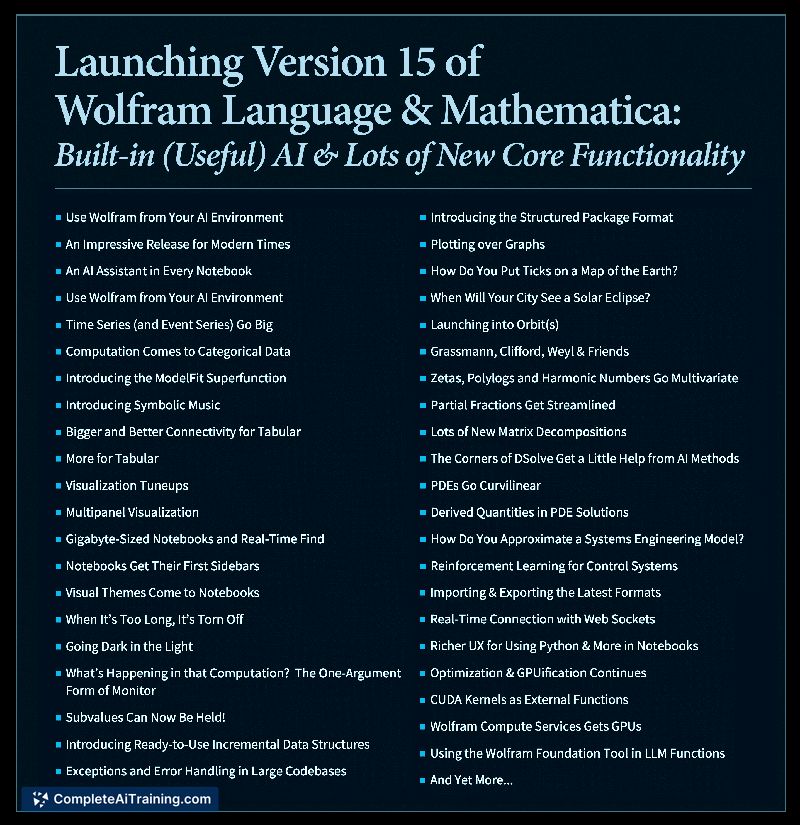
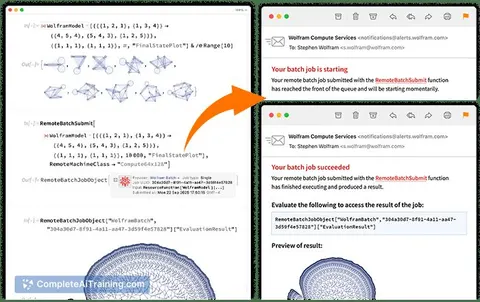
Launched this week, Wolfram Language 15 arrives with an extensive list of updates spanning AI integration, core language features, and domain-specific functions. Stephen Wolfram has described the language as a way to formalize and crispen thoughts-code that can be written by humans but also read and inspected by them. The new version aims to extend that idea into workflows where AI agents generate code that a person can verify and run.
Key Features
- LLM & AI - new and updated functionality for working with large language models and artificial intelligence directly in the language.
- Notebook & user interfaces - enhancements to the interactive document environment where code, results, and visualizations live together.
- Symbolic & numeric computations - expansions to the core engine that handles algebra, calculus, equation solving, and high-precision arithmetic.
- Visualization & graphics - additional plotting, charting, and graphical rendering capabilities.
- PDEs & system modeling - improved support for partial differential equations and dynamic systems simulation.
Pricing and Value
On the launch page, Wolfram Language 15 is marked as "Free." The reference content does not clarify whether this is a time-limited offering, a free tier, or the permanent pricing model. Earlier versions of Wolfram technology have used commercial licensing and subscriptions, but no such details appear for this release.
Pros
- Covers dozens of technical computing fields within a single language, from astronomy to video processing.
- Code can be inspected and executed by humans, which adds a layer of transparency when AI generates it.
- Backed by 38 years of continuous core development and a large built-in knowledgebase.
- Notebook interface combines code, text, and live graphics in one place, which can simplify research and documentation.
Cons
- The syntax and programming paradigm can feel unfamiliar to developers used to mainstream procedural or object-oriented languages.
- Large computations or rich graphical outputs may demand significant memory and processing power.
- Not well suited for general-purpose web development or simple automation tasks that don't leverage deep computational features.
The tool fits best with researchers, engineers, data scientists, and technical professionals who need to mix symbolic mathematics, data analysis, and domain-specific modeling in a single environment. It's also relevant for teams exploring AI-generated code that must be readable and auditable. Casual programmers or those building typical business applications won't find a natural home here.
Jobs Wolfram Language 15 suits
We checked Wolfram Language 15 against 500+ jobs; these get the most out of it.



