About Zavi AI - Voice to Action OS
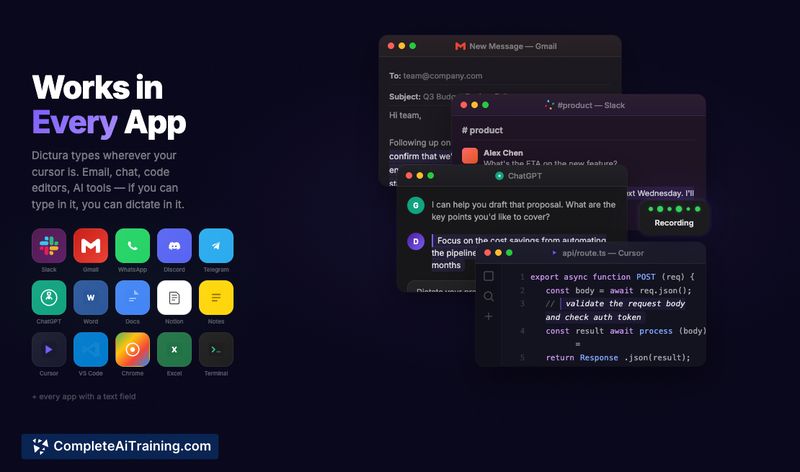
Zavi AI - Voice to Action OS is a cross-platform voice assistant that types, edits, translates and performs actions across your apps. It offers cleaned, filler-free dictation in 50+ languages and tools to rewrite selected text or execute commands directly in connected services.
Review
Zavi extends beyond simple transcription by combining accurate dictation with in-place editing and agentic actions such as sending emails or posting to team channels. In practice it provides fast, readable output and convenient integrations, though some workflows still require occasional clarification or permission setup.
Key Features
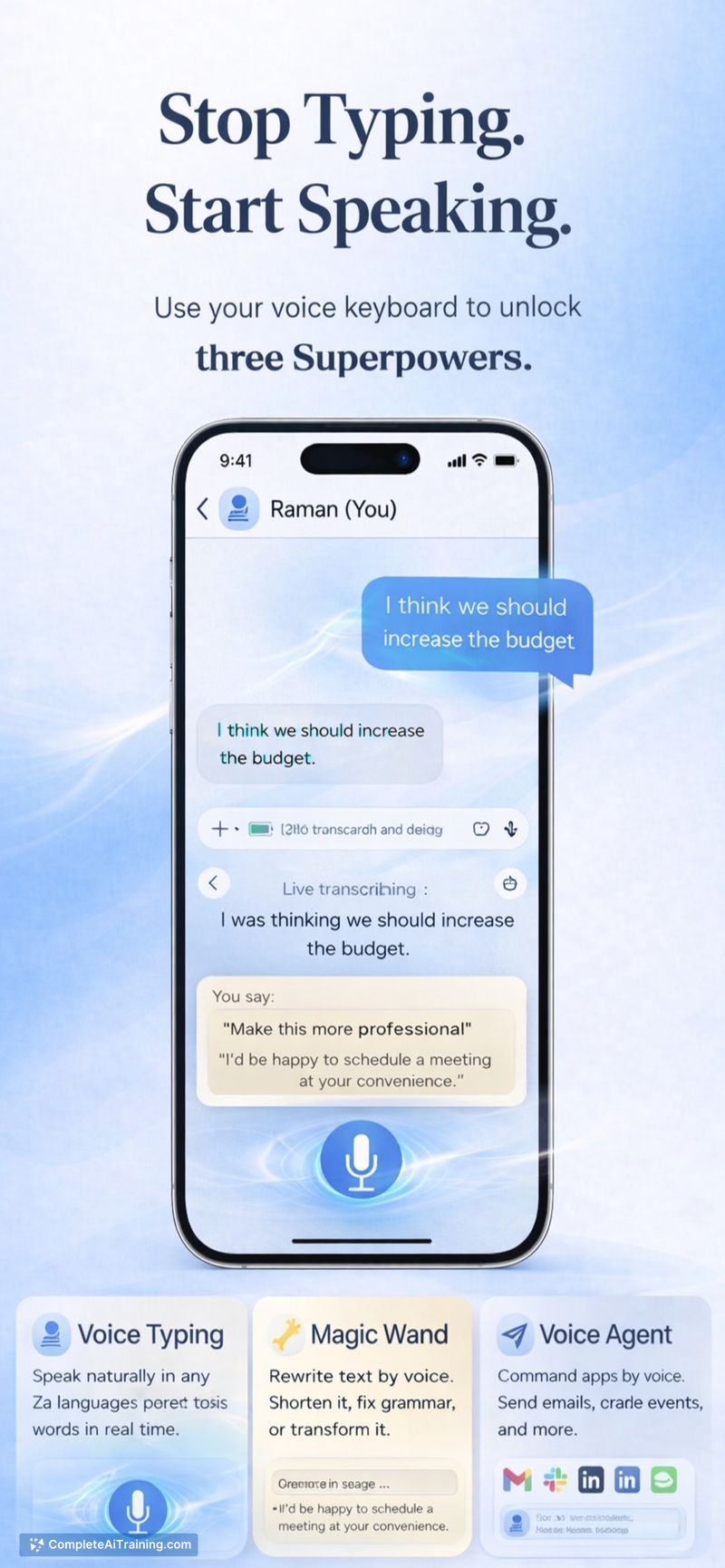
- Clean real-time dictation that removes filler words and fixes basic grammar.
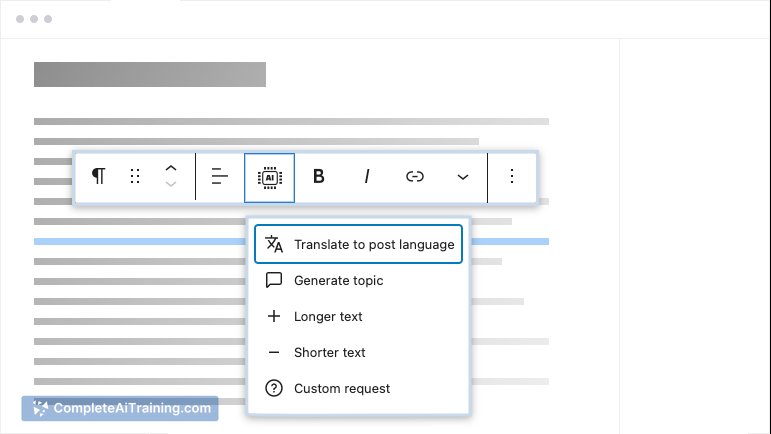
- Magic Wand: highlight text in any app and speak commands like "make this shorter" or "translate to French" to rewrite in place.
- Agent Mode: voice-triggered actions that can send emails, post to Slack, update Notion, push to GitHub and interact with 20+ other services.
- Cross-platform support on iOS, Android, Mac, Windows and Linux.
- Live translation and multi-language typing across 50+ languages.
Pricing and Value
The tool is available for free with no credit card required, which makes it easy to try without commitment. For users who spend a lot of time composing messages or moving content between apps, the combination of in-place editing and direct action execution can save meaningful time and reduce context switching.
Pros
- Accurate, polished dictation that requires minimal post-editing.
- In-place editing workflow (Magic Wand) removes the need to copy/paste between apps.
- Agent Mode can complete end-to-end tasks across popular services, turning voice into action.
- Wide language support and cross-platform availability make it accessible to many users.
- Free to use with no immediate payment barriers for evaluation.
Cons
- Some commands can be underspecified and may require follow-up prompts or confirmation to avoid mistakes.
- Full functionality requires granting system permissions (microphone, accessibility, screen recording), which may concern privacy-minded users.
- Invocation currently involves opening the app in some flows, adding a small extra step for seamless use.
Overall, this tool is well suited for people who dictate frequently, manage multi-app workflows, or want faster ways to edit and send content without switching contexts. It's especially useful for early adopters willing to grant the necessary permissions and who value time savings across email, collaboration tools and document editors.
Open 'Zavi AI - Voice to Action OS' Website
Your membership also unlocks: