
Certification
Certification in Creating AI-Generated Vector SVG Files with ComfyUI
Get certified in AI-driven SVG creation with ComfyUI. Demonstrate skill in converting AI images into precise, scalable vector files, ready to optimize and deliver sharp, flexible designs for digital and print projects.
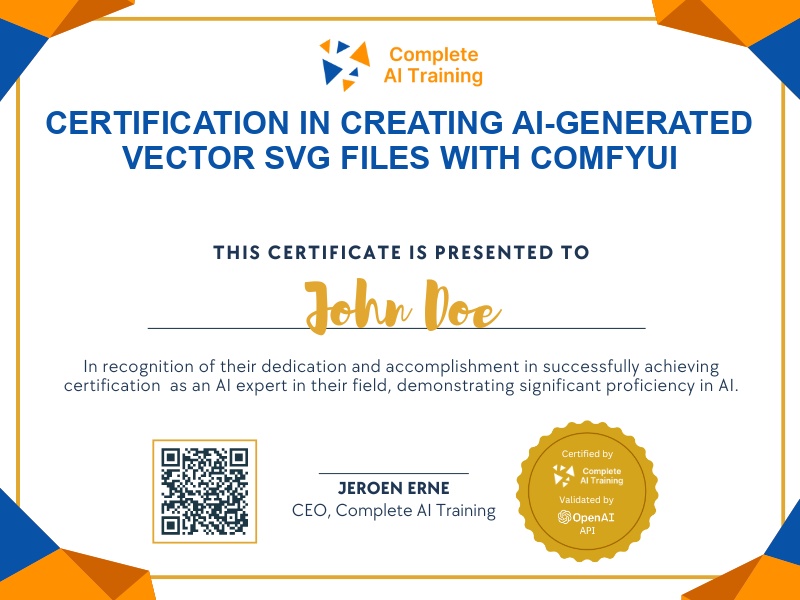
The exam
Take the certification exam
Multiple-choice questions about the course. Pass with 70% or more and your certificate is issued at once, with a public page and an "Add to LinkedIn" button.
What the exam covers
2 questions from each of the 6 chapters of the course
12 multiple-choice questions, drawn fresh for every attempt. Pass with 70% or more.
- 01Installing the SVG node and basic workflow1:28
- 02Previewing and refining1:57
- 03Editing in Illustrator and generating2:52
- 04Colour vectors and prompts1:50
- 05Alternative workflows and tracing1:51
- 06Online vectorisers and closing1:30
The "ComfyUI Course Ep 32: How to Create Vector SVG Files with AI" certification validates your expertise in generating crisp, scalable SVG vector files from AI-generated images using ComfyUI. Gain valuable skills such as improved productivity, adaptability, and a competitive edge by mastering efficient vector conversion workflows and optimization techniques. Enroll today to enhance your creative projects and future-proof your design capabilities.
This certification covers the following topics:
- Understanding Raster vs. Vector Images
- Installing and Setting Up the “ComfyUI to SVG” Custom Node
- Exploring SVG Workflow Nodes in ComfyUI
- Converting Raster Images to Vector SVGs and PNG Previews
- Previewing and Assessing SVG Output
- Selecting the Best Raster to Vector Node and Mode
- Tips for Generating Vector-Friendly AI Images
- Using ChatGPT to Craft Effective Prompts for Source Images
- Optimizing Vector Output: Reducing Complexity and Path Cleanup
- Comparing ComfyUI with Other Vectorization Tools
- Practical Applications of AI-Generated Vector Graphics
- Avoiding Common Pitfalls in Vector Conversion
Jobs this certification suits
Our AI checked this certification against 500 jobs; these get the most out of it. Each job links to its learning path.