
Certification
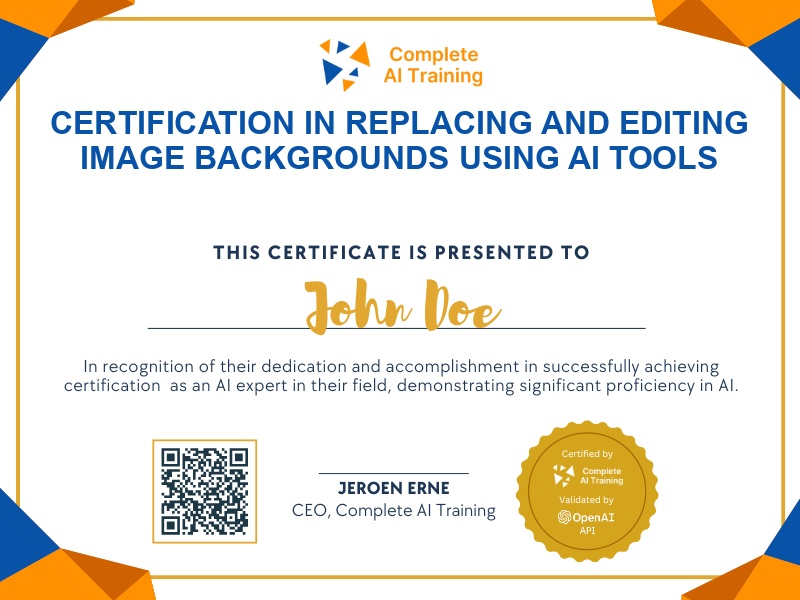
Certification in Replacing and Editing Image Backgrounds Using AI Tools
Get certified in AI-powered background replacement with ComfyUI and Photoshop,demonstrate the ability to quickly create polished, professional images for product, portrait, or social content without manual editing.
The exam
Take the certification exam
Multiple-choice questions about the course. Pass with 70% or more and your certificate is issued at once, with a public page and an "Add to LinkedIn" button.
What the exam covers
2 questions from each of the 11 chapters of the course
20 multiple-choice questions, drawn fresh for every attempt. Pass with 70% or more.
- 01Background removal1:43
- 02Replacing backgrounds1:52
- 03Prompting tips2:41
- 04Refining masks in Photoshop2:14
- 05Advanced composition2:14
- 06Simple backgrounds2:06
- 07Troubleshooting1:58
- 08Depth ControlNet2:06
- 09Upscaling final images1:06
- 10People and subject changes2:09
- 11Final tips1:42
The "ComfyUI Course Ep 29: How to Replace Backgrounds with AI" certification validates your expertise in transforming images by efficiently replacing backgrounds using state-of-the-art AI tools. Gain practical skills that boost productivity, offer a competitive edge, and prepare you for future advancements in digital imaging. Enroll now to enhance your image editing capabilities and accelerate your professional growth.
This certification covers the following topics:
- Understanding AI-powered background replacement in ComfyUI
- Loading images and setting up your workspace
- Creating and refining masks: automatic and manual approaches
- Mask inversion: telling the AI what to replace
- Inpainting: the AI-powered process behind background replacement
- Using ControlNet and alpha masks for precision
- Prompt engineering for describing ideal backgrounds
- Blurring masks for improved edge blending
- Maintaining correct image ratios and avoiding distortion
- Troubleshooting common artefacts and unwanted details
- Manual refinement and Photoshop integration
- Advanced workflows and limitations of AI-based background replacement
Jobs this certification suits
Our AI checked this certification against 500 jobs; these get the most out of it. Each job links to its learning path.