
Video course · 10 chapters · 38 min · certificate
AI Inbox Agent: No-Code Email Automation for Beginners
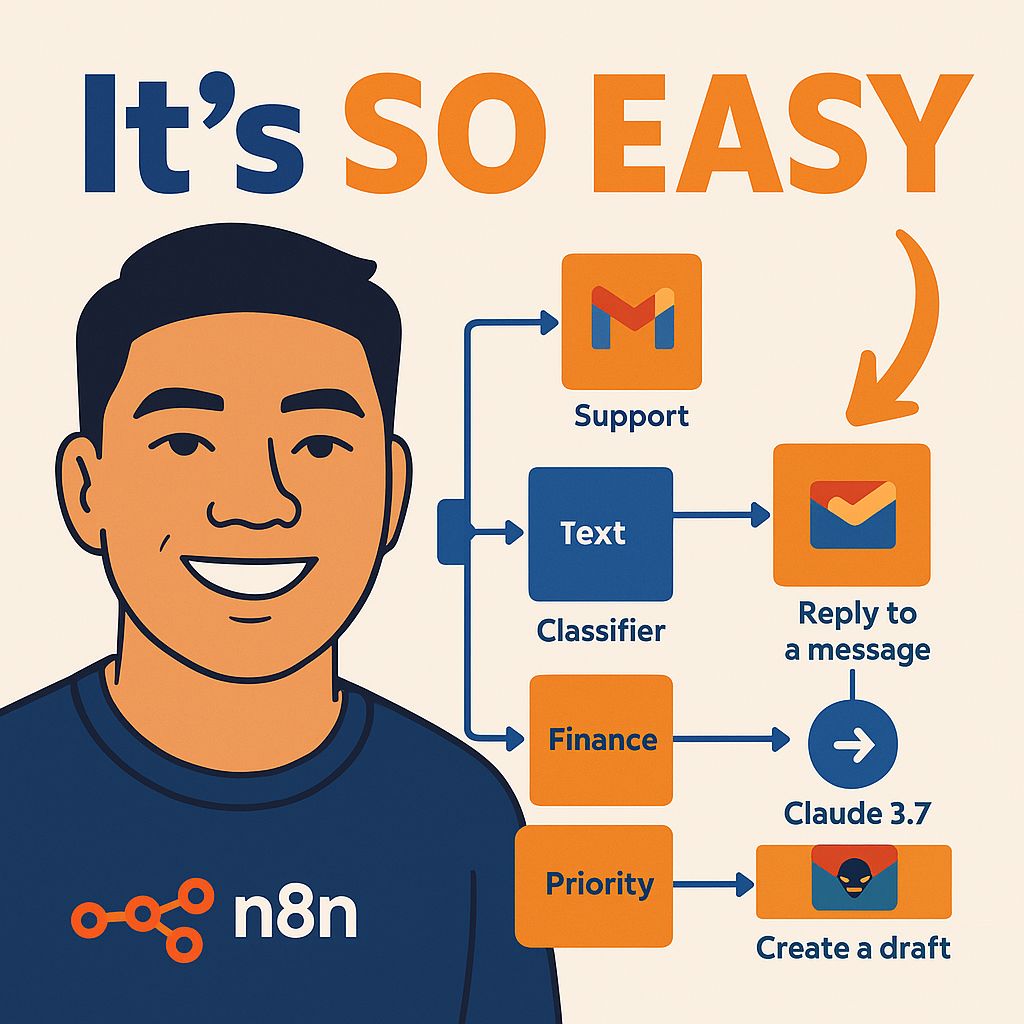
Build a no-code AI inbox agent in n8n: a Gmail trigger, an AI email classifier via OpenRouter, auto replies, team notifications, auto drafts, marking emails as read, and enhancements to customize each path.
What you'll learn
- Plan an inbox agent workflow
- Trigger workflows from Gmail
- Classify emails with an AI classifier
- Send auto replies, notifications and drafts
- Mark and label emails automatically
- Extend the system with enhancements
Chapters
10 chapters · 37:33-
 3:38
01Intro Free preview
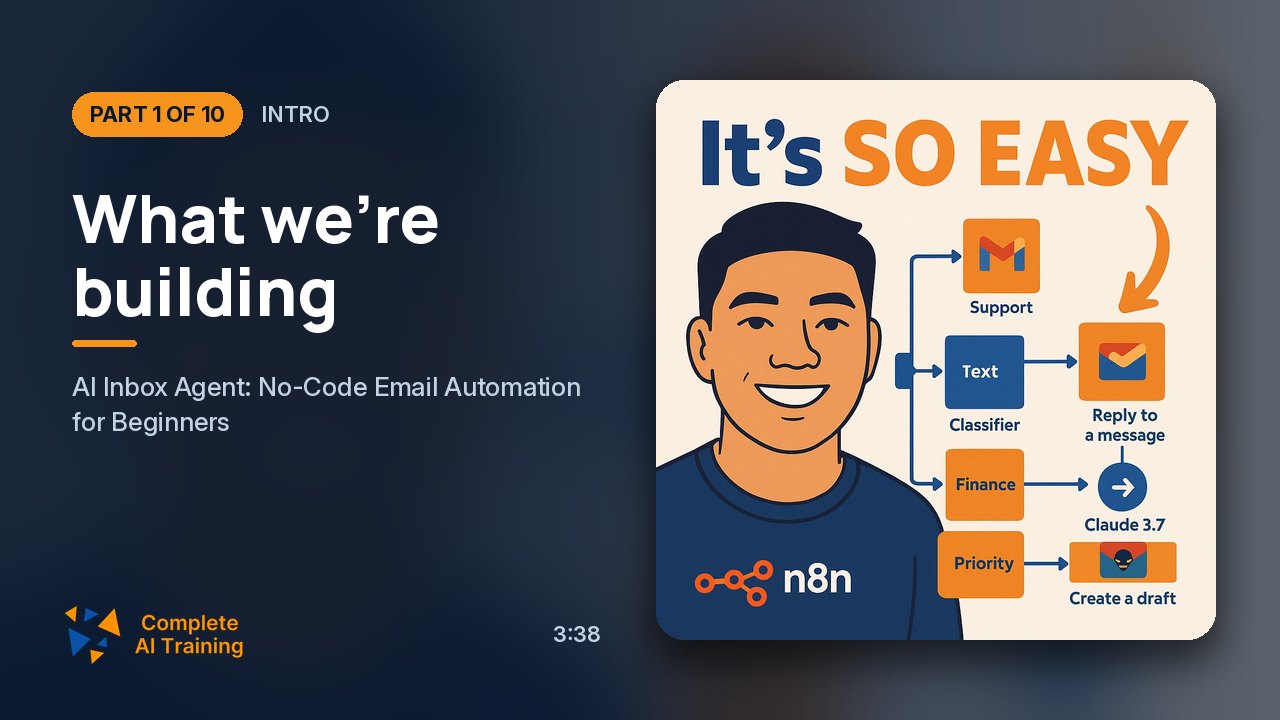
What we're building
An inbox agent that classifies and labels incoming emails.
3:38
01Intro Free preview
What we're building
An inbox agent that classifies and labels incoming emails.
-
 2:52
02Trigger Members
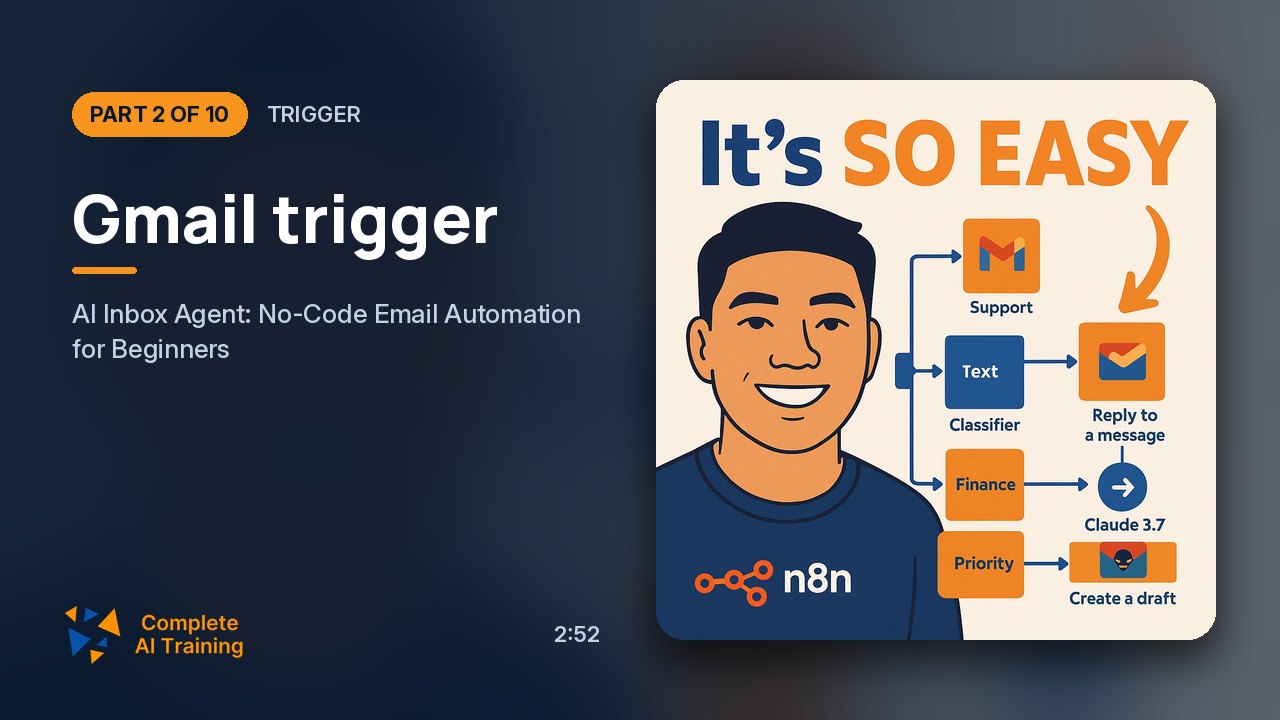
Gmail trigger
Starting the workflow with a Gmail trigger.
2:52
02Trigger Members
Gmail trigger
Starting the workflow with a Gmail trigger.
-
 4:22
03Classify Members
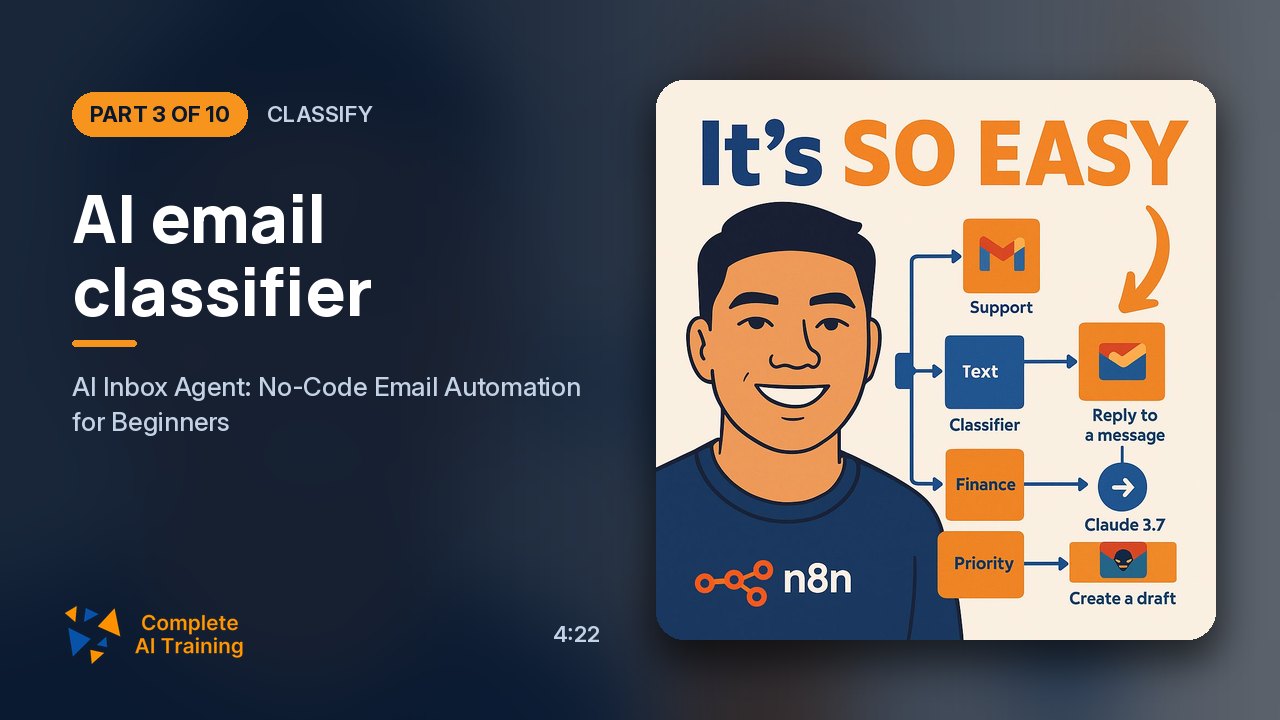
AI email classifier
Classifying emails into categories.
4:22
03Classify Members
AI email classifier
Classifying emails into categories.
-
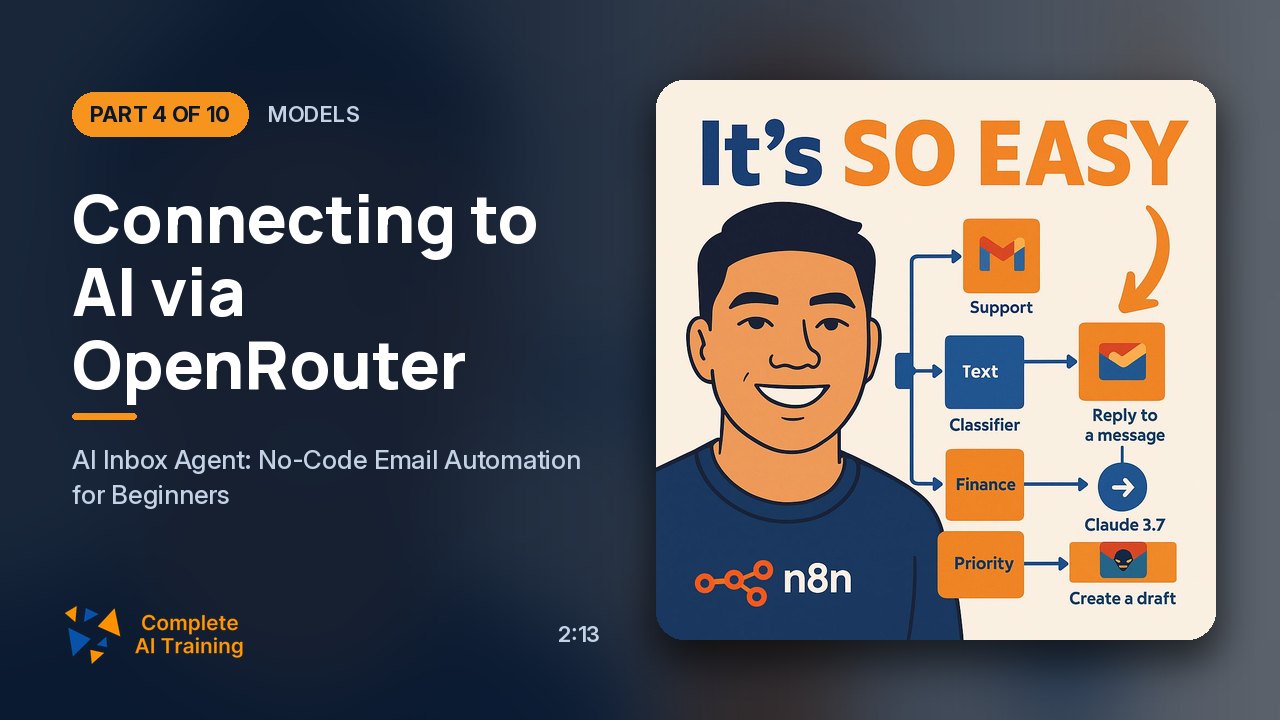 2:13
04Models Members
Connecting to AI via OpenRouter
Using OpenRouter for model access.
2:13
04Models Members
Connecting to AI via OpenRouter
Using OpenRouter for model access.
-
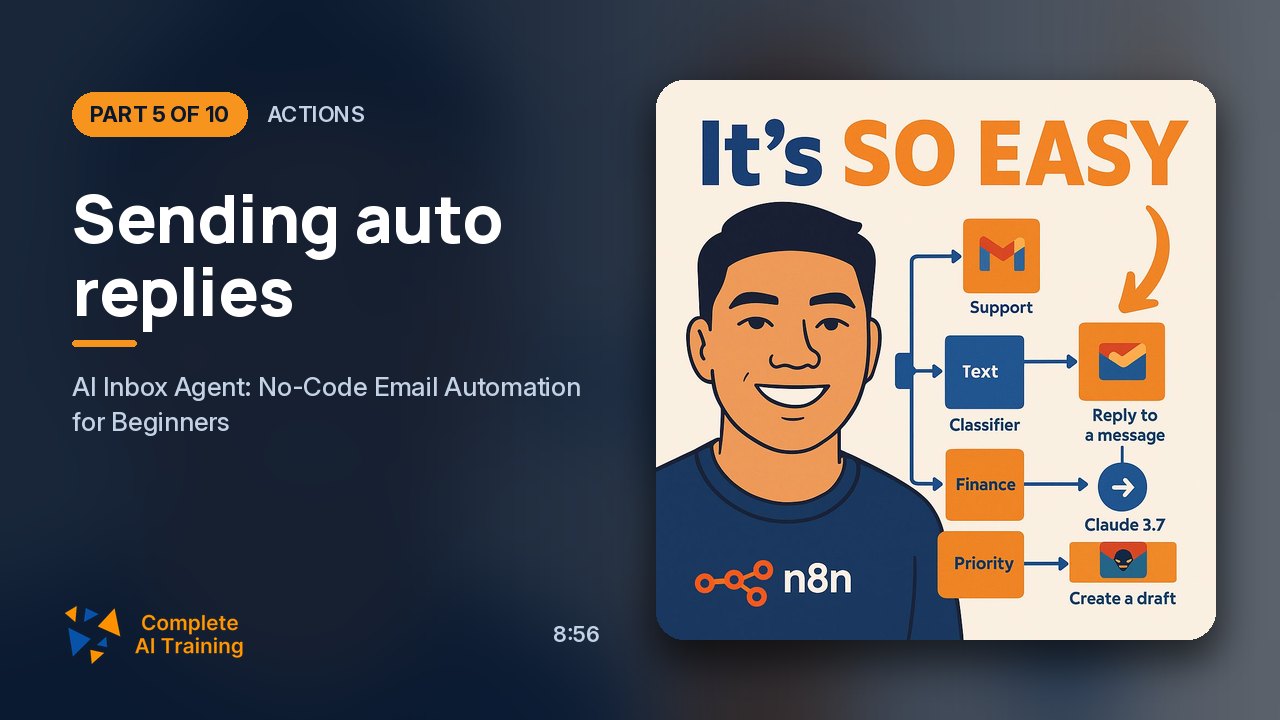 8:56
05Actions Members
Sending auto replies
Auto-replying to support emails.
8:56
05Actions Members
Sending auto replies
Auto-replying to support emails.
-
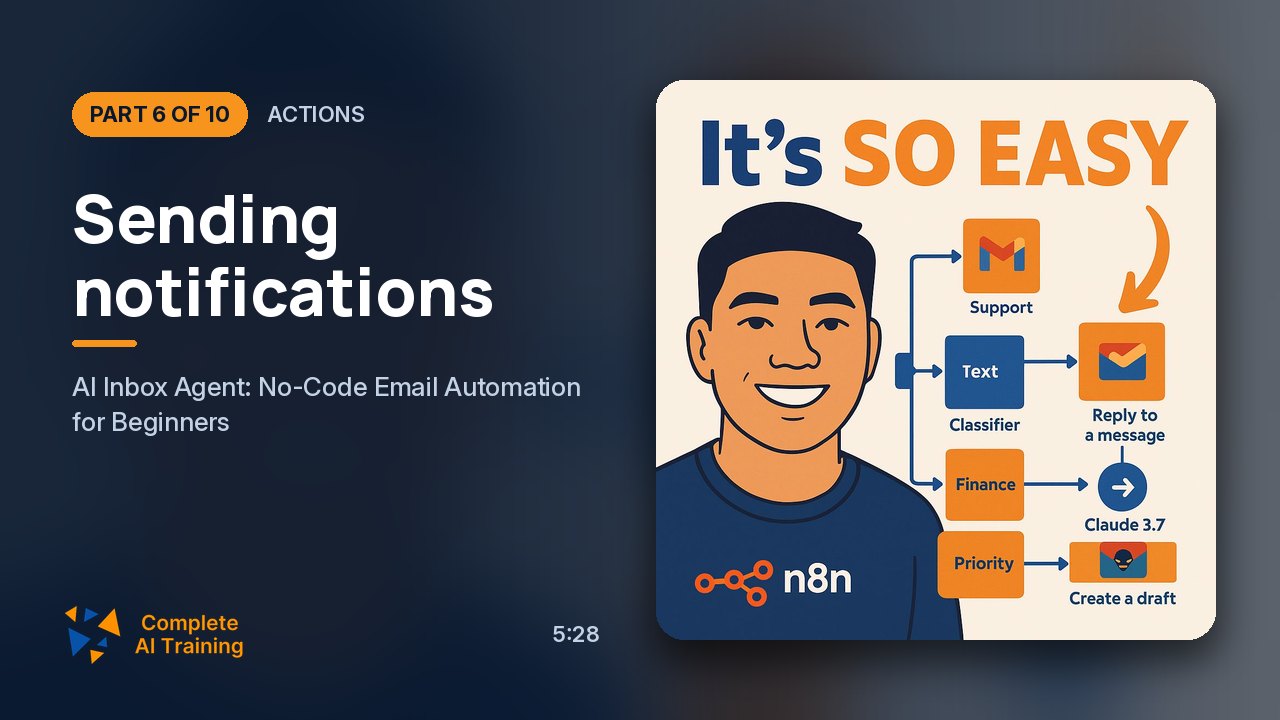 5:28
06Actions Members
Sending notifications
Notifying another team about billing emails.
5:28
06Actions Members
Sending notifications
Notifying another team about billing emails.
-
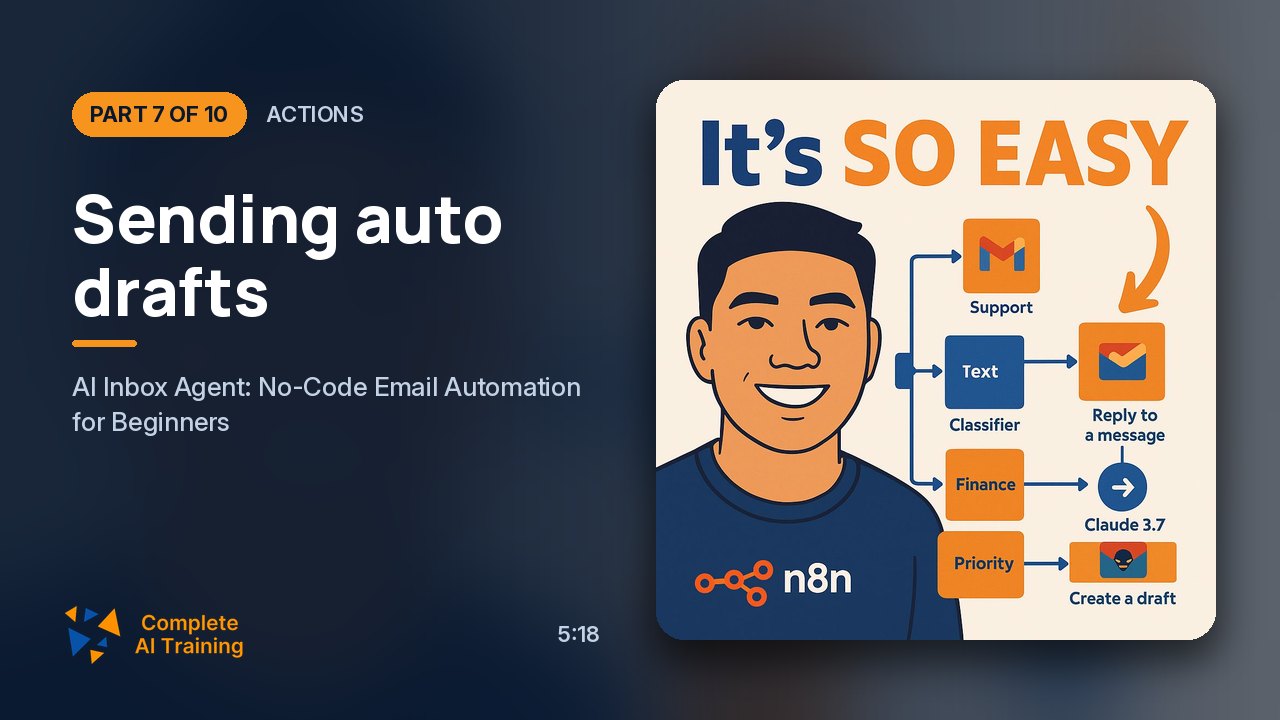 5:18
07Actions Members
Sending auto drafts
Drafting replies for review instead of sending.
5:18
07Actions Members
Sending auto drafts
Drafting replies for review instead of sending.
-
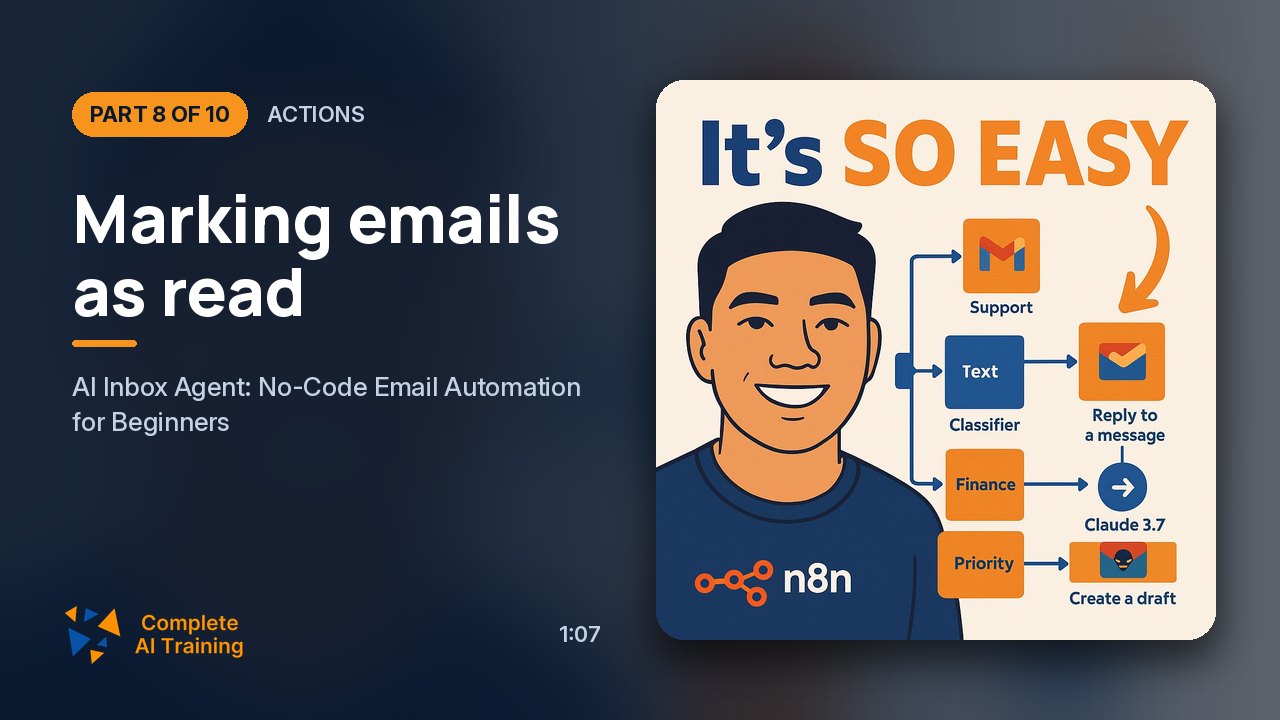 1:07
08Actions Members
Marking emails as read
Handling promotional emails.
1:07
08Actions Members
Marking emails as read
Handling promotional emails.
-
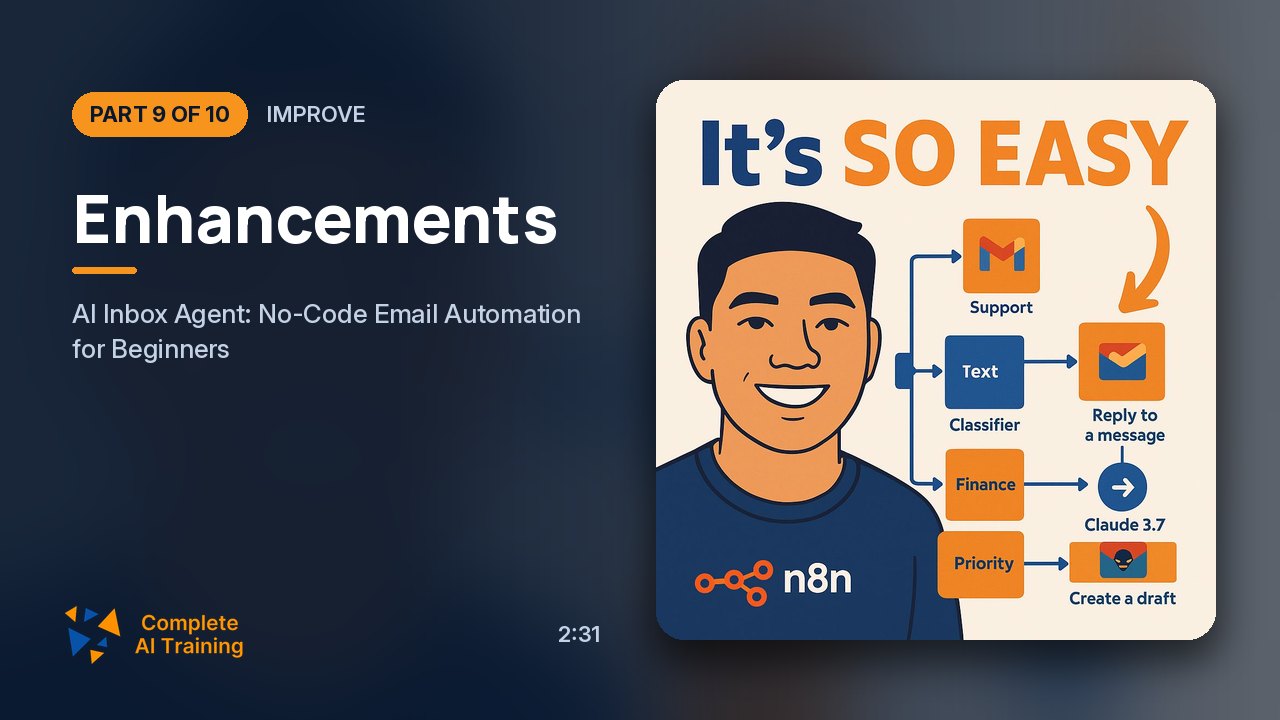 2:31
09Improve Members
Enhancements
Customizing paths and enhancing the system.
2:31
09Improve Members
Enhancements
Customizing paths and enhancing the system.
-
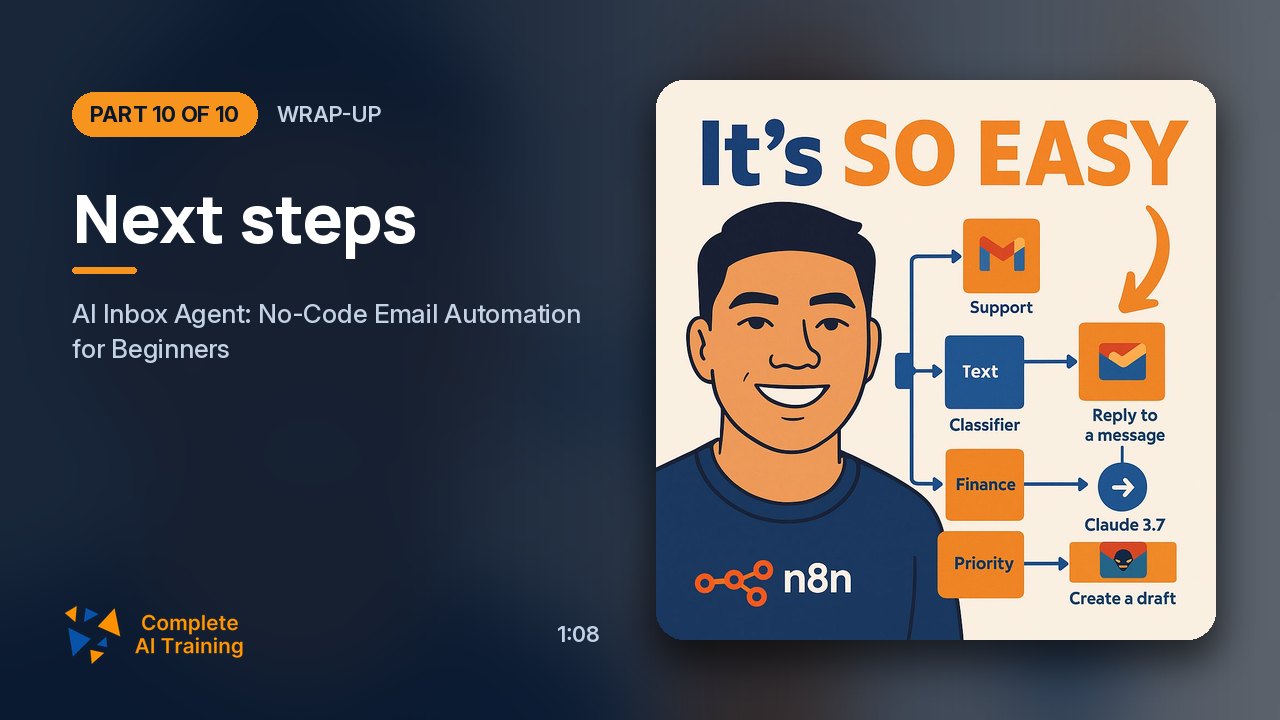 1:08
10Wrap-up Members
Next steps
Resources to master AI automations.
1:08
10Wrap-up Members
Next steps
Resources to master AI automations.
Jobs this course suits
Our AI checked this course against 500 jobs; these get the most out of it. Each job links to its learning path.