MCP server · Security
TrustedMCP MCP server
Lets your AI look up safety grades for MCP servers and check the ones you already use.
This is a helper that gives your AI access to TrustedMCP, a site that grades MCP servers from A down to D. It is handy if you use AI tools that connect to other apps and you want a quick sense of which connections are well kept and which are not. You do not need to be technical to use it. You just ask a question in plain words.
What is an MCP server? The 30-second version
On its own, your AI can only chat with you. An MCP server is a small helper program that gives your AI a new skill or a connection to an app or service. This one connects your AI to TrustedMCP, a public grading service for MCP servers. Once it is connected, your AI can look up grades and check your setup for you when you ask.
What this MCP server does
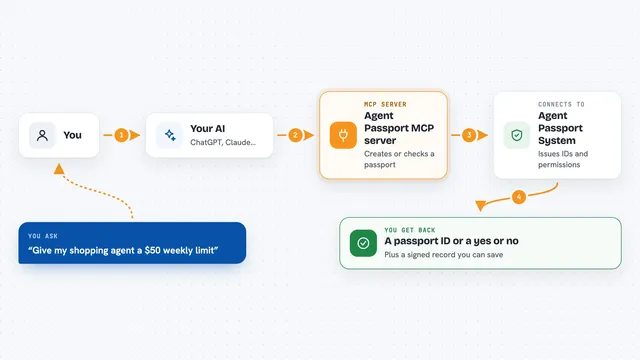
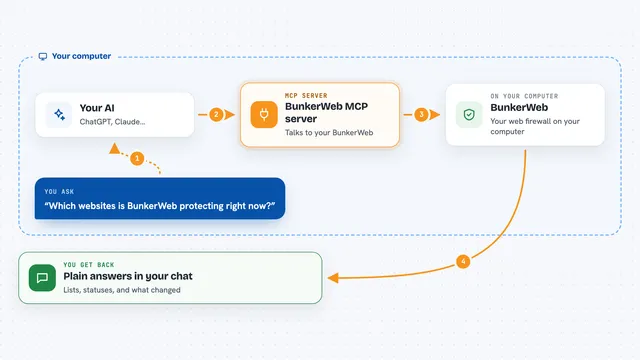
You ask your AI something like is this MCP server any good, or check my MCP setup. Your AI sends that question to this helper. The helper talks to the TrustedMCP service, which looks at public signals like login, upkeep, known security issues and how the server connects. Then you get back a grade from A to D for each server, what to fix first, and better-graded options in the same category.
What you can do with it
- Look up the grade for one MCP server by name, package, image, URL or repo
- Check every server in your MCP config at once
- See what to fix first for a low-graded server
- Find better-graded servers in the same category
- Look up an official MCP Registry entry and any reported security issues
- Search graded servers by category or minimum grade
Try asking your AI
- “What grade does @playwright/mcp get, and is there something better?”
- “Check my MCP config with TrustedMCP”
- “Find me MCP servers in the database category with at least a B grade”
- “Look up the official registry entry for the github MCP server and any known security issues”
What it gives back to you
You get a grade from A to D for each server, plus the four checks behind it and a short note on what to fix first. For a config check, you get one line per server in your setup. For alternatives, you get a list of better-graded servers in the same category. It all shows up as normal text in your chat.
Before you start
What you need
- A free API key from trustedmcp.io/developers (a kind of password for apps; you sign up with your email)
- Node.js 18 or newer if you run it on your own computer (not needed for the hosted version)
- An AI app that supports MCP servers, like Claude Desktop, Claude Code, Cursor, VS Code or Windsurf
Good to know
The grades are a starting point from public signals, not a full audit of the code, so use them alongside your own review.
Install it with your AI
Add TrustedMCP MCP server to your AI, no technical skills needed
You don't install anything by hand. You copy one prompt, paste it into an AI that can work on your computer, and it checks, installs and connects the server for you, asking you when it needs something.
Sign in to get the install prompt
Members get a ready-made prompt that lets the Claude desktop app check TrustedMCP MCP server, install it and connect it for them, step by step. You don't need any technical skills: you copy, paste and answer a few questions. Your connected AI can also find and install any of the 4,960 MCP servers here for you.
Who it's for
Anyone who uses AI tools with MCP connections and wants a quick, plain check on which servers are well kept before trusting them.