MCP server · Finance and crypto
Steward MCP server
by brianbooms
Lets your AI buy small things like weather, jokes, or facts for a cent each in crypto.
Steward is a helper that lets your AI assistant pay for small pieces of information, one cent at a time. Each paid call costs about $0.01 to $0.02 in USDC, a type of digital dollar, sent from a wallet you control. It is handy if you are curious about pay-per-use AI tools and want to try them with strict spending limits.
What is an MCP server? The 30-second version
On its own, your AI can only chat with you using what it already knows. An MCP server is a small helper program that gives your AI a new skill or a connection to an outside service. This one connects your AI to Steward's catalog, so when you ask for the weather or a Wikipedia summary, the AI can actually go get it. Steward handles the tiny payment behind the scenes, and you set the limits so it never spends more than you allow.
What this MCP server does
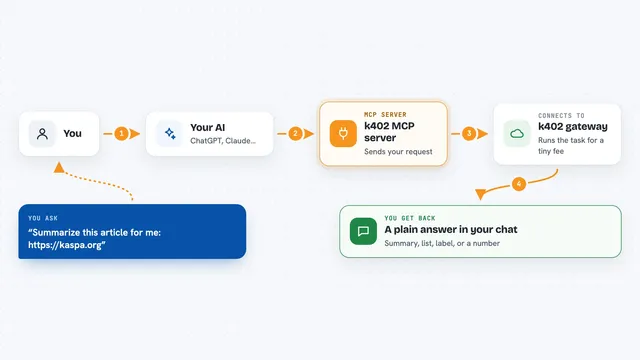
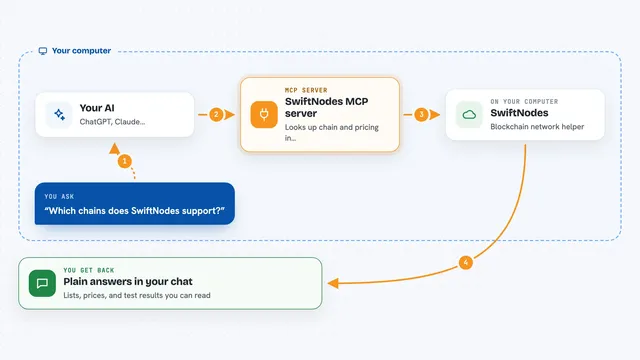
You ask your AI something like what is the weather in Paris. The AI calls one of the Steward tools, like steward_weather. Steward checks the price, signs a tiny payment from your wallet, and sends it to the rail. The rail verifies the payment and sends back the answer, which your AI shows you in the chat. Free tools like steward_catalog let you browse what is available without spending anything.
What you can do with it
- Get the current weather and a 7-day forecast for any location
- Look up a short Wikipedia summary on a topic
- Convert currencies using reference exchange rates
- Find out the current time in any time zone
- Get a clean joke or a warm fortune with a lucky number
- Check if a domain is Steward Verified
- See your own spending meter for the day
Try asking your AI
- “What is the weather in Tokyo right now?”
- “Give me a short Wikipedia summary of the Eiffel Tower.”
- “Convert 50 euros to US dollars.”
- “Tell me a joke.”
What it gives back to you
You get back plain answers in the chat, like a weather report, a short summary, a converted amount, or a joke. Some tools return a list, such as the next visible ISS flyovers for your location. The free steward_receipts tool shows a public record of every cent spent from your wallet. Everything appears as normal text in your conversation.
Before you start
What you need
- Node.js 20 or newer
- A Base wallet with a small amount of USDC (about $0.01 per paid call)
- The private key for that wallet (a long code that starts with 0x)
- An MCP-compatible app like Claude Desktop, Cursor, or Windsurf
Good to know
Each paid call spends a small amount of real USDC from your wallet, so set your spending caps carefully and keep your private key safe.
Install it with your AI
Add Steward MCP server to your AI, no technical skills needed
You don't install anything by hand. You copy one prompt, paste it into an AI that can work on your computer, and it checks, installs and connects the server for you, asking you when it needs something.
Sign in to get the install prompt
Members get a ready-made prompt that lets the Claude desktop app check Steward MCP server, install it and connect it for them, step by step. You don't need any technical skills: you copy, paste and answer a few questions. Your connected AI can also find and install any of the 4,609 MCP servers here for you.
Who it's for
People who are curious about pay-per-use AI tools and want to try them with strict spending limits, especially those comfortable with a crypto wallet.