MCP server · Gaming
MiSTerClaw MCP server
by catallo
Let your AI control your MiSTer retro gaming box: launch games, search ROMs, take screenshots, and change settings.

MiSTerClaw is a helper program that connects your AI assistant to a MiSTer, the little box many people use to play old console and computer games. Once it is set up, you can just ask your AI to start a game, find one in your collection, or take a picture of the screen. It is handy for anyone who has a MiSTer and would rather type a request than click through menus.
What is an MCP server? The 30-second version
On its own, your AI can only chat with you. An MCP server is a small helper program that gives your AI a new skill or a connection to something else. This one connects your AI to your MiSTer over your home network, so the AI can look things up or do things there when you ask. You stay in charge: the AI only acts when you tell it to.
What this MCP server does
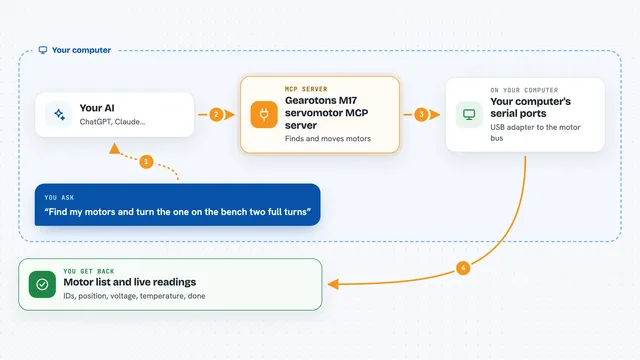
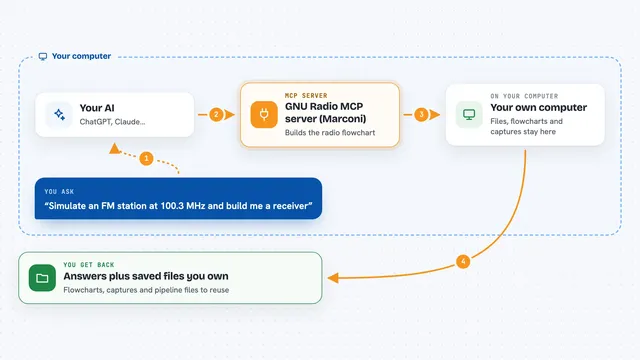
You type a request in plain words, like asking what game is running or asking to start a specific title. Your AI passes that request to the MiSTerClaw helper running on your computer. The helper talks to the MiSTer itself over your network. The MiSTer does the work, like launching a game or reading its settings, and sends the answer back. Your AI then shows you the result in the chat, such as a game title, a list of systems, or a screenshot.
 Click to zoom
What you can do with it
- Launch a game by name or by file path
- Search your ROM library for titles
- List all your systems with how many games each has
- Take a screenshot and show it in the chat
- Read and change core settings and DIP switches
- Check system info like temperature, memory, and uptime
- Set up Tailscale VPN for remote access
Try asking your AI
- “What games do I have for SNES?”
- “Launch Street Fighter 2”
- “Take a screenshot and show me”
- “What settings does R-Type have?”
- “Enable No Death Mode in R-Type”
What it gives back to you
You get answers in plain text, like a list of systems with game counts, or the name of the game currently running. Screenshots come back as an image you can see right in the chat. When you change a setting, the AI tells you what it changed and that the core reloaded. System info comes back as numbers and short facts, such as temperature and free disk space.
Before you start
What you need
- A MiSTer device on your local network
- The MiSTerClaw server installed on the MiSTer itself
- The MiSTerClaw MCP program on the computer where your AI runs
- The IP address or hostname of your MiSTer
Good to know
It can change settings and run shell commands on your MiSTer, and the connection has no password or encryption, so keep port 9900 on your local network and do not open it to the internet.
Install it with your AI
Add MiSTerClaw MCP server to your AI, no technical skills needed
You don't install anything by hand. You copy one prompt, paste it into an AI that can work on your computer, and it checks, installs and connects the server for you, asking you when it needs something.
Sign in to get the install prompt
Members get a ready-made prompt that lets the Claude desktop app check MiSTerClaw MCP server, install it and connect it for them, step by step. You don't need any technical skills: you copy, paste and answer a few questions. Your connected AI can also find and install any of the 4,361 MCP servers here for you.
Who it's for
People who own a MiSTer and want to control it by chatting with an AI instead of clicking through menus.