MCP server · Research
Cloudbet Sports MCP server
by cloudbet
Lets your AI look up upcoming sports events, live odds and betting markets from Cloudbet.
This is a small helper that connects your AI assistant to sports data from Cloudbet. Once it is running, you can ask your AI about upcoming matches, live odds and betting markets, and it will fetch the answers for you. It is handy if you follow sports or betting and want quick lookups without opening a website.
What is an MCP server? The 30-second version
On its own, your AI can only chat with you using what it already knows. An MCP server is a small helper program that gives your AI a new skill or a connection to an outside service. This one connects your AI to Cloudbet, a sports and betting data service. So when you ask about a match or odds, your AI can reach out through this helper and bring the answer back to your chat.
What this MCP server does
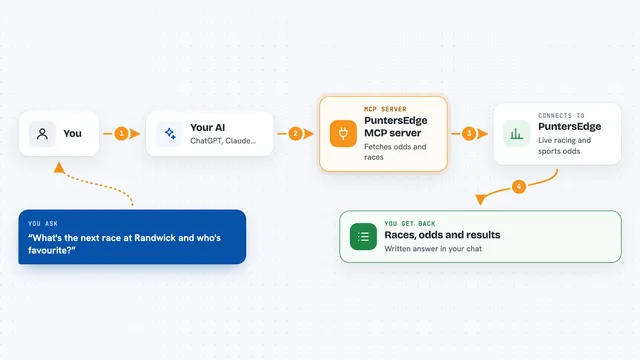
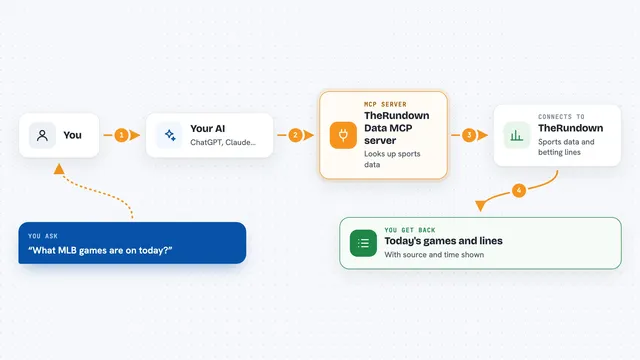
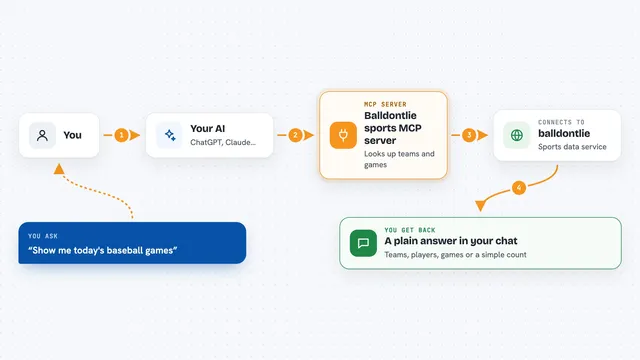
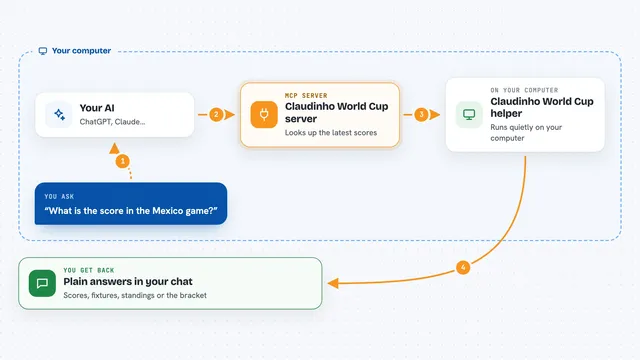
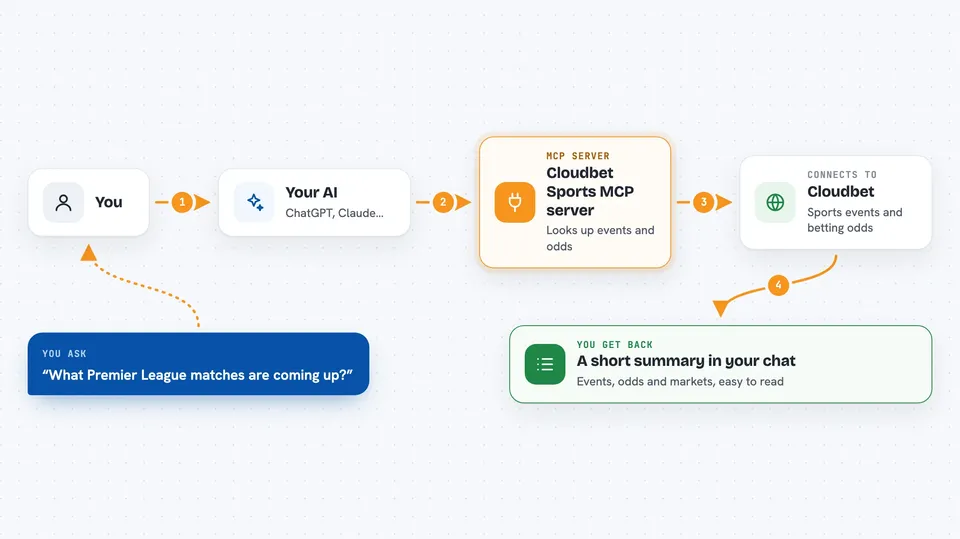
You ask your AI something like which football matches are coming up or what the odds are for a game. Your AI sends that request to this helper program, which is running on your computer. The helper talks to the Cloudbet public API, which is Cloudbet's way of sharing its data with other software. Cloudbet sends back the events, odds and market details, and the helper passes them to your AI. Your AI then shows you the results in plain language in the chat.
 Click to zoom
What you can do with it
- Find upcoming sports events by competition name
- Check live odds for matches and games
- Look up betting markets available for an event
- See stake limits for a market
- Browse sports like soccer, basketball, tennis and esports
- Ask follow-up questions about a specific match or team
Try asking your AI
- “What Premier League matches are coming up and what are the odds?”
- “Show me the betting markets for tonight's NBA games.”
- “What are the current odds for the next tennis Grand Slam match?”
- “Are there any esports events with live odds right now?”
What it gives back to you
You get back lists of events, odds numbers, market names and stake limits, all shown in your chat. Your AI usually turns the raw data into a short summary or a small table so it is easy to read. If nothing matches your question, it will tell you that too.
Before you start
What you need
- Go installed on your computer (the programming language this server is written in)
- A terminal or command prompt to run the server
- An internet connection so the server can reach the Cloudbet API
Good to know
This is a demo server for learning, and betting involves real money and risk, so treat any odds or data as information only and never as advice.
Install it with your AI
Add Cloudbet Sports MCP server to your AI, no technical skills needed
You don't install anything by hand. You copy one prompt, paste it into an AI that can work on your computer, and it checks, installs and connects the server for you, asking you when it needs something.
Sign in to get the install prompt
Members get a ready-made prompt that lets the Claude desktop app check Cloudbet Sports MCP server, install it and connect it for them, step by step. You don't need any technical skills: you copy, paste and answer a few questions. Your connected AI can also find and install any of the 4,361 MCP servers here for you.
Who it's for
Sports fans and anyone curious about betting odds who wants to ask their AI instead of browsing a website.