MCP server · Research · official
OddsRelay MCP server
by oddsrelay · official
Lets your AI look up UK and Irish bookmaker odds, matched boards and coverage from OddsRelay.
This is a small helper that connects your AI assistant to OddsRelay, a service that gathers betting odds from UK and Irish bookmakers and exchanges. Once it is set up, you can ask your AI things like which bookmakers cover tennis, or what the standard board looks like for soccer at two named shops, and it will fetch the answer for you. It is handy if you follow odds for work or for a hobby and want to ask questions in plain English instead of clicking around a website.
What is an MCP server? The 30-second version
On its own, your AI can only chat with you using what it already knows. An MCP server is a small helper program that gives your AI one new skill or one new connection. This helper connects your AI to OddsRelay, so when you ask about bookmakers or prices, the AI can go and look those up for you. You do not need to understand how it works inside; you just need to add it once and give it your key.
What this MCP server does
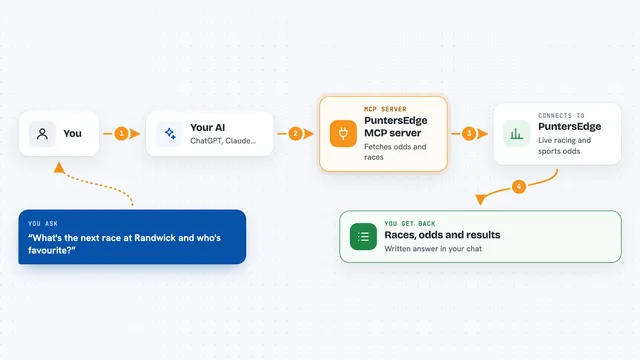
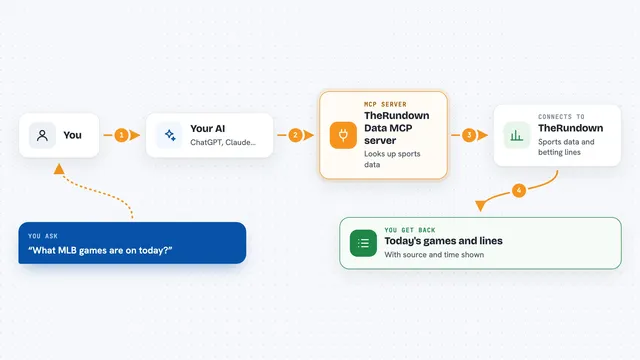
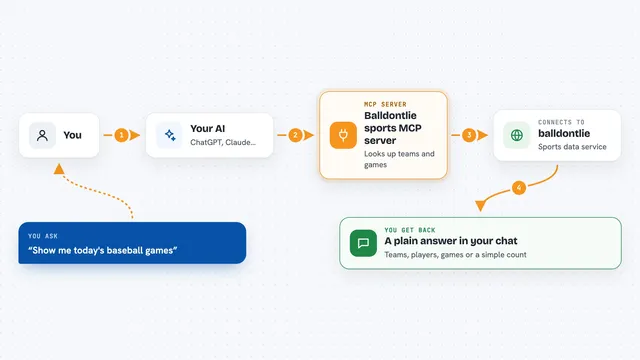
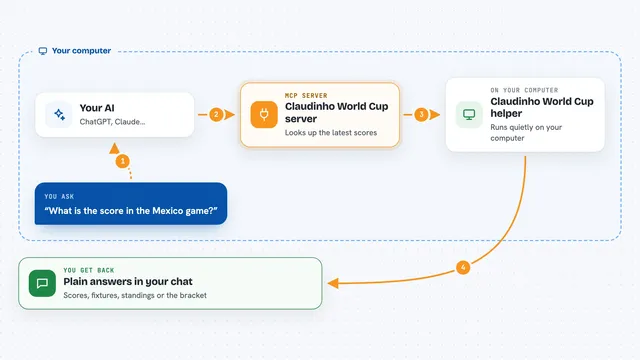
You ask your AI a question about odds, like which shops carry a sport or what a board looks like for one match. The AI passes that request to this helper. The helper talks to the OddsRelay service over the internet, using your key to prove it is you. OddsRelay sends back a compact list of sports, bookmakers, events or prices, and the helper hands that to your AI. Your AI then turns it into a short answer in the chat. Two of the tools, the ones that fetch actual prices, are checked for cost before they run, so you are never surprised by a big spend.
What you can do with it
- List the sports and competitions OddsRelay covers
- List the events in one sport, with their ids
- List the bookmakers and exchanges available
- Check which bookmakers carry which sports on one product
- Pull a matched board for one sport at the bookmakers you name
- Look up one event's prices at each bookmaker and exchange carrying it
- Check your plan, token balance and reset time
Try asking your AI
- “Using OddsRelay, which bookmakers carry tennis on the standard board?”
- “Show the OddsRelay standard board for soccer at Ladbrokes and William Hill, first five events.”
- “What are the prices for the Arsenal match across the bookmakers that carry it?”
- “How many tokens do I have left on OddsRelay?”
What it gives back to you
You get short, plain answers in the chat: lists of sports, bookmakers or events, or a small table of prices for one match. Long lists are trimmed to a sensible size, and the reply tells you how many rows were left out and what to change to see them. For the two priced tools, the reply also tells you how many tokens the call used and how many you have left. Errors come back in plain words, and if you name a bookmaker that does not exist, the error lists the ones that do.
Before you start
What you need
- An OddsRelay API key (sign up at app.oddsrelay.io/signup and copy it from the dashboard; free gives you 50,000 tokens for 14 days)
- Node.js 18 or later, unless you use the one-click Claude Desktop bundle
- An MCP client such as Claude Desktop, Claude Code or Cursor
Good to know
The two price-fetching tools spend tokens from your OddsRelay account, so keep an eye on the cap and your balance; everything else is read-only and free.
Install it with your AI
Add OddsRelay MCP server to your AI, no technical skills needed
You don't install anything by hand. You copy one prompt, paste it into an AI that can work on your computer, and it checks, installs and connects the server for you, asking you when it needs something.
Sign in to get the install prompt
Members get a ready-made prompt that lets the Claude desktop app check OddsRelay MCP server, install it and connect it for them, step by step. You don't need any technical skills: you copy, paste and answer a few questions. Your connected AI can also find and install any of the 4,609 MCP servers here for you.
Who it's for
People who follow UK and Irish betting odds for work or as a hobby and want to ask questions in plain English instead of browsing a site.