MCP server · Research · official
TheRundown Data MCP server
by TheRundown · official
Lets your AI look up sports, events, and open betting lines from TheRundown using your own API key.
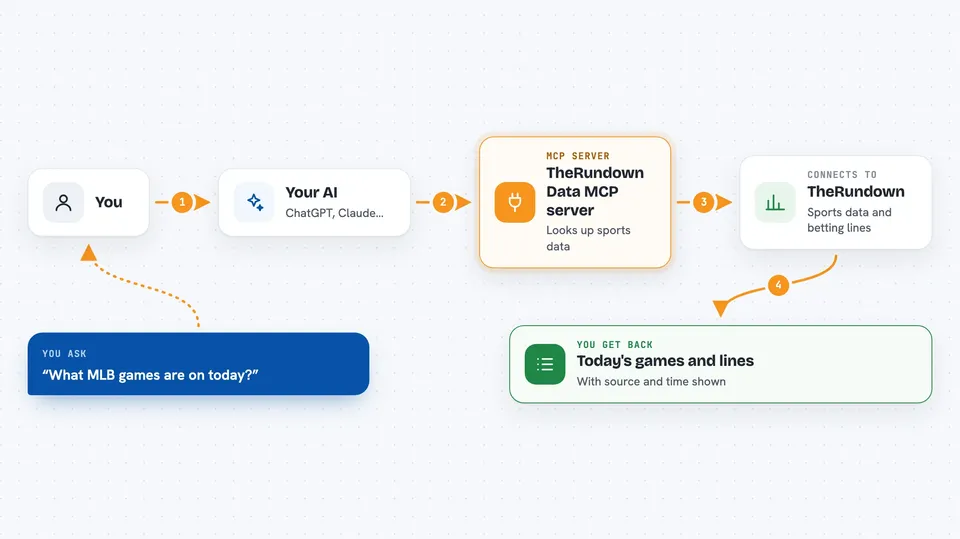
This is a small helper from TheRundown that connects your AI assistant to TheRundown's sports data. Once it is set up, you can ask your AI about sports, events, and open betting lines, and it will fetch the real data for you. It is handy for anyone who works with sports schedules or odds and wants quick answers in plain chat.
What is an MCP server? The 30-second version
On its own, your AI can only chat with you using what it already knows. An MCP server is a small helper program that gives your AI a new skill or a connection to an app or service. This one connects your AI to TheRundown, a sports data service. When you ask a question, the AI uses this helper to look things up at TheRundown and bring the answers back to you.
What this MCP server does
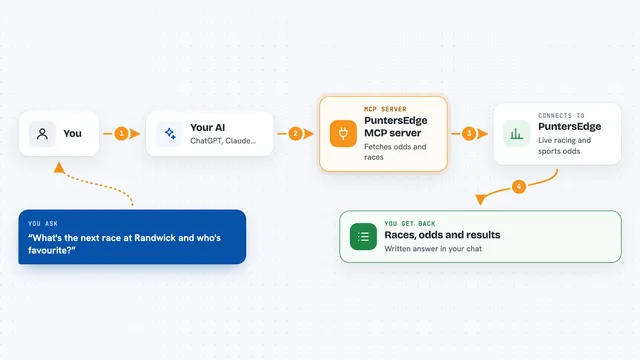
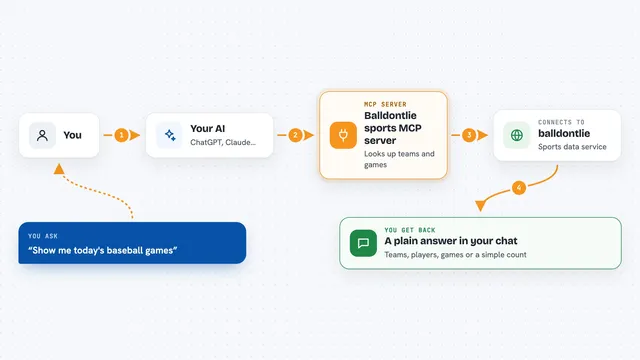
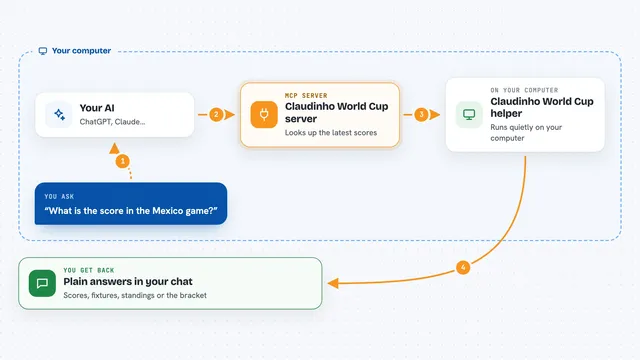
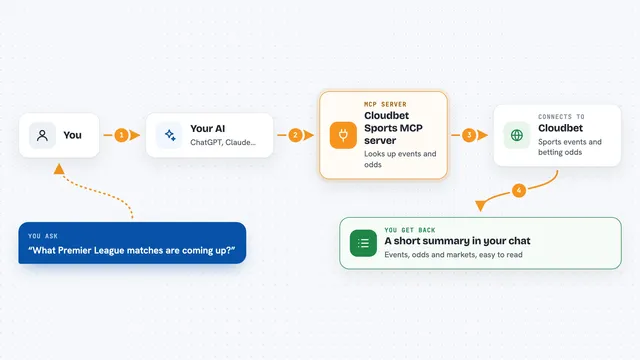
You ask your AI something like which sports are available or what events are happening today. The AI passes that request to this helper. The helper talks to TheRundown's Product API using your API key. TheRundown sends back lists, event summaries, or open betting lines. The AI shows you the results in the chat, along with where the data came from and when it was fetched.
 Click to zoom
What you can do with it
- List the sports TheRundown currently covers
- List the sportsbooks (affiliates) that are available
- Look up market definitions or markets for a sport on a date
- Find events for one sport on a specific date
- Fetch open main betting lines for one exact event
- List futures competition boards with schedules and settlement info
Try asking your AI
- “Use TheRundown to list the current sports and affiliates.”
- “Find MLB events for today and show me the available market IDs.”
- “Get the open main lines for that event from books 19 and 23.”
- “Show me the futures boards for PGA with their schedules and settlement fields.”
What it gives back to you
You get back lists, event summaries, market IDs, and open betting lines with per-book values and timestamps. The chat also shows the source URL, when the data was retrieved, and usage headers. If nothing matches, you get an empty result with a short explanation instead of made-up numbers.
Before you start
What you need
- A TheRundown API key (a kind of password for apps; TheRundown gives you one for your account)
- Node.js version 22 or newer installed on your computer
- The Claude desktop app or Cursor, set up to use local MCP servers
Good to know
Every request uses your API key and counts against your TheRundown plan, so repeated or paginated lookups can use up your quota.
Install it with your AI
Add TheRundown Data MCP server to your AI, no technical skills needed
You don't install anything by hand. You copy one prompt, paste it into an AI that can work on your computer, and it checks, installs and connects the server for you, asking you when it needs something.
Sign in to get the install prompt
Members get a ready-made prompt that lets the Claude desktop app check TheRundown Data MCP server, install it and connect it for them, step by step. You don't need any technical skills: you copy, paste and answer a few questions. Your connected AI can also find and install any of the 4,361 MCP servers here for you.
Who it's for
Sports analysts, traders, and anyone who needs quick, sourced sports and odds lookups in chat without leaving their AI assistant.