MCP server · Research
Balldontlie sports MCP server
by mikechao
Ask your AI about NBA, NFL and MLB teams, players and games, and get real answers back.
This is a small helper that connects your AI assistant to a sports data service called balldontlie. Once it is set up, you can just ask about basketball, football or baseball and your AI will look it up for you. It is handy if you follow sports and want quick facts without opening five websites.
What is an MCP server? The 30-second version
On its own, your AI can only chat with you using what it already learned. An MCP server is a small helper program that gives your AI one new skill or one new connection. This helper connects your AI to the balldontlie sports data service, which covers the NBA, NFL and MLB. So when you ask about a team, a player or a game, your AI can go and look it up there instead of guessing.
What this MCP server does
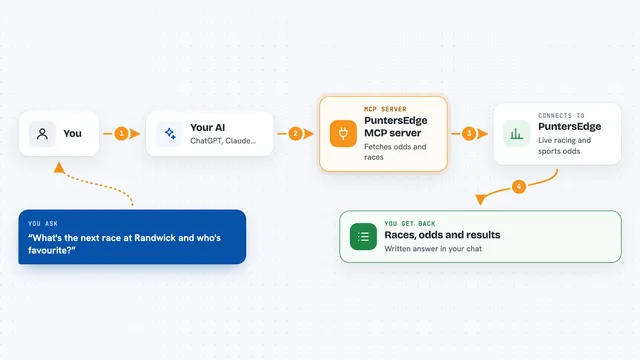
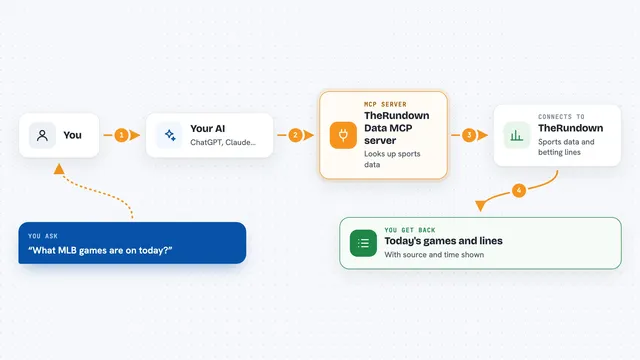
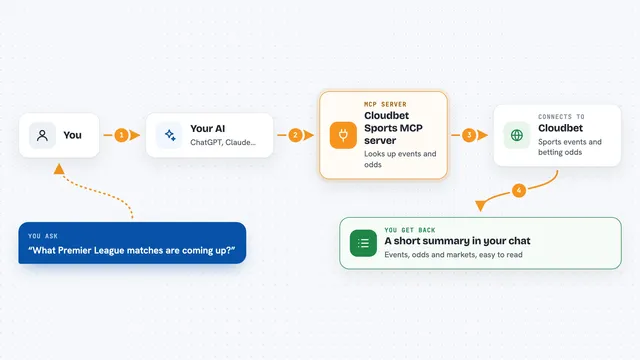
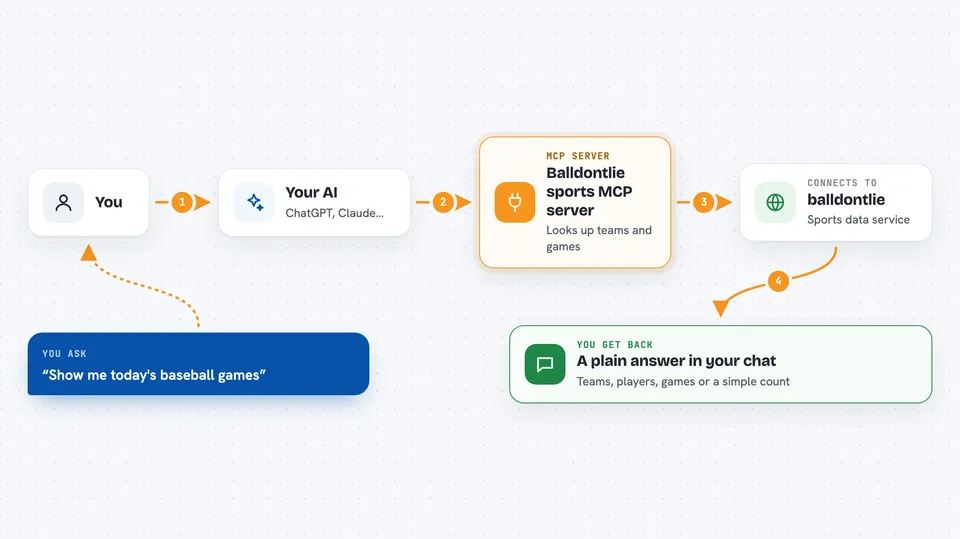
You ask your AI a question about basketball, football or baseball. Your AI passes that question to this helper program. The helper talks to the balldontlie service and asks for the teams, players or games you mentioned. The service sends the data back, and your AI turns it into a normal answer in your chat window. You never have to visit the sports site yourself.
 Click to zoom
What you can do with it
- List all the teams in the NBA, NFL or MLB
- Search for a player by first name, last name or both
- Look up games on a specific date, like today
- Find games played by a certain team
- Pull up the details of one single game by its id
- Ask how many players share a last name
- Generate a schedule for a league between two dates
Try asking your AI
- “Show me today's baseball games.”
- “Can you find football players with the last name Purdy?”
- “How many NBA players have the last name Ming?”
- “List the NFL teams.”
What it gives back to you
You get answers written in normal sentences in your chat, built from real data. That can be a list of teams, a list of players matching a name, a set of games on a date, or the details of one game. Sometimes it is just a number, like how many players share a last name. You can also get an interactive schedule shown inside Claude Desktop.
Before you start
What you need
- A free account at balldontlie.io
- An API key from balldontlie.io (a kind of password for apps; the free plan gives you one)
- The Claude desktop app or another AI app that supports MCP servers
Good to know
It only reads sports data, so it cannot change or delete anything, but it needs your balldontlie API key and the free plan has limits on how many lookups you can make.
Install it with your AI
Add Balldontlie sports MCP server to your AI, no technical skills needed
You don't install anything by hand. You copy one prompt, paste it into an AI that can work on your computer, and it checks, installs and connects the server for you, asking you when it needs something.
Sign in to get the install prompt
Members get a ready-made prompt that lets the Claude desktop app check Balldontlie sports MCP server, install it and connect it for them, step by step. You don't need any technical skills: you copy, paste and answer a few questions. Your connected AI can also find and install any of the 4,361 MCP servers here for you.
Who it's for
Sports fans and anyone at work who needs quick NBA, NFL or MLB facts without digging through websites.