MCP server · Security
Database Sentinel MCP server
by Farenhytee
Your AI can check your Supabase database for security gaps and hand you the exact fix code.
Database Sentinel is a free helper that checks your Supabase database for common security mistakes. You ask your AI to audit the database, and it comes back with a scored report and the exact code to fix each problem. It is handy for anyone who built an app with Supabase and is not sure whether their data is really locked down.
What is an MCP server? The 30-second version
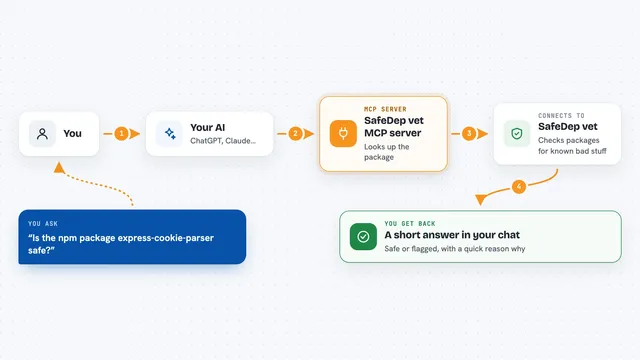
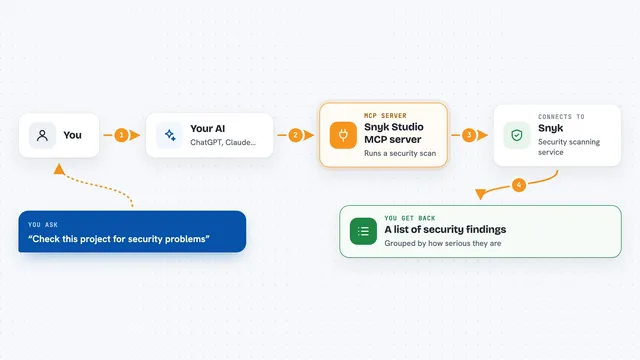
On its own, your AI can only chat. An MCP server is a small helper program that gives your AI a new skill or a connection to an app or service. This one connects your AI to Database Sentinel, which looks at your Supabase database. Once it is set up, you can just ask your AI to audit the database, and it will use this helper to check things and report back.
What this MCP server does
You ask your AI to audit your Supabase database. The AI uses this helper, which reads only the database's system catalogs, never your actual rows. The helper checks for patterns like tables with Row Level Security turned off, policies that allow everyone, exposed functions, and keys that should not be in frontend code. It then gives the AI a list of findings, each with a severity, a plain explanation, and the SQL code to fix it. The AI shows you a scored report in the chat.
What you can do with it
- Check whether Row Level Security is turned on for every table
- Find policies that are too permissive, like USING (true)
- Spot functions that bypass security and are callable from the API
- Detect if a service-role key or JWT secret is exposed in your code
- Get exact SQL fix code for each finding
- See a score out of 100 for your database's security
- Run the audit without changing anything in your database
Try asking your AI
- “Audit my Supabase database”
- “Check my Supabase project for security problems”
- “Show me the critical findings and how to fix them”
- “What is my database security score?”
What it gives back to you
You get a scored report in the chat, usually with a score out of 100 and a list of findings grouped by severity. Each finding explains the risk in plain words, shows where it was found, and includes the SQL code to fix it. Nothing in your database is changed.
Before you start
What you need
- A Supabase project
- A read-only login for your database (the setup guide shows how to create one)
- The connection string for that read-only login
- An MCP client like Claude Code or Cursor
Good to know
It only reads your database, but it does need a connection string, so keep that string private and use the read-only login the guide describes.
Install it with your AI
Add Database Sentinel MCP server to your AI, no technical skills needed
You don't install anything by hand. You copy one prompt, paste it into an AI that can work on your computer, and it checks, installs and connects the server for you, asking you when it needs something.
Sign in to get the install prompt
Members get a ready-made prompt that lets the Claude desktop app check Database Sentinel MCP server, install it and connect it for them, step by step. You don't need any technical skills: you copy, paste and answer a few questions. Your connected AI can also find and install any of the 4,609 MCP servers here for you.
Who it's for
Anyone who built an app with Supabase and wants a quick, free security check without hiring a specialist.