MCP server · Developer tools
OctoCounts MCP server
by huanglizhuo
Ask your AI for line counts of any public GitHub repo: files, code, comments, blanks, per language.
OctoCounts is a small helper that counts the lines of code in a public GitHub repository. GitHub shows you a colored language bar, but not the real numbers. This server gives your AI those numbers, so you can just ask instead of digging around.
What is an MCP server? The 30-second version
On its own, your AI can only chat with you. An MCP server is a small helper program that gives your AI a new skill or a connection to an app or service. This one connects your AI to OctoCounts, which reads public GitHub repositories and counts their lines. So when you ask about a repo, your AI can go and get the real numbers for you.
What this MCP server does
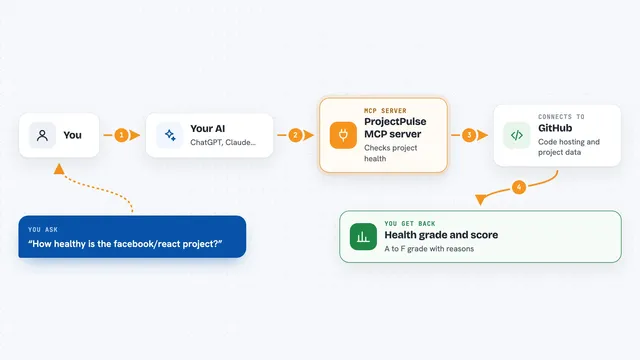
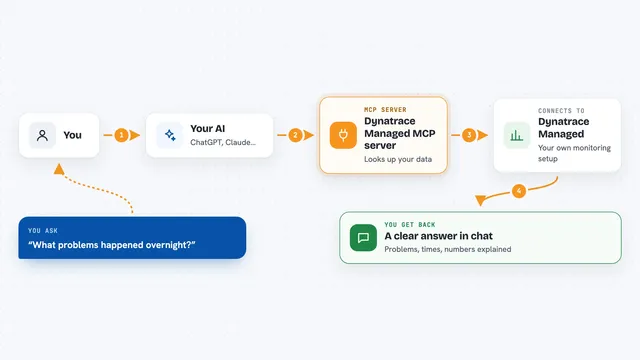
You ask your AI something like how big a certain GitHub repo is. Your AI passes the question to this helper, which sends the repo to the OctoCounts service. OctoCounts downloads the repository archive and counts files, code lines, comment lines, and blank lines for each language. Then it sends the numbers back, and your AI shows them to you in the chat. It works on public repositories, and it can also compare two repos side by side.
What you can do with it
- Count files, code, comments, and blank lines in a public GitHub repo
- Break the numbers down by programming language
- Compare two repositories side by side
- Pin the count to a specific branch, tag, or commit
- Get the same numbers again quickly, because results are cached
- Check whether a repo is small, medium, or a giant one
Try asking your AI
- “How many lines of code are in the facebook/react repo?”
- “Compare the size of vuejs/core and angular/angular by lines of code”
- “Give me the language breakdown for torvalds/linux on the master branch”
- “How many lines of Rust code are in this repo at commit abc123?”
What it gives back to you
You get a clear breakdown: total files, total lines, code lines, comment lines, and blank lines, split by language. It can also give you a side-by-side comparison of two repos. In the chat, your AI will usually show this as a short list or a small table.
Before you start
What you need
- An MCP client that can run local servers, like the Claude desktop app
- Node.js installed on your computer (the README uses npx to run it)
- Internet access, since it reads public GitHub repositories
Good to know
It only reads public GitHub repositories, so it cannot see private ones.
Install it with your AI
Add OctoCounts MCP server to your AI, no technical skills needed
You don't install anything by hand. You copy one prompt, paste it into an AI that can work on your computer, and it checks, installs and connects the server for you, asking you when it needs something.
Sign in to get the install prompt
Members get a ready-made prompt that lets the Claude desktop app check OctoCounts MCP server, install it and connect it for them, step by step. You don't need any technical skills: you copy, paste and answer a few questions. Your connected AI can also find and install any of the 4,361 MCP servers here for you.
Who it's for
Developers, tech leads, and anyone who wants a quick size check on a public GitHub project without cloning it.