MCP server · Health and learning
Fitatu MCP server
by Jezue
Lets your AI read and log your Fitatu diary, weight, water and workouts for you.
This is a helper that connects your AI assistant to Fitatu, the calorie counting app. Once it is set up, you can just ask your AI things like what you ate today or how much water you have logged, and it will go and look it up. It is handy if you already keep a food diary in Fitatu and want to talk to it instead of tapping through the app.
What is an MCP server? The 30-second version
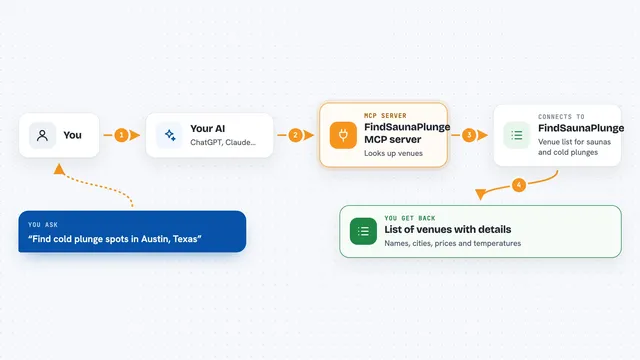
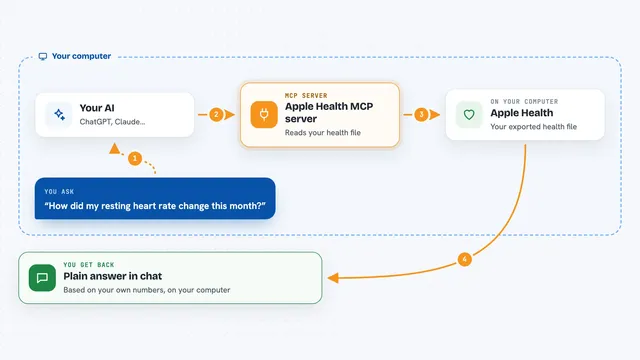
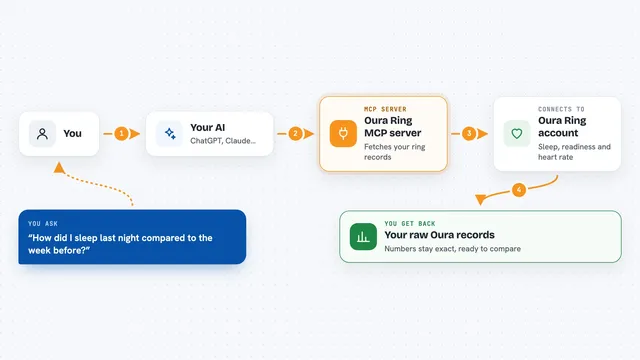
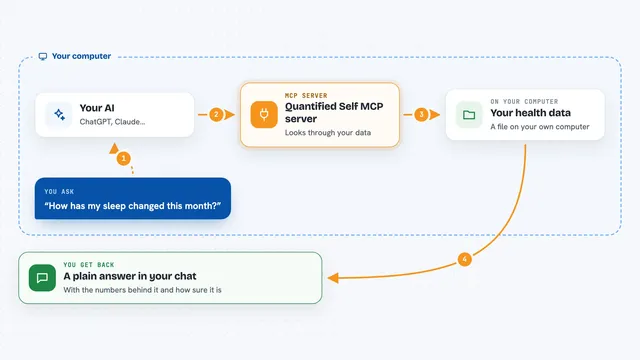
On its own, your AI can only chat with you. It cannot see your Fitatu diary, because it has no way to reach Fitatu. An MCP server is a small helper program that runs alongside your AI and gives it a new skill: here, the skill of talking to Fitatu. When you ask a question, your AI passes the request to this helper, the helper talks to Fitatu, and the answer comes back to you in the chat.
What this MCP server does
You ask your AI a question in normal words, like how many calories you have left today. Your AI sends that request to this helper, which logs in to your Fitatu account and fetches the right page of your diary. The helper hands the numbers back to your AI, and your AI explains them to you. It also works the other way round: you can tell your AI to log a meal, add water or write down your weight, and it will make that change in Fitatu for you. It follows the same rules as the Fitatu app, so some features only work if your account has Fitatu Premium.
What you can do with it
- Ask what you have eaten today and how many calories are left
- Search the food catalog and log something you ate
- Log your weight, water and body measurements
- Add or remove a workout or activity
- Get a summary of a date range or the past week
- Read your goals and change your calorie and macro targets
- Look at your weight and measurement history
Try asking your AI
- “How many calories do I have left today?”
- “Log two boiled eggs for breakfast.”
- “Did I drink enough water yesterday?”
- “Give me a summary of last week and my average weight.”
What it gives back to you
You get answers in plain language in your chat: totals, lists of what you ate, your weight, your water, or a short weekly report. It can also give you numbers like calories and macros left for the day. When it changes something, for example logs a meal, it tells you what it added or removed. Some requests come back as short tables or bullet lists inside the chat.
Before you start
What you need
- A Fitatu account (a free account covers most things)
- The session file created by running fitatu-api login in a terminal, or the Claude Desktop .mcpb file
- Python 3.11 or newer if you install it yourself
Good to know
It can change your Fitatu diary, so keep your AI host's confirmation prompts switched on for the tools that write or delete things.
Install it with your AI
Add Fitatu MCP server to your AI, no technical skills needed
You don't install anything by hand. You copy one prompt, paste it into an AI that can work on your computer, and it checks, installs and connects the server for you, asking you when it needs something.
Sign in to get the install prompt
Members get a ready-made prompt that lets the Claude desktop app check Fitatu MCP server, install it and connect it for them, step by step. You don't need any technical skills: you copy, paste and answer a few questions. Your connected AI can also find and install any of the 4,609 MCP servers here for you.
Who it's for
Anyone who already tracks food, weight or water in Fitatu and would rather ask their AI than open the app.