MCP server · Health and learning · official
Safe Mind MCP server
by lewo-media · official
Let your AI set up and run the German psychological risk assessment (GBU Psyche) for your company.
This is the official helper from Safe Mind, a German platform for the psychological risk assessment (GBU Psyche) that companies in Germany are legally required to do. It lets your AI assistant set up accounts, departments and surveys, and read back the results for you. It is handy for HR people, safety officers and managers who have to run this assessment but would rather not click through every screen by hand.
What is an MCP server? The 30-second version
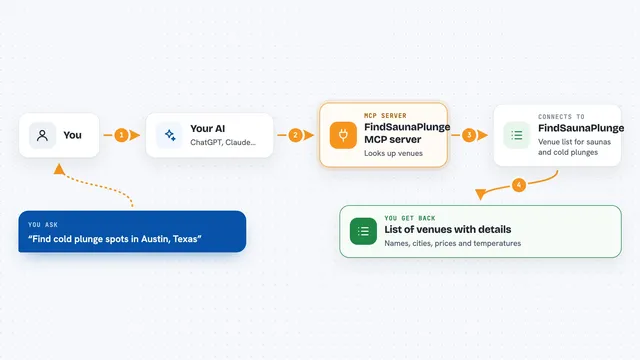
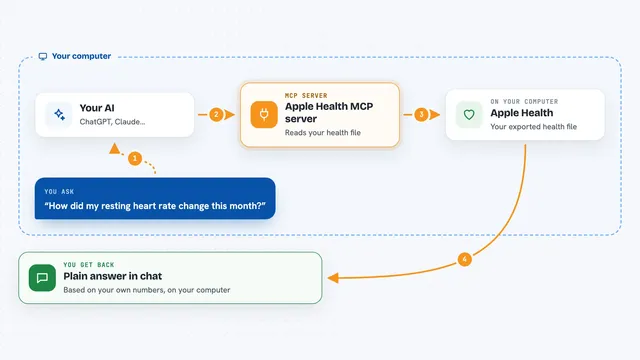
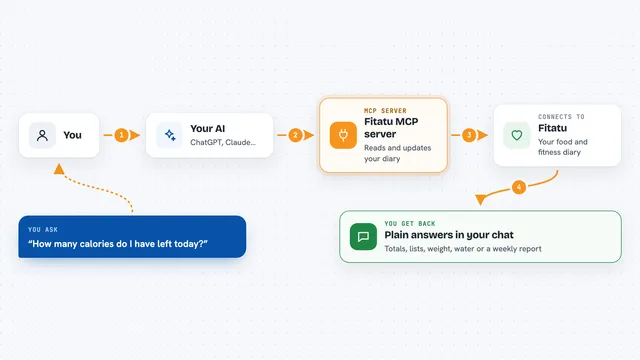
On its own, your AI can only chat. An MCP server is a small helper program that gives your AI a new skill or a connection to an app or service. This one connects your AI to Safe Mind, so it can look things up there and do things for you when you ask. You stay in the chat, and the helper does the work in the background.
What this MCP server does
You tell your AI what you need, for example a new survey for two departments. The AI uses this helper, and the helper talks to Safe Mind through your account. Safe Mind then creates the survey draft or the department, and sends back a confirmation. When you ask for results, Safe Mind only returns grouped numbers, so no single person can be identified.
What you can do with it
- Set up your Safe Mind account and log in
- Create departments for your company
- Create survey drafts with a start date, length and number of employees
- List your existing surveys and their status
- Read aggregated survey results for a department or the whole company
- Check how many people have answered so far
Try asking your AI
- “Create a new GBU Psyche survey starting 1 October, four weeks long, for 220 employees in Produktion and Verwaltung”
- “Show me all my current surveys and which ones are still open”
- “Give me the aggregated results for the Produktion department”
- “How many people have answered the survey so far?”
What it gives back to you
You get answers in plain chat: lists of surveys, departments or statuses, and grouped result numbers from the survey. It can also confirm what it just created, like a new survey draft or a new department. Small groups are filtered out by Safe Mind itself, so you only see results when enough people have answered.
Before you start
What you need
- A Safe Mind account (from safe-mind.de)
- An API key from Safe Mind, which looks like sm_live_... (Safe Mind gives you one for your account)
- An AI assistant that supports MCP, like Claude, ChatGPT, Gemini or Cursor
- Node.js installed on your computer if you run it with npx
Good to know
It can create real surveys and departments in your Safe Mind account, so check what your AI is about to do before you say yes.
Install it with your AI
Add Safe Mind MCP server to your AI, no technical skills needed
You don't install anything by hand. You copy one prompt, paste it into an AI that can work on your computer, and it checks, installs and connects the server for you, asking you when it needs something.
Sign in to get the install prompt
Members get a ready-made prompt that lets the Claude desktop app check Safe Mind MCP server, install it and connect it for them, step by step. You don't need any technical skills: you copy, paste and answer a few questions. Your connected AI can also find and install any of the 4,960 MCP servers here for you.
Who it's for
HR teams, safety officers and managers in German companies who have to run the GBU Psyche and want their AI to handle the setup and the numbers.