MCP server · Finance and crypto
Octodamus Market Intelligence MCP server
by Octodamus
Lets your AI pull live crypto and stock signals, sentiment, and prediction market edges for you.
This is a helper that connects your AI assistant to Octodamus, a market data service that watches crypto and some stocks. Once it is hooked up, you can just ask your AI things like what the market mood is or where the crowd might be wrong, and it will go fetch a fresh answer. It is handy for anyone who follows crypto or trades a bit and wants a quick second opinion without opening ten tabs.
What is an MCP server? The 30-second version
On its own, your AI can only chat with what it already knows. An MCP server is a small helper program that gives your AI a new skill or a connection to an outside service. This one connects your AI to Octodamus, a market data service, so when you ask a question about crypto or stocks, your AI can look up live signals and numbers there and bring them back to you. You do not install anything complicated; you add one line to your AI app's settings and it is on.
What this MCP server does
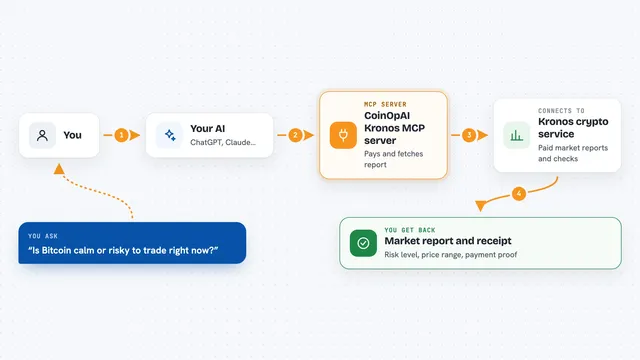
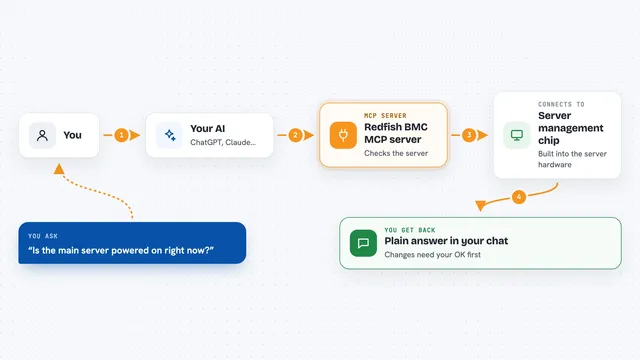
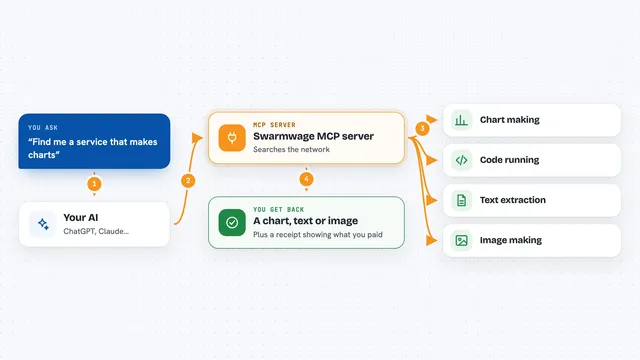
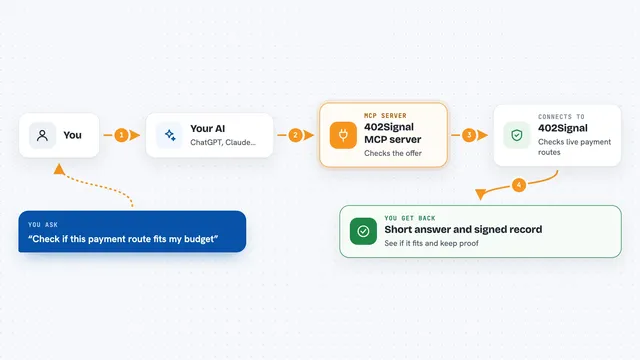
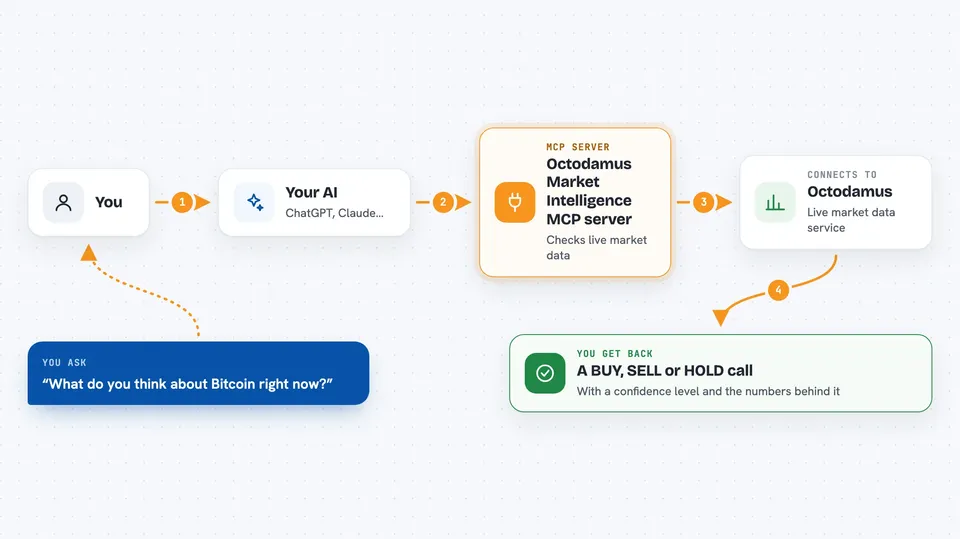
You ask your AI something like what it thinks about Bitcoin right now. Your AI sends that question to this helper, which talks to the Octodamus service over the internet. Octodamus looks at its live data feeds, like price moves, funding rates, and crowd sentiment, and works out a simple BUY, SELL, or HOLD call with a confidence level. The helper sends that back, and your AI explains it to you in the chat, in plain words, along with the numbers behind it.
 Click to zoom
What you can do with it
- Get a BUY, SELL, or HOLD signal for Bitcoin, Ethereum, or Solana with a confidence level
- Read a short market brief you can paste into any AI chat as background
- Check the Fear and Greed index and see if the crowd is overly scared or excited
- Spot prediction market opportunities on Polymarket with an expected value score
- See an AI sentiment score for an asset, from very bearish to very bullish
- Look up live prices and 24 hour changes for major coins
- List all the data feeds the service watches and how often they update
Try asking your AI
- “What is the current signal for Bitcoin and how confident is it?”
- “Give me a short market brief I can paste into another AI chat.”
- “Are there any good Polymarket edges right now with a positive expected value?”
- “What is the sentiment score for Ethereum today?”
What it gives back to you
You get back short, readable answers in the chat: a direction like BUY or HOLD, a confidence word, the current price, and a sentence or two of reasoning. For prediction markets you get a list of questions with a suggested side and a number showing the edge. Some tools return a one paragraph brief you can copy and reuse. It is all text in the conversation, no files to download.
Before you start
What you need
- An AI app that supports MCP servers, like Claude Desktop, Cursor, or Windsurf
- Nothing else for the free tools, which allow 500 requests a day
- An API key from Octodamus (a kind of password for apps; you get a free one by signing up with your email) if you want the deeper signal tools
Good to know
These are automated market opinions, not financial advice, and the service itself shows a small track record, so treat the signals as one input and not a guarantee.
Install it with your AI
Add Octodamus Market Intelligence MCP server to your AI, no technical skills needed
You don't install anything by hand. You copy one prompt, paste it into an AI that can work on your computer, and it checks, installs and connects the server for you, asking you when it needs something.
Sign in to get the install prompt
Members get a ready-made prompt that lets the Claude desktop app check Octodamus Market Intelligence MCP server, install it and connect it for them, step by step. You don't need any technical skills: you copy, paste and answer a few questions. Your connected AI can also find and install any of the 4,361 MCP servers here for you.
Who it's for
Crypto and stock watchers, casual traders, and anyone who wants a quick, plain language market read without digging through charts.