MCP server · Coding
GX Works3 PLC analysis MCP server
by purinzan
Ask your AI why a coil in a Mitsubishi PLC project never turns on, without opening GX Works3.

This is a small helper that reads a Mitsubishi MELSEC GX Works3 project file on your own computer and answers questions about it. It is made for people who work with PLC ladder programs and want a second pair of eyes on a project. It is unofficial and read-only, so it never changes your project.
What is an MCP server? The 30-second version
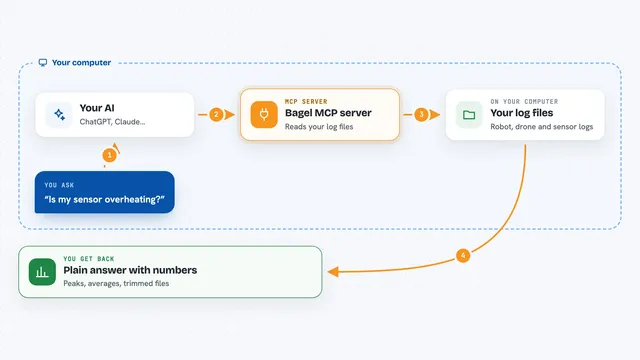
On its own, your AI can only chat. An MCP server is a small helper program that gives your AI a new skill or a connection to something. This one connects your AI to a GX Works3 project file sitting on your machine, so the AI can look inside the ladder logic and answer from real facts instead of guessing. You ask a question in plain words, and the helper does the reading for you.
What this MCP server does
You point the helper at a .gx3 project file on your computer. When you ask your AI something like why a coil stays off, the AI sends that question to this helper. The helper reads the ladder logic in the project, follows the devices and conditions, and sends back what it found. Your AI then explains it to you in the chat, in normal words.
 Click to zoom
What you can do with it
- Trace why a specific coil is not turning on
- Find where a device like M100 is written and what reads it
- Search device comments when you remember the name but not the number
- List the whole program as one line per rung
- Spot conditions that come from outside the PLC
- Flag dead logic that can never be true
- Compare two versions of a project to see what changed
Try asking your AI
- “Why is coil M100 not turning on in project.gx3?”
- “Where is device M100 written and what reads it?”
- “Search the comments for clamp pressure and show me the rungs”
- “Show me the whole program as one line per rung”
What it gives back to you
You get answers in the chat: short explanations, lists of devices and rungs, and plain summaries of what the logic does. Some commands can also give you a picture of a rung or a file you can save. Everything comes back as text or a file you can look at, and nothing is written back into your project.
Before you start
What you need
- Python 3.10 or newer on your computer
- A .gx3 project file on your machine (or you can generate a demo one)
- An AI app that can use MCP servers, like the Claude desktop app
Good to know
It only reads your project and never writes back, but its output is advisory, so always check in GX Works3 and follow your own safety process before touching real equipment.
Install it with your AI
Add GX Works3 PLC analysis MCP server to your AI, no technical skills needed
You don't install anything by hand. You copy one prompt, paste it into an AI that can work on your computer, and it checks, installs and connects the server for you, asking you when it needs something.
Sign in to get the install prompt
Members get a ready-made prompt that lets the Claude desktop app check GX Works3 PLC analysis MCP server, install it and connect it for them, step by step. You don't need any technical skills: you copy, paste and answer a few questions. Your connected AI can also find and install any of the 4,609 MCP servers here for you.
Who it's for
PLC programmers, maintenance engineers and automation people who work with Mitsubishi MELSEC GX Works3 projects and want quick answers about ladder logic.