MCP server · Music
SonoVault MCP server
by rekordcloud
Lets your AI look up music details like genre, label, release date, ISRC and platform IDs.

This is a small helper that connects your AI assistant to SonoVault, a big music information service. Once it is set up, you can ask your AI about songs, artists, labels and releases, and it will pull the details back for you. It is handy for anyone who works with music data, like radio, royalties, DJ libraries or label research.
What is an MCP server? The 30-second version
On its own, your AI can only chat with you. It cannot look things up in the outside world unless you give it a tool. An MCP server is a small helper program that gives your AI a new skill or a connection to an app or service. This one connects your AI to SonoVault, so when you ask about a track, artist, label or release, the AI can actually go and find the answer for you.
What this MCP server does
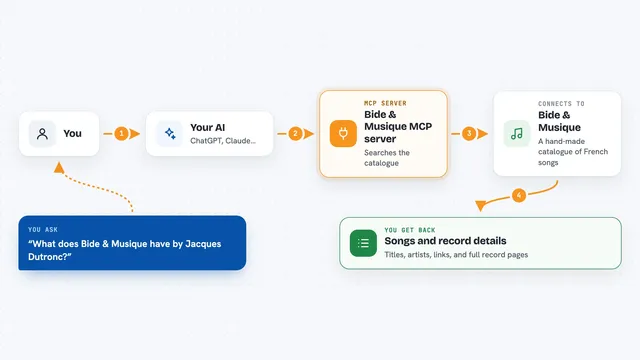
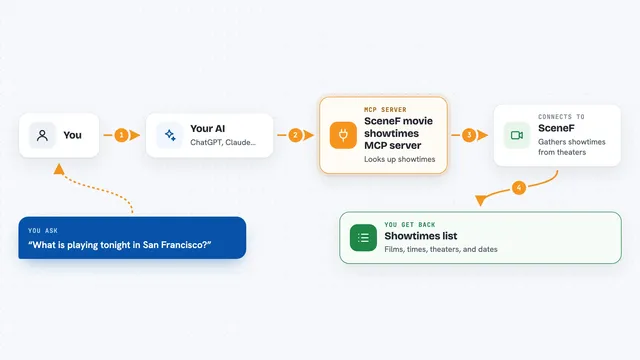
You ask your AI a question about music, like the label of a track or the ISRC of a recording. The AI sends that question to this helper, which passes it to the SonoVault service. SonoVault searches its database of over 93 million tracks, artists, labels and releases. The helper brings the answer back to your AI, and your AI shows it to you in the chat as a list, a table or a short summary. Everything is read-only, so it only looks things up, it does not change anything.
 Click to zoom
What you can do with it
- Find a track by artist and title and get its genre, label and ISRC
- Look up a track by its ISRC code
- See which platforms a track is on, with IDs and links for Spotify, Apple Music, Tidal, Beatport, Discogs, MusicBrainz and YouTube
- Get the tracklist of a release with ISRCs in playing order
- Search artists and see their discography
- Search labels and see what they released in a date range
- Resolve up to 100 track names or ISRCs at once into full details
Try asking your AI
- “What releases did mau5trap put out this year?”
- “Find Daft Punk's Veridis Quo and give me its genre, label and ISRC”
- “Show me the tracklist of Discovery with ISRCs”
- “What's the Spotify and Beatport ID for ISRC GBDUW0000053?”
What it gives back to you
You get back clear answers in the chat: track details, artist info, label catalogs, release tracklists, or a table of results. For bulk lookups, it returns a list of matched tracks with their ISRCs, labels and release dates. It can also show you platform IDs and deep links for a track. Everything comes back as text you can read, copy or paste into your own notes.
Before you start
What you need
- A SonoVault API key (free tier gives 1,000 requests per month, no credit card; sign up at sonovault.now)
- Node.js installed on your computer (the helper runs with npx)
Good to know
It only reads information, it cannot change or delete anything, but the free tier has a monthly request limit so keep an eye on how many lookups you run.
Install it with your AI
Add SonoVault MCP server to your AI, no technical skills needed
You don't install anything by hand. You copy one prompt, paste it into an AI that can work on your computer, and it checks, installs and connects the server for you, asking you when it needs something.
Sign in to get the install prompt
Members get a ready-made prompt that lets the Claude desktop app check SonoVault MCP server, install it and connect it for them, step by step. You don't need any technical skills: you copy, paste and answer a few questions. Your connected AI can also find and install any of the 4,361 MCP servers here for you.
Who it's for
People who work with music data, like radio programmers, royalty administrators, DJs, label researchers and publishing teams.