MCP server · Chat
Stack-chan MCP server
by stack-chan
Let your AI control a small desktop robot's expressions and movements through chat.

Stack-chan is a small open-source desktop robot built with M5Stack hardware. This project gives it an MCP server, which is a way for an AI assistant to talk to the robot and make it react. It is handy if you own a Stack-chan and want your AI to give it emotions and movements.
What is an MCP server? The 30-second version
On its own, your AI can only chat with you in text. An MCP server is a small helper program that gives your AI a new skill or a connection to a device. Here, that helper connects your AI to a Stack-chan robot, so the AI can send it commands like showing a face or moving. You just ask in plain words, and the helper passes it along to the robot.
What this MCP server does
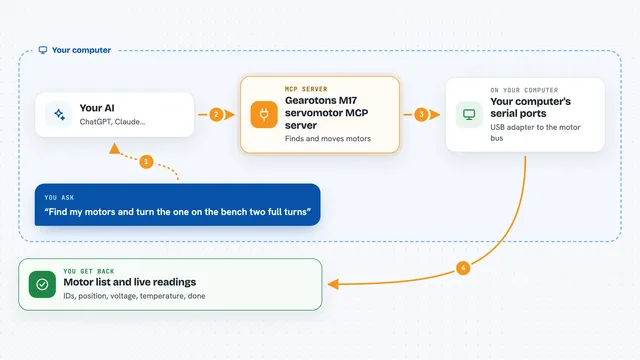
You type a request to your AI, like asking it to make the robot look happy. The AI sends that request to this MCP server. The server talks to the Stack-chan robot over its connection. The robot then changes its face or moves in response. You see the result on the little screen or in how it wiggles.
 Click to zoom
What you can do with it
- Make the robot show different facial expressions
- Ask the robot to move or wiggle
- Trigger emotional reactions like happy or surprised
- Combine a spoken reply from your AI with a matching robot expression
- Experiment with AI-driven interactions on your desk
Try asking your AI
- “Make Stack-chan look surprised”
- “Have the robot act happy while you tell me a joke”
- “Ask Stack-chan to wiggle its body”
- “Show a sad face on the robot”
What it gives back to you
You get confirmation in the chat that the robot did something, plus you see the change on the robot itself. The AI may describe what expression or movement it triggered. It is less about text output and more about what happens on the device.
Before you start
What you need
- A Stack-chan robot (M5Stack-based hardware)
- The firmware flashed to the robot
- A connection between your AI tool and the robot
Good to know
This controls a physical robot, so commands will make it move or change its face in real life.
Install it with your AI
Add Stack-chan MCP server to your AI, no technical skills needed
You don't install anything by hand. You copy one prompt, paste it into an AI that can work on your computer, and it checks, installs and connects the server for you, asking you when it needs something.
Sign in to get the install prompt
Members get a ready-made prompt that lets the Claude desktop app check Stack-chan MCP server, install it and connect it for them, step by step. You don't need any technical skills: you copy, paste and answer a few questions. Your connected AI can also find and install any of the 4,609 MCP servers here for you.
Who it's for
Makers, hobbyists, and anyone who owns a Stack-chan robot and wants to play with AI-controlled expressions.