MCP server · Developer tools
Arai MCP server
by taniwhaai
Turns your AI coding rules into real guardrails that can block bad actions and log what happened.

Arai reads the instruction files you already have, like CLAUDE.md or .cursorrules, and turns the rules inside them into something your AI assistant actually has to follow. It is handy for developers and tech leads who want their AI coding helper to stop before doing things they told it never to do. Instead of hoping the model read your notes, Arai checks the action and blocks it when it breaks a rule.
What is an MCP server? The 30-second version
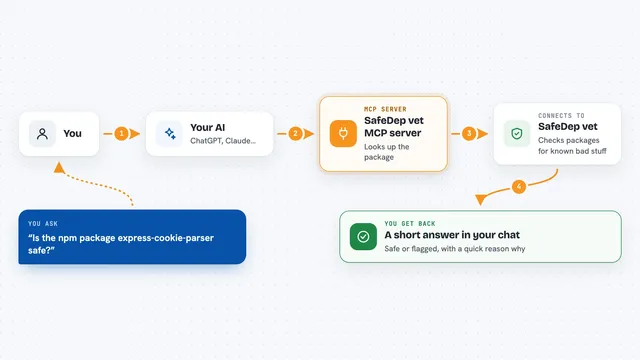
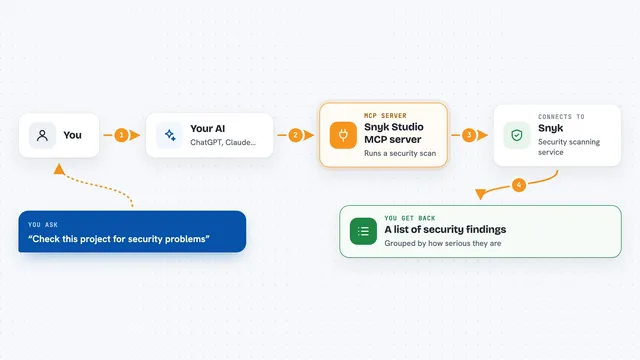
On its own, your AI can only chat and suggest things. An MCP server is a small helper program that gives your AI a new skill or a connection to another tool. Arai is that helper here: it connects your AI to your project's rule files and to a local audit log, so the AI can check whether an action is allowed and record what it did. You do not need to understand the plumbing. You just ask your AI to do something, and Arai quietly steps in when a rule applies.
What this MCP server does
You ask your AI coding assistant to do something, like create a database migration or push code. Before the action runs, Arai looks at the rules it extracted from your instruction files and decides whether that action is allowed. If a rule says never, Arai can block the action and tell the AI why. If a rule is more of a suggestion, Arai can remind the AI about it at the right moment. Every time a rule fires, Arai writes it to a local log so you can later see what was blocked, what was ignored, and what the AI actually did.
 Click to zoom
What you can do with it
- Block tool calls that violate rules in your CLAUDE.md or .cursorrules
- Inject the relevant rule right when the AI is about to act
- Log every rule firing to a local audit file
- Show per-rule compliance verdicts, like obeyed or ignored
- Check staged changes at git commit time with a pre-commit hook
- List all active rules and explain which ones would fire for an action
- Add or disable rules manually without editing instruction files
Try asking your AI
- “Create a new database migration for the users table”
- “Push my changes to the main branch”
- “Run the test suite before committing”
- “Why would git push --force be blocked in this project”
What it gives back to you
In the chat, you get a clear answer about whether the action was allowed or blocked, plus the rule that caused it. For example, Arai might say deny and quote the rule from your file. Later, you can run commands like arai audit or arai stats to see lists of firings, compliance verdicts, and which rules are most active. The audit log is a local file on your machine, not something sent to the cloud unless you set up shipping yourself.
Before you start
What you need
- A project with instruction files like CLAUDE.md, AGENTS.md, or .cursorrules
- An AI coding assistant that supports hooks, such as Claude Code, Codex, Cursor, or Grok Build
- The Arai command-line tool installed on your computer
- Trusting the workspace folder in your AI assistant so hooks can run
Good to know
Arai can block actions your AI tries to take, so if a rule is wrong or too broad it may stop work you actually wanted to do.
Install it with your AI
Add Arai MCP server to your AI, no technical skills needed
You don't install anything by hand. You copy one prompt, paste it into an AI that can work on your computer, and it checks, installs and connects the server for you, asking you when it needs something.
Sign in to get the install prompt
Members get a ready-made prompt that lets the Claude desktop app check Arai MCP server, install it and connect it for them, step by step. You don't need any technical skills: you copy, paste and answer a few questions. Your connected AI can also find and install any of the 4,609 MCP servers here for you.
Who it's for
Developers, tech leads, and teams who use AI coding assistants and want their written rules to be enforced and auditable.