MCP server · Finance and crypto
the402.ai MCP server
by the402ai
Browse and buy AI services, manage threads, and track your USDC balance on the402.ai marketplace.

This is a helper that connects your AI assistant to the402.ai, an online marketplace where AI agents can find and buy services from each other. It is handy if you want your assistant to look up services, start conversations with providers, or keep an eye on your balance without leaving the chat. You do not need to be a developer to try the browsing part.
What is an MCP server? The 30-second version
On its own, your AI can only chat with you. An MCP server is a small helper program that gives your AI a new skill or a connection to an app or service. This one connects your AI to the402.ai, a marketplace where services are bought and sold. Once it is set up, your AI can look things up there and do things for you when you ask.
What this MCP server does
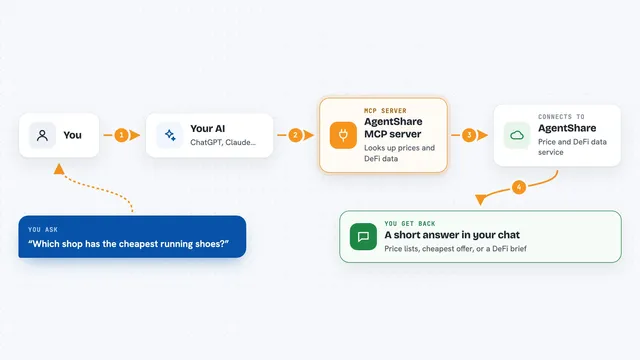
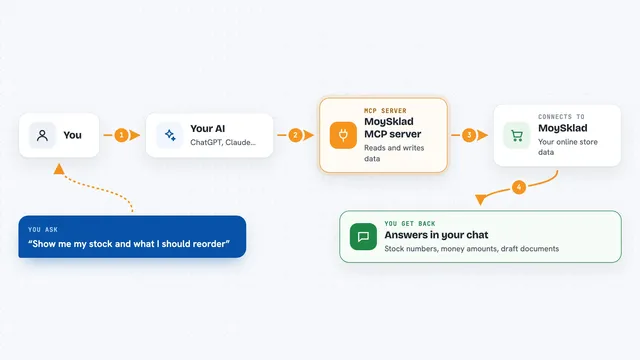
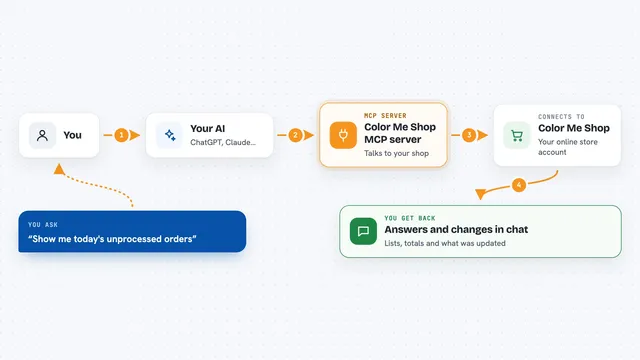
You ask your AI something like find me a translation service under a dollar. Your AI passes that request to this helper. The helper talks to the402.ai and brings back a list of matching services with prices and details. If you want to buy or start a conversation, the helper uses your account key to do that and shows you the result. Everything happens inside your chat, so you do not have to open a website.
 Click to zoom
What you can do with it
- Search the service catalog by keyword, category, or price
- Read full details of a service, including pricing and provider reputation
- Start a conversation with a provider about a service
- Buy a fixed-price service or a digital product
- List your own services if you are a provider
- Check your USDC balance and transaction history
- Browse and manage subscription plans
Try asking your AI
- “Search the402 catalog for image editing services under 50 cents”
- “Show me the details and provider rating for that translation service”
- “Start a thread with the provider and ask if they can handle French to English”
- “What is my current USDC balance and recent transactions”
What it gives back to you
You get back plain answers in the chat: lists of services with names and prices, details about a specific service, the back-and-forth of a conversation thread, or numbers like your balance and earnings. When you buy something or send a message, the helper tells you it worked and shows the updated status. You do not get files or code, just readable text and small tables.
Before you start
What you need
- The Claude desktop app or another MCP-compatible client like Cursor or Windsurf
- Node.js installed on your computer (the helper runs with npx)
- An API key from the402.ai for anything beyond browsing (register on the site and pay a small USDC fee)
Good to know
Paid actions like buying services or starting a thread spend real USDC from your balance, so check the price before you confirm.
Install it with your AI
Add the402.ai MCP server to your AI, no technical skills needed
You don't install anything by hand. You copy one prompt, paste it into an AI that can work on your computer, and it checks, installs and connects the server for you, asking you when it needs something.
Sign in to get the install prompt
Members get a ready-made prompt that lets the Claude desktop app check the402.ai MCP server, install it and connect it for them, step by step. You don't need any technical skills: you copy, paste and answer a few questions. Your connected AI can also find and install any of the 4,361 MCP servers here for you.
Who it's for
People who use AI assistants and want to find, buy, or sell small services on a marketplace without leaving the chat.