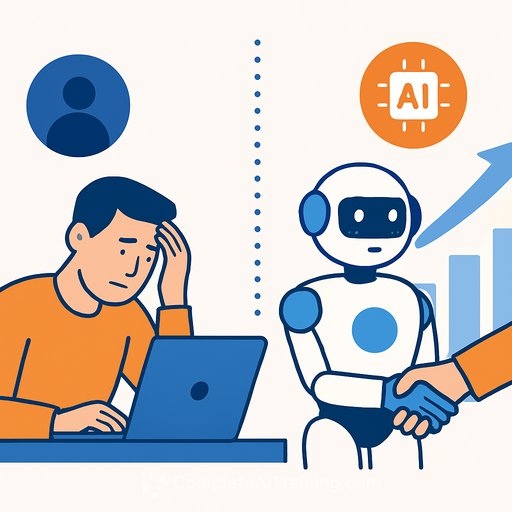
AI isn't replacing your people. It's reshaping their work.
Salesforce pushed back on reports that it fired 4,000 employees and swapped them for AI. The company says it redeployed roles from support into sales to expand distribution, not reduce headcount. The debate sparked by a video interview with CEO Marc Benioff led to confusion, but the takeaway for HR is clear: this is a shift in where work happens, not a mass handoff to machines. For practical HR use cases and workforce planning guidance, see AI for Human Resources.
Under the hood, leaders there say AI is useful, but not a blanket replacement for human effort. It performs best in clear, narrow use cases. It still needs training, oversight, and human judgment-especially when ambiguity or stakes are high.
What this means for HR
Automation has limits you need to plan around. AI can boost speed and consistency in repeatable work, but it struggles with context, exceptions, and trust. In large organisations, reliability and accountability matter more than novelty. One unforced error can create operational and reputational risk.
Key implications for workforce strategy
- Redesign roles, don't just reduce them. Shift capacity from low-leverage support tasks into revenue or customer-facing work where possible.
- Build "human-in-the-loop" as the default. Keep people in the review step for any decision that affects customers, employees, or compliance.
- Prioritise narrow, high-frequency use cases first (tier-1 support, data entry, meeting notes, summarisation, QA checks).
- Avoid full automation of sensitive processes (performance decisions, disciplinary actions, pay changes, terminations, candidate screening without review).
- Set an internal AI policy: acceptable use, data handling, escalation paths, and who signs off on deployments.
- Treat training as ongoing, not a one-off. AI tools drift; your people need refreshers and playbooks.
- Track outcomes with simple metrics: time saved, error rates, customer satisfaction, and reallocated hours to higher-value work.
- Update job architecture. Add AI-related skills to job families and competency frameworks so progression stays clear.
- Create an internal mobility path. If you free up support hours, have a plan to upskill and redeploy talent-before vacancies open.
- Establish model oversight and incident response. If something goes off the rails, who pauses it, fixes it, and communicates?
90-day action plan
- Run a workload audit: list repetitive, rule-based tasks by volume and risk level.
- Pick two low-risk pilots with clear owners and success metrics. Timebox to 8-12 weeks.
- Create a lightweight review step for AI outputs in those pilots.
- Stand up basic guardrails: data access rules, approval workflow, and a feedback loop for errors.
- Launch targeted upskilling for impacted teams-short, role-specific training over generic theory.
- Report pilot results and decide: scale, iterate, or stop. Reallocate saved capacity intentionally.
What to automate now vs. later
- Automate now: ticket triage, knowledge base suggestions, email drafts, CRM notes, meeting summaries, expense pre-checks.
- Keep human-led (with AI assistance): hiring decisions, performance calibration, sensitive employee relations, policy changes, customer escalations.
Risk and compliance touchpoints
Anchor your program to recognised guidance. The NIST AI Risk Management Framework is a practical reference for governance and controls. You can review it here: NIST AI RMF. For hiring, align with regulator expectations; the EEOC's guidance on AI in employment decisions is a useful starting point: EEOC on AI.
Upskilling: the real unlock
The biggest gains won't come from headcount cuts; they'll come from teams that know how to work with AI well. Focus on prompts, review workflows, data hygiene, and exception handling. If you're building structured learning paths by role, consider the AI Learning Path for Training & Development Managers or browse curated options here: Complete AI Training - courses by job.
Bottom line for HR
AI will keep shifting tasks, not wiping out whole teams. Treat it like a force multiplier that needs supervision. Move fast on low-risk use cases, protect the human decisions that matter, and redeploy capacity with intent.
Your membership also unlocks: