AI agent for architects
Accessible Route Slope Check Agent
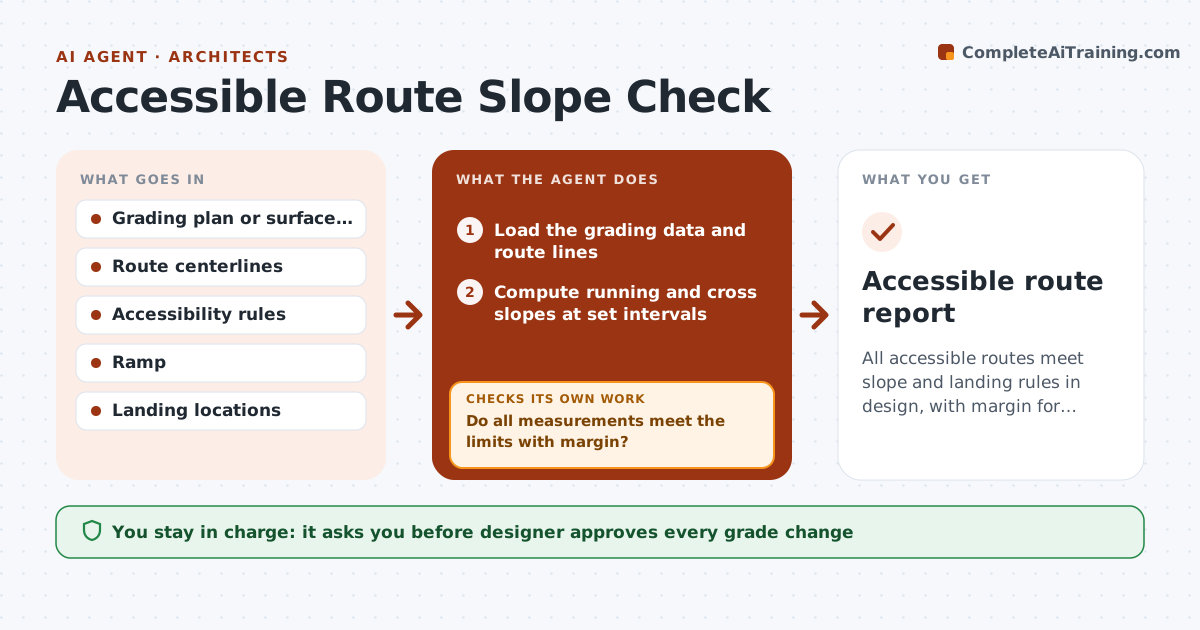
All accessible routes meet slope and landing rules in design, with margin for construction tolerance.
What it does
The sidewalk is poured, and the inspector measures 5.6% on a route that must be under 5%. This agent checks slopes during design. It reads grading data, computes running and cross slopes along each accessible route, and checks landings and ramps against the accessibility rules. It flags failures with the station and the amount, then rechecks after each edit. If a fix at one point creates a problem downstream, it reports that. You approve revised grades. Edge case: a route at 4.9% running slope is flagged as a close call, since construction tolerance could push it over.
How it works
Follow the arrows from top to bottom. The orange dashed arrow is the loop: when a check fails, the agent goes back and tries again.
Read the steps as a list
- Grading revised
- Load the grading data and route lines
- Compute running and cross slopes at set intervals
- Check ramps, landings and handrail triggers
- Do all measurements meet the limits with margin?If not: List failures and close calls with stations and propose grade edits. Back to step 3.
- Draft the fix list
- Designer approves revised gradesThe agent waits here for your OK.
- Rerun after edits
- Did any edit create a new failure downstream?If not: Flag it and revise the edit. Back to step 3.
- Accessible route report
How it decides
It measures running slope, cross slope and landing size along each route, and flags anything over the limit or within the tolerance margin.
- Running slope above 5% requires ramp treatment
- Cross slope limit 2%
- Flag values within 0.2% of a limit
- Check landings at every ramp end
Make it yours
Every agent is a starting point. You choose these settings for your own situation.
- Rule set and edition
- Tolerance margin (default 0.2%)
- Station interval
- Report format
What keeps you in control
It always asks you first
- Designer approves every grade change
Hard limits
- Never certify accessibility compliance
- Never edit the grading itself
It stops when
- Done: all routes pass with margin
- Stop: grading data incomplete
Set it up
We guide you through the set-up, step by step
Members get the full set-up guide for this agent. No technical skills needed: you copy, paste and upload.
- One set of instructions to paste into your AI, with the clicks for ChatGPT, Claude, Microsoft 365 Copilot, Gemini and Grok
- The agent then walks you through connecting your own data, one source at a time
- A downloadable copy with the flow chart, the rules and the full guide