AI agent for videographers
Archive and Stock Footage Library Agent
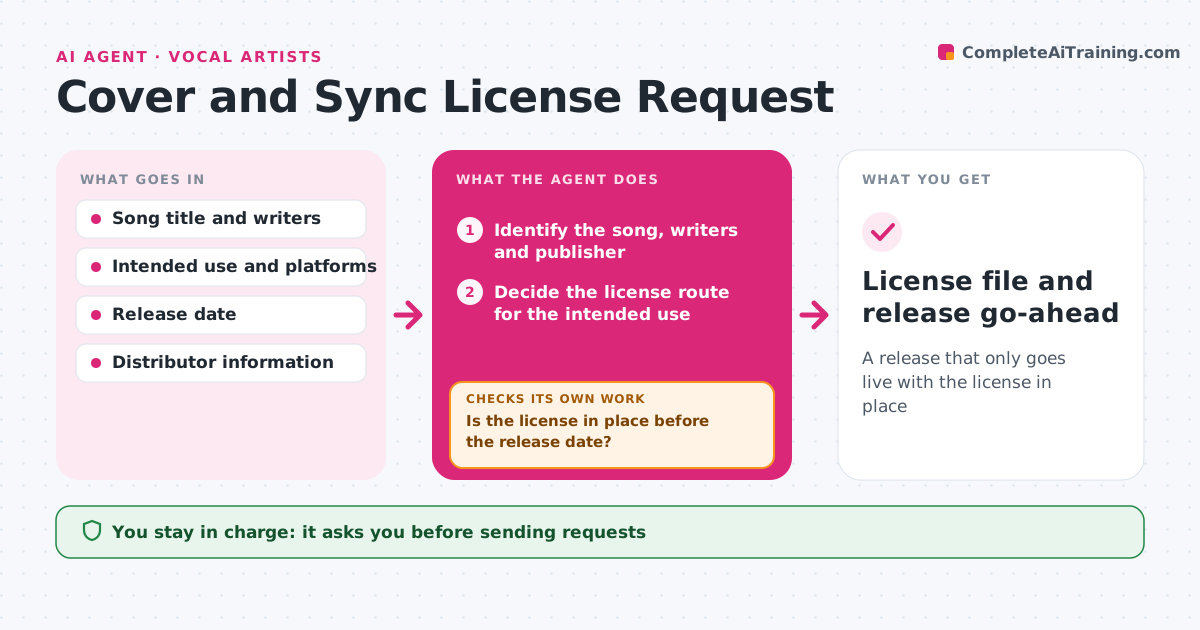
Build a labeled, searchable library where every kept clip has a verified backup.
What it does
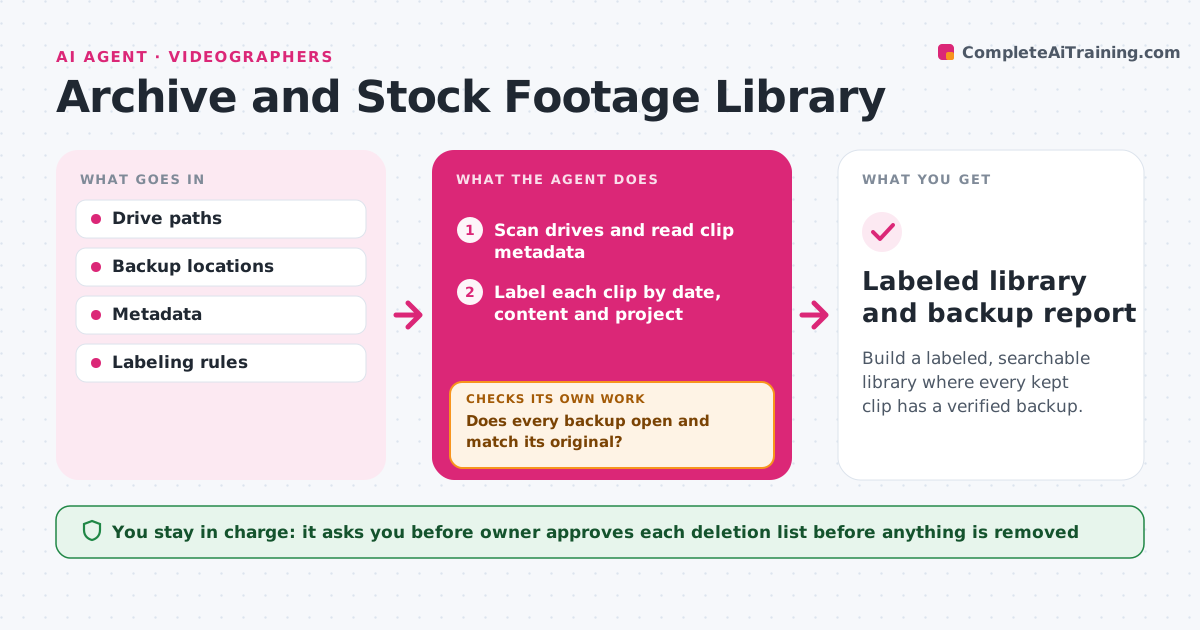
Years of footage sit on five drives with names like C0043, and you cannot find the sunset shot you know you filmed. This agent scans the drives and reads metadata, such as date, camera, duration and resolution. It labels each clip by content and date, using a short description from a frame sample or a transcript. It looks for duplicate files by checksum and checks whether each clip has a backup copy in a second location. It then opens a sample of the backups to check that they play and match. Clips with no working backup are put at the top of the list. It proposes a cleanup list with duplicates and low-value files. The owner approves every deletion. Edge case: a duplicate is the only copy in the backup, so the agent keeps it.
How it works
Follow the arrows from top to bottom. The orange dashed arrow is the loop: when a check fails, the agent goes back and tries again.
Read the steps as a list
- Quarterly library review
- Scan drives and read clip metadata
- Label each clip by date, content and project
- Calculate checksums and find duplicates
- Find each clip's backup copy
- Does every backup open and match its original?If not: mark the clip as unprotected and look for another copy or ask for a new backup. Back to step 5.
- Rank clips with no verified backup first
- Propose a cleanup list of duplicates and low-value files
- Is each proposed deletion safely backed up elsewhere?If not: remove it from the cleanup list. Back to step 8.
- Owner approves any deletionThe agent waits here for your OK.
- Labeled library and backup report
How it decides
A file is a duplicate when its checksum matches. A backup counts only if the copy opens and matches the checksum.
- Treat files with the same checksum as duplicates
- Count a backup only if a test open and checksum match
- Propose deleting only clips that are duplicates or flagged as unusable
- Put clips with no backup at the top of the report
Make it yours
Every agent is a starting point. You choose these settings for your own situation.
- Drives and backup locations to scan
- Label fields and naming style
- Review schedule (default quarterly)
- Minimum clip length to keep
- Folders that are never cleaned up
What keeps you in control
It always asks you first
- Owner approves each deletion list before anything is removed
Hard limits
- Never delete or move a file without approval
- Never count an unopened backup as a backup
It stops when
- Done: every kept clip is labeled and has a verified backup
- Stop: a drive cannot be read, so ask the owner
Set it up
We guide you through the set-up, step by step
Members get the full set-up guide for this agent. No technical skills needed: you copy, paste and upload.
- One set of instructions to paste into your AI, with the clicks for ChatGPT, Claude, Microsoft 365 Copilot, Gemini and Grok
- The agent then walks you through connecting your own data, one source at a time
- A downloadable copy with the flow chart, the rules and the full guide