AI agent for data entry specialists
Duplicate Customer Record Merge Agent
Duplicate records merged safely, with all linked history preserved and a trail of what changed
What it does
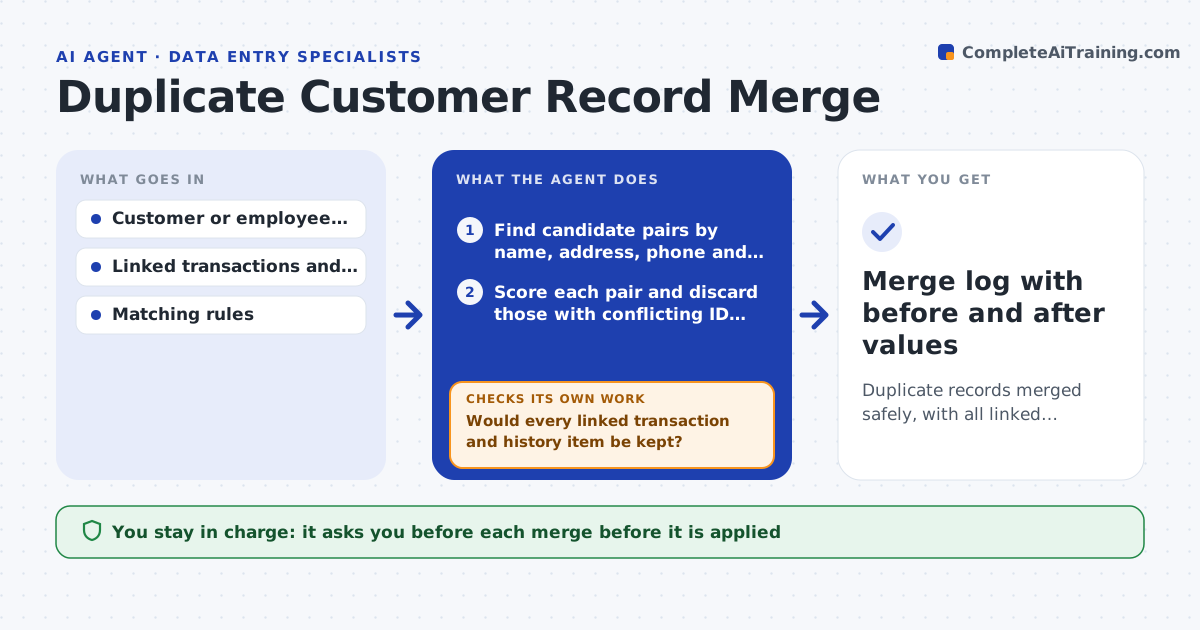
Two records for the same customer split orders and invoices across both, and merging them by hand can lose history. This agent searches for likely duplicates using name, address, phone and email, and scores each pair by how well these match. For each pair it reads linked transactions, notes and open items and compares them. It drafts a merged record that keeps the best value for each field and a list of what moves where. Before presenting a pair it checks that no linked order, invoice or leave record would be lost or attached to the wrong party. A person approves each merge before it is applied. Edge case: two employees with the same name and birthday but different national numbers are marked as not duplicates.
How it works
Follow the arrows from top to bottom. The orange dashed arrow is the loop: when a check fails, the agent goes back and tries again.
Read the steps as a list
- Weekly duplicate scan
- Find candidate pairs by name, address, phone and email
- Score each pair and discard those with conflicting ID fields
- Read linked transactions, notes and open items for each pair
- Draft the merged record and the list of items to move
- Would every linked transaction and history item be kept?If not: fix the move list or drop the pair from this run. Back to step 4.
- Specialist approves each mergeThe agent waits here for your OK.
- Apply the approved merge
- Do totals and counts match before and after?If not: stop and restore the original records from the backup. Back to step 7.
- Merge log with before and after values
How it decides
A pair is proposed when its match score is above the threshold and no strong field conflicts, such as different ID numbers, is found.
- Propose a pair when the score is 85 or higher
- Never propose a pair with different tax or national IDs
- Keep the most recent verified value for contact fields
- Send pairs scoring 70 to 84 to a manual review list
Make it yours
Every agent is a starting point. You choose these settings for your own situation.
- Match score to propose a merge (default 85)
- Fields that must not conflict
- How to pick the surviving record
- Review list threshold (default 70)
What keeps you in control
It always asks you first
- Each merge before it is applied
Hard limits
- Never merges without approval
- Always keeps a restorable copy of both records
It stops when
- Done: all approved merges verified
- Stop: a before and after count does not match and cannot be restored
Set it up
We guide you through the set-up, step by step
Members get the full set-up guide for this agent. No technical skills needed: you copy, paste and upload.
- One set of instructions to paste into your AI, with the clicks for ChatGPT, Claude, Microsoft 365 Copilot, Gemini and Grok
- The agent then walks you through connecting your own data, one source at a time
- A downloadable copy with the flow chart, the rules and the full guide