
AI agent for demand generation managers
Event Promotion Attribution Agent
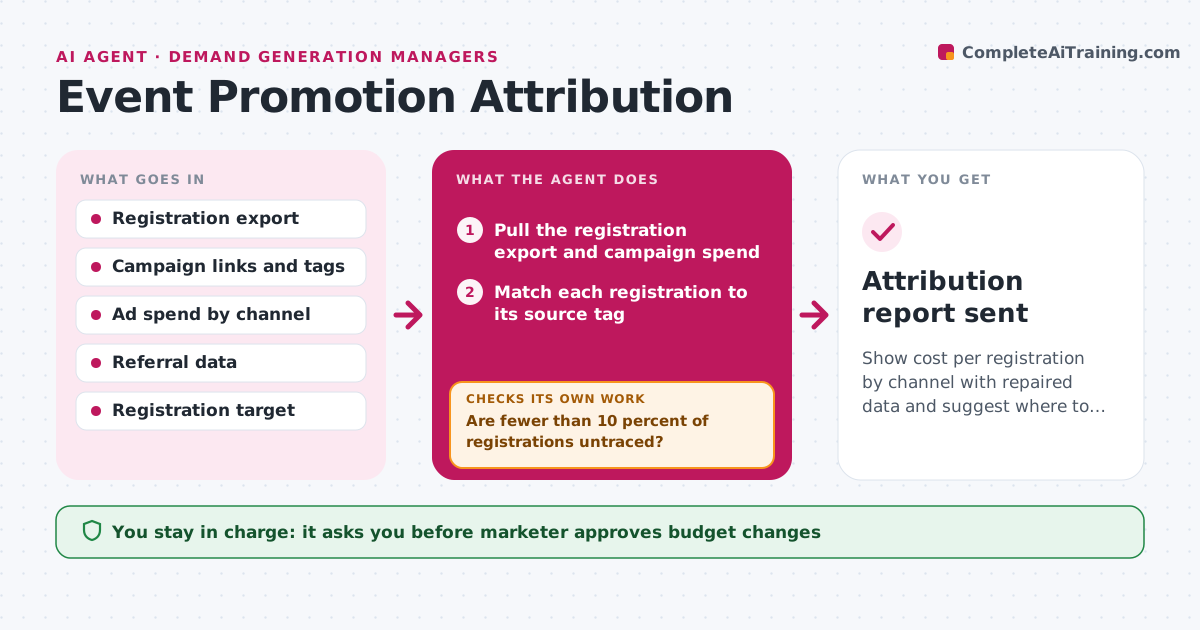
Show cost per registration by channel with repaired data and suggest where to move spend.
What it does
After a promotion campaign, the registration list says 'unknown' for a third of sign-ups, so budget decisions rely on guesses. The agent matches each registration to its source link, such as the email, paid ad or partner page. For records with missing tags, it checks referral data, landing page paths and click timestamps to repair the source where it can. It then flags records that still cannot be traced, and keeps them separate rather than assigning them to the biggest channel. With clean data it calculates cost per registration for each channel and compares progress with the target. It proposes where to shift spend for the weeks left. Edge case: a partner link with a different tag spelling that splits one channel into two. The marketer approves budget changes.
How it works
Follow the arrows from top to bottom. The orange dashed arrow is the loop: when a check fails, the agent goes back and tries again.
Read the steps as a list
- Weekly attribution run
- Pull the registration export and campaign spend
- Match each registration to its source tag
- Repair missing or misspelled tags using referral data and click times
- Are fewer than 10 percent of registrations untraced?If not: search referral logs and landing page paths again, then keep the rest as untraced. Back to step 4.
- Calculate cost per registration by channel
- Compare channels with the registration target
- Do channel totals add up to the registration count?If not: find duplicates or merged tags and fix the match. Back to step 3.
- Propose spend shifts for the remaining weeks
- Marketer approves any budget changeThe agent waits here for your OK.
- Attribution report sent
How it decides
A registration is attributed when a tag or a referral trail identifies the channel. Budget shifts are proposed only when untraced records are under 10 percent.
- Merge tags that differ only in spelling or case
- Keep untraced registrations separate
- Propose shifts only when untraced is under 10 percent
- Recommend moving at most 20 percent of spend per week
Make it yours
Every agent is a starting point. You choose these settings for your own situation.
- Channels and cost sources
- Untraced limit (default 10 percent)
- Maximum weekly shift (default 20 percent)
- Report schedule
- Registration target
What keeps you in control
It always asks you first
- Marketer approves budget changes
- Marketer approves changes to tracking links
Hard limits
- Never change live ad budgets itself
- Never assign untraced records to a channel
It stops when
- Done: report approved and sent
- Stop: untraced records stay above 25 percent, advise fixing tracking first
Set it up
We guide you through the set-up, step by step
Members get the full set-up guide for this agent. No technical skills needed: you copy, paste and upload.
- One set of instructions to paste into your AI, with the clicks for ChatGPT, Claude, Microsoft 365 Copilot, Gemini and Grok
- The agent then walks you through connecting your own data, one source at a time
- A downloadable copy with the flow chart, the rules and the full guide



