AI agent for volunteer coordinators
Event Volunteer Role Assignment Agent
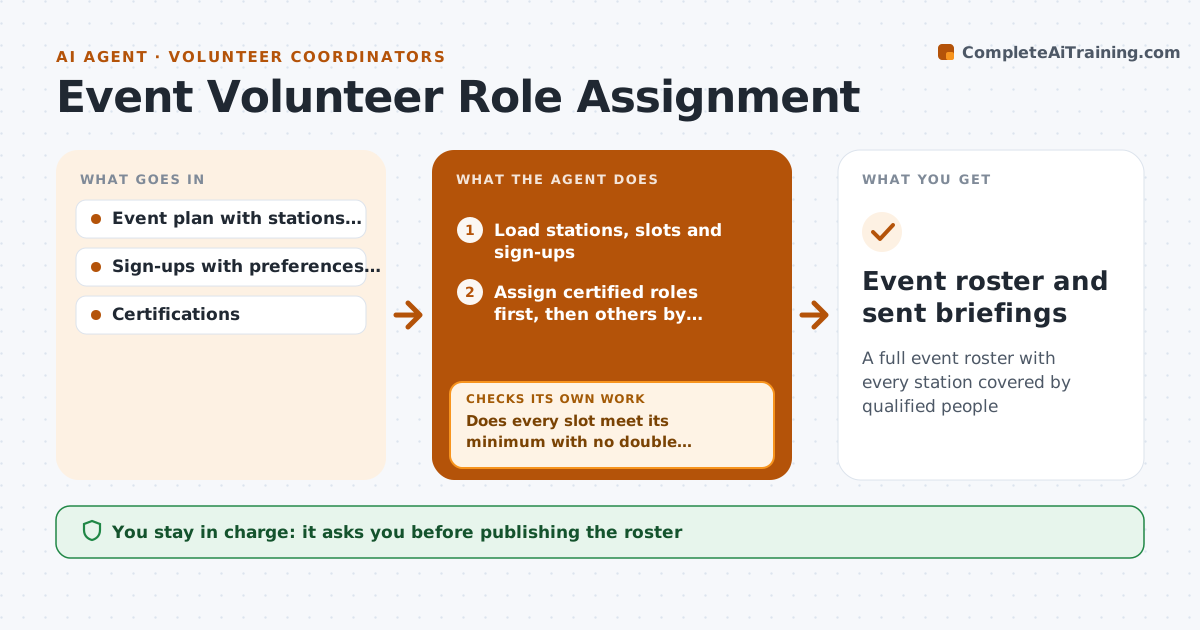
A full event roster with every station covered by qualified people
What it does
Events like fun runs and fairs need many volunteers in specific roles and time slots, and rosters are often built the night before. This agent takes the event plan with stations, slots and skills needed, plus sign-ups with each person's preferences. It assigns certified roles first, since first aid needs certified people in every slot, then fills the rest by preference, time limits and requests to work with friends. It checks that every station meets its minimum in every slot and that nobody is double booked. If a gap remains, it moves flexible people or lists slots that need recruiting. It drafts role sheets and briefings. The coordinator approves before messages go out, and the agent checks confirmations afterward.
How it works
Follow the arrows from top to bottom. The orange dashed arrow is the loop: when a check fails, the agent goes back and tries again.
Read the steps as a list
- Event roster build begins
- Load stations, slots and sign-ups
- Assign certified roles first, then others by preference
- Does every slot meet its minimum with no double booking?If not: move flexible volunteers or list slots that need recruiting. Back to step 3.
- Draft role sheets and briefing messages
- Coordinator approves the roster and messagesThe agent waits here for your OK.
- Track confirmations from each volunteer
- Has every assigned volunteer confirmed three days before?If not: reassign unconfirmed slots to backups. Back to step 3.
- Event roster and sent briefings
How it decides
It fills stations with certified roles first, then by preference, and accepts the roster only when every slot meets its minimum.
- Certified roles are filled first
- Respect stated time limits
- Keep friend pairs together when possible
Make it yours
Every agent is a starting point. You choose these settings for your own situation.
- Minimum per station
- Certified roles
- Shift length limits
- Briefing template
What keeps you in control
It always asks you first
- Publishing the roster
- Sending briefings
Hard limits
- Never places uncertified people in certified roles
It stops when
- Done: roster approved
- Stop: certified roles cannot be covered; alert the coordinator
Set it up
We guide you through the set-up, step by step
Members get the full set-up guide for this agent. No technical skills needed: you copy, paste and upload.
- One set of instructions to paste into your AI, with the clicks for ChatGPT, Claude, Microsoft 365 Copilot, Gemini and Grok
- The agent then walks you through connecting your own data, one source at a time
- A downloadable copy with the flow chart, the rules and the full guide