AI agent for it specialists
IoT Device Onboarding and Segmentation Agent
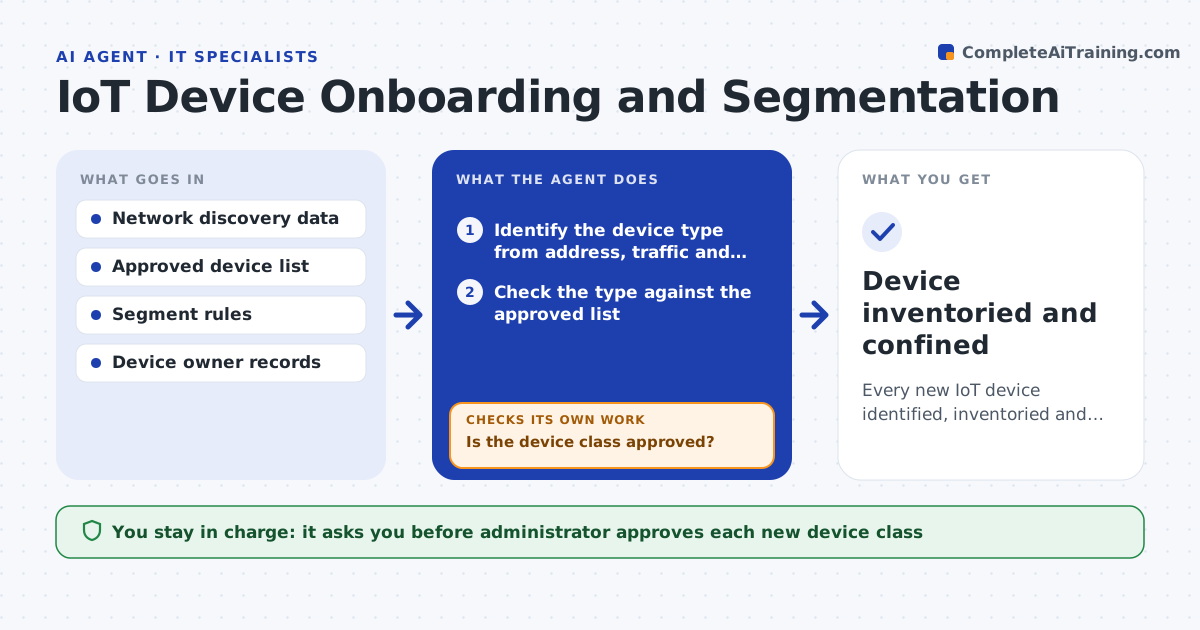
Every new IoT device identified, inventoried and confined to only the access it needs
What it does
IoT devices often land on the main network with no inventory and no restrictions. When a new device appears, this agent identifies the device type from its address, traffic and vendor data. It checks the type against your approved list and places the device in a restricted segment. It then tests that only the traffic it needs works and that it cannot reach sensitive systems. If the tests fail, it reopens the request and adjusts the rules. The administrator approves each new device class. Edge case: a smart display wants the internet and a printer share, so the agent allows each only to the specific destinations.
How it works
Follow the arrows from top to bottom. The orange dashed arrow is the loop: when a check fails, the agent goes back and tries again.
Read the steps as a list
- New device appears on the network
- Identify the device type from address, traffic and vendor data
- Check the type against the approved list
- Is the device class approved?If not: hold it in quarantine and request approval for a new class. Back to step 2.
- Administrator approves any new device classThe agent waits here for your OK.
- Place the device in the restricted segment with the minimum rules
- Test needed traffic and attempts to reach sensitive systems
- Does the needed traffic work and the blocked traffic stay blocked?If not: adjust the segment rules and test again. Back to step 6.
- Add the device to the inventory with an owner
- Device inventoried and confined
How it decides
A device is allowed when its class is approved and its access can be limited to named destinations. Unknown classes wait for approval.
- Quarantine any unknown device
- Allow only the destinations the device needs
- Require an owner for every device
- Treat a device that scans the network as suspicious
Make it yours
Every agent is a starting point. You choose these settings for your own situation.
- Approved device classes
- Segment names and rules
- Quarantine time limit
- Inventory fields required
What keeps you in control
It always asks you first
- Administrator approves each new device class
Hard limits
- Never leaves an unknown device on the main network
- Never grants access beyond what the device needs
It stops when
- Done: the device is confined and recorded
- Stop: the device cannot be identified or owned and stays in quarantine
Set it up
We guide you through the set-up, step by step
Members get the full set-up guide for this agent. No technical skills needed: you copy, paste and upload.
- One set of instructions to paste into your AI, with the clicks for ChatGPT, Claude, Microsoft 365 Copilot, Gemini and Grok
- The agent then walks you through connecting your own data, one source at a time
- A downloadable copy with the flow chart, the rules and the full guide