
Learning path
Learning AI as a Systems Engineer
This learning path gives systems engineers practical AI skills to design, troubleshoot, and document complex systems. It combines setup, job-specific prompts, and video courses to save time and protect your career.
Your path
Everything in the Systems Engineer AI kit, in the order that makes sense. Members tick off each step and see their progress.
Set up your AI
We guide you through each click.
Let skills do your everyday tasks
Connect your apps and pick your AI apps
Hand whole tasks to AI agents
Build your own tools
Keep growing
Everything for systems engineers
All the courses, certifications, AI tools, MCP servers and apps for systems engineers, most relevant first. Open any list to see more.
Take the prompt courses
A short framework course to learn how to ask, then 9 lessons with ready-to-use prompts for systems engineers.
Start with this framework: how to talk to AI
For a systems engineer, this framework breaks a complex rollout into ordered steps, alternative design branches, and a documented plan.
Then your prompt course for systems engineers- 1Explain Systems In Plain English2 prompts
- 2Draft Design Documents3 prompts
- 3Troubleshoot From Symptoms3 prompts
- 4Automate Deployment And Config3 prompts
- 5Plan Integration And Migration2 prompts
- 6Check Security And Compliance2 prompts
- 7Plan Performance And Capacity2 prompts
- 8Evaluate New Technologies2 prompts
- 9Document And Hand Over3 prompts
Watch the video courses or add them to your Favorites for later
136 video courses our AI picked for systems engineers, most useful first. Save the ones you want to watch later with the heart.
Favorites are saved to your account: sign in or get your AI kit first.
Show all 136 video courses
Get certified, or add certifications to your Favorites
Every course ends in an exam and a certificate you can add to LinkedIn. Save the certifications you are aiming for with the heart.
Favorites are saved to your account: sign in or get your AI kit first.
More certifications for systems engineersShow all 24 certifications
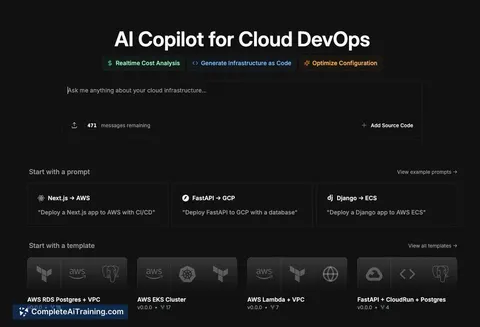
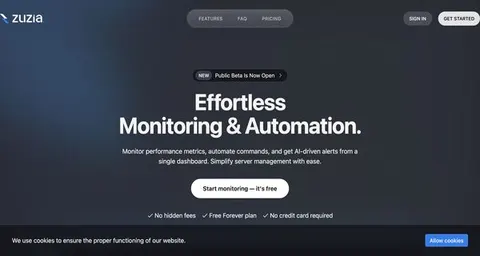
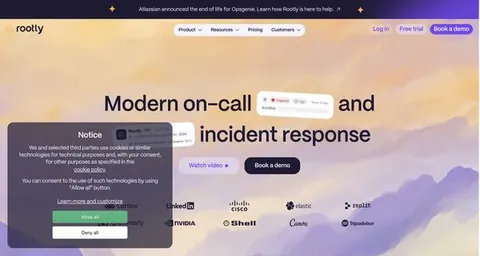
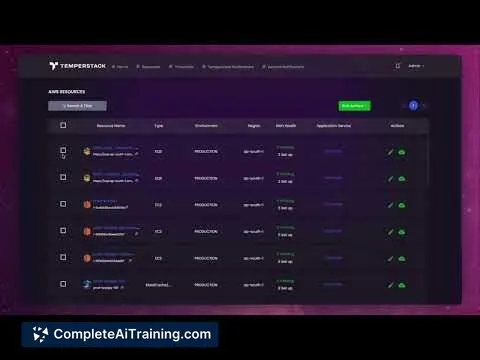
Try the AI tools for systems engineers
24 AI tools our AI matched to the work of systems engineers, best fit first. Each review shows what it does, its alternatives and the jobs it suits.
Favorites are saved to your account: sign in or get your AI kit first.
Show all 24 AI tools
Connect your AI to the apps systems engineers use
MCP servers let ChatGPT, Claude or Copilot look things up and get work done in other apps, like your email, calendar or bookkeeping software. These 12 fit the work of systems engineers best, well-known apps first.

Grafana MCP server
by grafanaLets your AI search dashboards, check alerts, and query your Grafana data for you.
Analytics Official
Alibaba Cloud Ops MCP server
by aliyunLets your AI look at and manage your Alibaba Cloud servers, storage, and databases for you.
Developer tools Official
Netdata MCP server
by netdataAsk your AI about your servers, containers, and apps, and get answers from live Netdata monitoring data.
Analytics Official
Servonaut MCP server
by zb-ssLet your AI look after your cloud servers: check health, read logs, run commands and block bad IPs.

AWS SSO MCP server
by aashariLet your AI log into AWS, list your accounts and roles, and run AWS commands for you.

Zabbix MCP server
by mpeironeAsk your AI about your Zabbix monitoring: hosts, problems, items, triggers and more.
Show all 12 MCP servers

VMware AIops MCP server
by zw008Lets your AI manage VMware virtual machines: power, clone, snapshot, deploy and run commands inside them.

VMware AVI MCP server
by zw008Lets your AI check and manage Avi load balancer virtual services, pools, certificates and AKO Kubernetes pods.

Observability MCP server
by alimuratkusluAsk your AI about your Grafana, Prometheus, Kafka and Datadog setup and get answers in plain chat.

Oracle Cloud (OCI) MCP server
by dockndevaiLets your AI look at your Oracle Cloud resources and write Terraform code for them.

Infrastructure MCP server
by radumalicaConnect your AI to your Linux servers, Docker, Kubernetes, Proxmox, Grafana and Cisco gear so it can check things, explain them, and fix them when you ask.

VMware ESXi MCP server
by bright8192Let your AI list, create, clone, start, stop, and delete VMware virtual machines, and check their performance.
Build your own AI apps for systems engineers
Apps you build yourself with your own AI, no coding needed and no monthly fee. Our AI picked the 12 that fit the work of systems engineers.
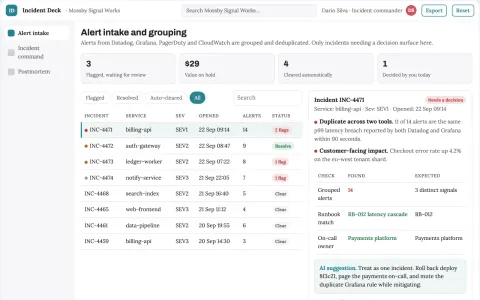
Production incident triage and response coordination portal
Reduce time to coordinated resolution while keeping responders in control.
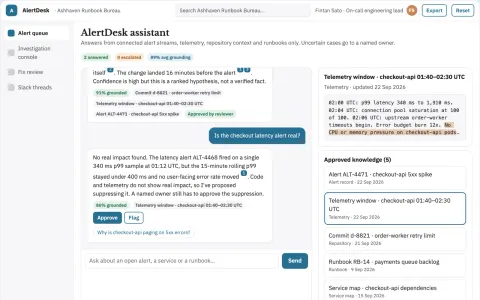
Alert investigation and fix console
Reduce time from alert to reviewed fix while keeping engineers in control.
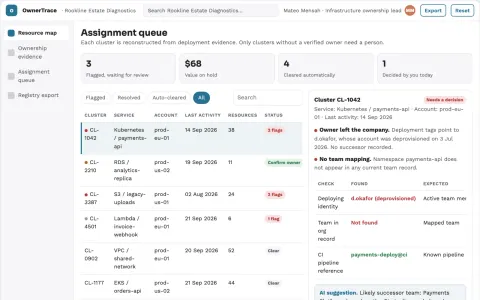
Infrastructure ownership recovery desk
Reconstruct ownership from evidence without guessing access rights.
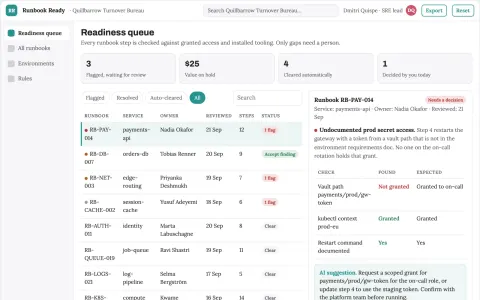
Technical runbook prerequisite checker
Readiness before executing a runbook.
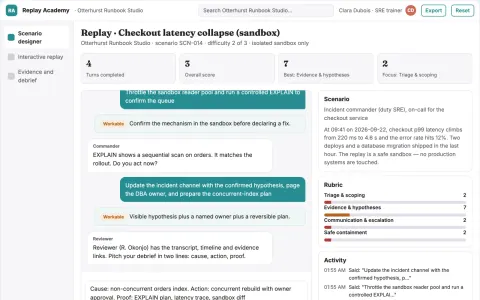
Technical incident replay academy
Build operational capability without production disruption.
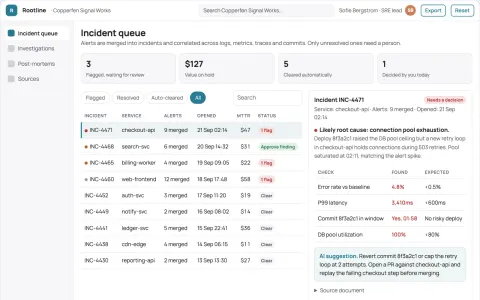
Production incident root-cause coordination portal
Cut time-to-root-cause and incident coordination effort while keeping engineers in control of fixes.
Show all 12 apps
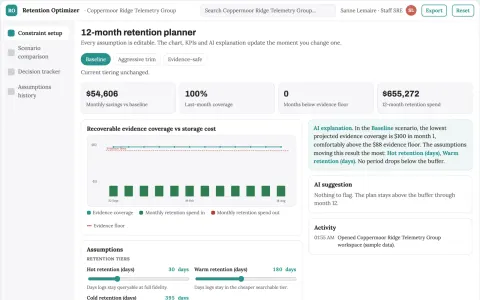
Observability retention optimizer
Control observability cost without discarding required evidence.
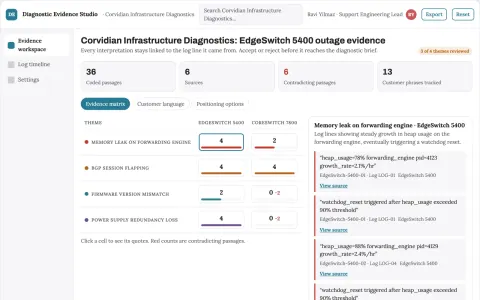
Technical support diagnostic tool
Product-version context and evidence excerpts accompany every diagnostic suggestion.
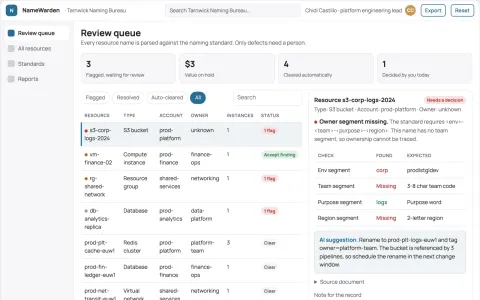
Infrastructure naming convention reviewer
Explain naming defects with ownership context.
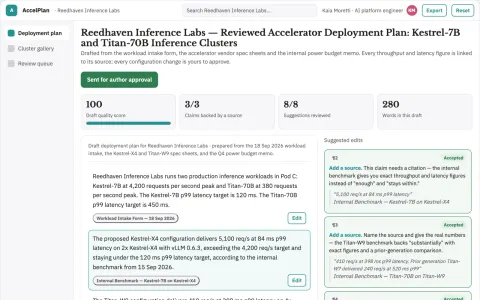
Managed AI accelerator deployment workspace
Reduce the time and coordination needed to run training and inference on specialized accelerators.
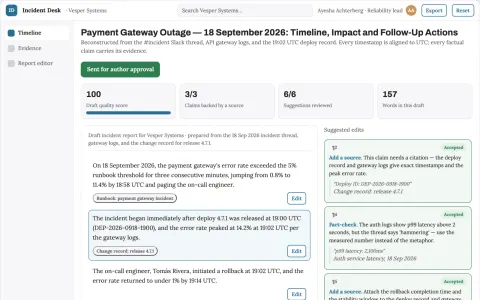
Incident reporting assistant
A verifiable incident timeline with uncertainty explicitly preserved.
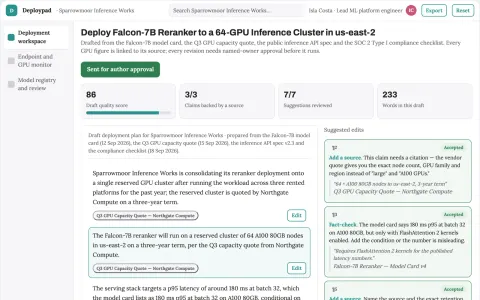
Managed GPU model deployment control plane
Reduce the number of rented platforms and manual handoffs needed to deploy and run AI models.




























































































































About this learning path
6 topicsAI for Systems Engineers: Practical Skills for Your Job
As a systems engineer, you juggle design documents, troubleshooting, and integrations while keeping systems reliable. AI can help you handle these tasks faster and with less stress.
This learning path is built for working professionals like you. It starts with the basics of setting up AI, then teaches you how to use it for the specific challenges of systems engineering. You will learn through short lessons, ready-to-use prompts, and video courses picked for your role.
Why AI Matters for Systems Engineers Now
Systems are getting more complex, and the pace of change is not slowing down. AI tools can help you keep up by automating routine tasks, suggesting solutions, and freeing you to focus on architecture and reliability.
Engineers who use AI effectively are better prepared for the future. They spend less time on repetitive work and more on high-value problems. This path helps you become one of them.
What the Path Includes
You start with setup questions to get your AI assistant ready. Then you connect your AI to your work environment and learn skills for your job inside your AI. The core is a prompt course with nine lessons that cover explaining systems, drafting design docs, troubleshooting, automating deployments, planning migrations, checking security, planning capacity, evaluating technologies, and documenting handovers.
You also get video courses picked for systems engineers, along with the certifications those courses prepare you for. Everything is designed to fit into a busy workday.
How It Saves You Time
Instead of starting from a blank page, you will have prompts that generate first drafts of design documents, troubleshooting steps, and migration plans. You can review and refine instead of writing from scratch.
The AI can also help you sift through logs, compare configurations, and turn monitoring data into sizing estimates. That means less time on tedious analysis and more time on decisions.
How It Protects Your Career
AI is changing how systems are built and maintained. Engineers who know how to work with AI will be the ones who lead projects and solve the toughest problems. This path helps you stay valuable and adaptable.
By learning to use AI for security checks, compliance evidence, and documentation, you also reduce risk for your organization. That makes you a trusted go-to person for critical systems.
How to Start
Begin with the setup questions to choose and configure your AI assistant. Then work through the prompt course lesson by lesson, trying each prompt on a real task from your job. The video courses can be watched as needed, and you can go for certifications when you feel ready.
Take it at your own pace. Even spending a few minutes a day will build skills that pay off quickly.
Frequently asked questions
Do I need to be technical to benefit from this path?
You already have technical skills as a systems engineer. This path assumes you know your job but are new to using AI. The lessons are written in plain language and focus on practical use, not programming AI from scratch.How long does the learning path take?
Most people finish the core lessons in a few weeks, spending about 20 to 30 minutes a day. You can go faster or slower depending on your schedule. The video courses and certifications can be added when you have time.Will this path help me with certifications?
Yes. The video courses are chosen because they align with certifications relevant to systems engineering. They cover topics that appear on exams and help you apply AI in those areas. You can use them as part of your certification preparation.Is my data safe when using AI?
The path includes guidance on safety and privacy for systems engineers. You will learn how to use AI without exposing sensitive information. Always follow your organization's policies and use approved tools.