AI agent for tour guides
Local Vendor Commission Tracker Agent
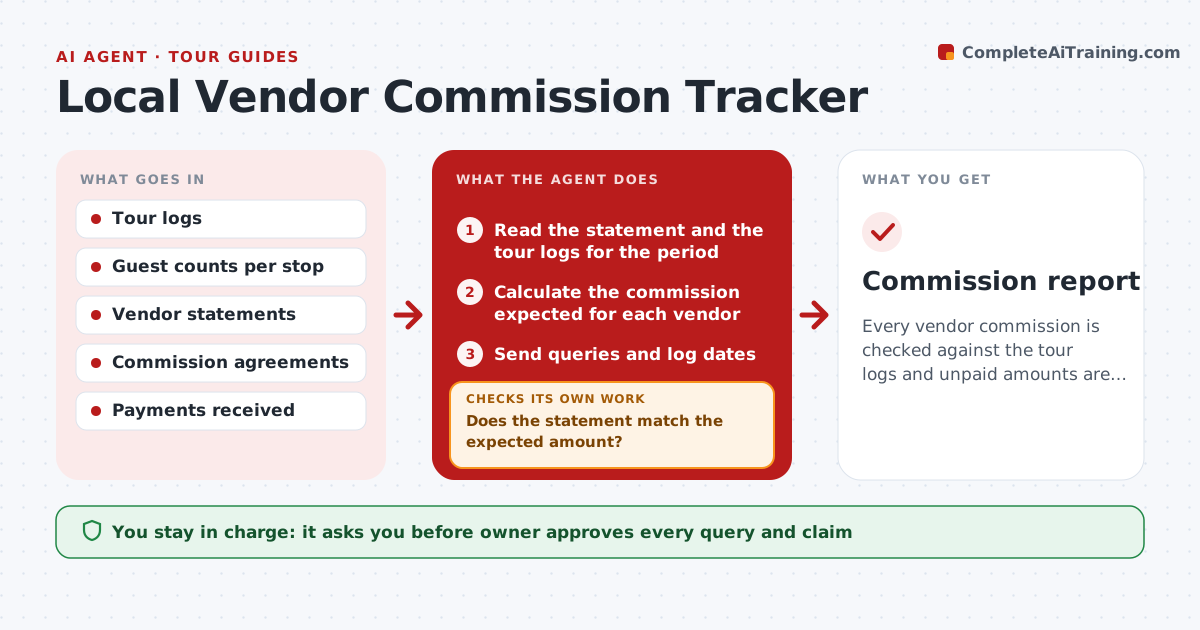
Every vendor commission is checked against the tour logs and unpaid amounts are claimed.
What it does
Shops and restaurants owe commissions for guests brought by a tour, and nobody checks whether the totals are right. The agent records which guests visited which vendors, compares vendor statements with the tour logs, and flags differences. It drafts a query for each difference and follows up until it is resolved, rechecking the totals after each answer so a partial payment is not mistaken for a fix. It also tracks which vendors pay late and how long each query has been open, so the owner sees the oldest first. It never contacts a vendor itself. The owner approves any claim. Edge case: a vendor who counts a group of 12 as one booking and pays a single commission instead of per guest.
How it works
Follow the arrows from top to bottom. The orange dashed arrow is the loop: when a check fails, the agent goes back and tries again.
Read the steps as a list
- Vendor statement received
- Read the statement and the tour logs for the period
- Calculate the commission expected for each vendor
- Does the statement match the expected amount?If not: Draft a query listing the tours and guest counts. Back to step 3.
- Owner approves each query before it is sentThe agent waits here for your OK.
- Send queries and log dates
- Read replies and corrected statements
- Is the difference resolved?If not: Follow up after 7 days and recalculate. Back to step 3.
- Update the commission ledger
- Owner approves any claim for unpaid commissionThe agent waits here for your OK.
- Commission report
How it decides
It calculates the expected commission from the log and the agreement and queries any difference above the set tolerance.
- Tolerance of $10 per vendor
- Follow up after 7 days
- Use the agreement rate for each vendor
- Mark a vendor as late after 30 days
Make it yours
Every agent is a starting point. You choose these settings for your own situation.
- Commission rates by vendor
- Tolerance (default $10)
- Follow-up days (default 7)
- Statement dates
What keeps you in control
It always asks you first
- Owner approves every query and claim
Hard limits
- Never contact a vendor without approval
- Do not claim without the logs
It stops when
- Done: all vendors reconciled or claimed
- Stop: an agreement is missing and the owner must confirm the terms
Set it up
We guide you through the set-up, step by step
Members get the full set-up guide for this agent. No technical skills needed: you copy, paste and upload.
- One set of instructions to paste into your AI, with the clicks for ChatGPT, Claude, Microsoft 365 Copilot, Gemini and Grok
- The agent then walks you through connecting your own data, one source at a time
- A downloadable copy with the flow chart, the rules and the full guide