AI agent for cybersecurity analysts
Malware Sample Triage Agent
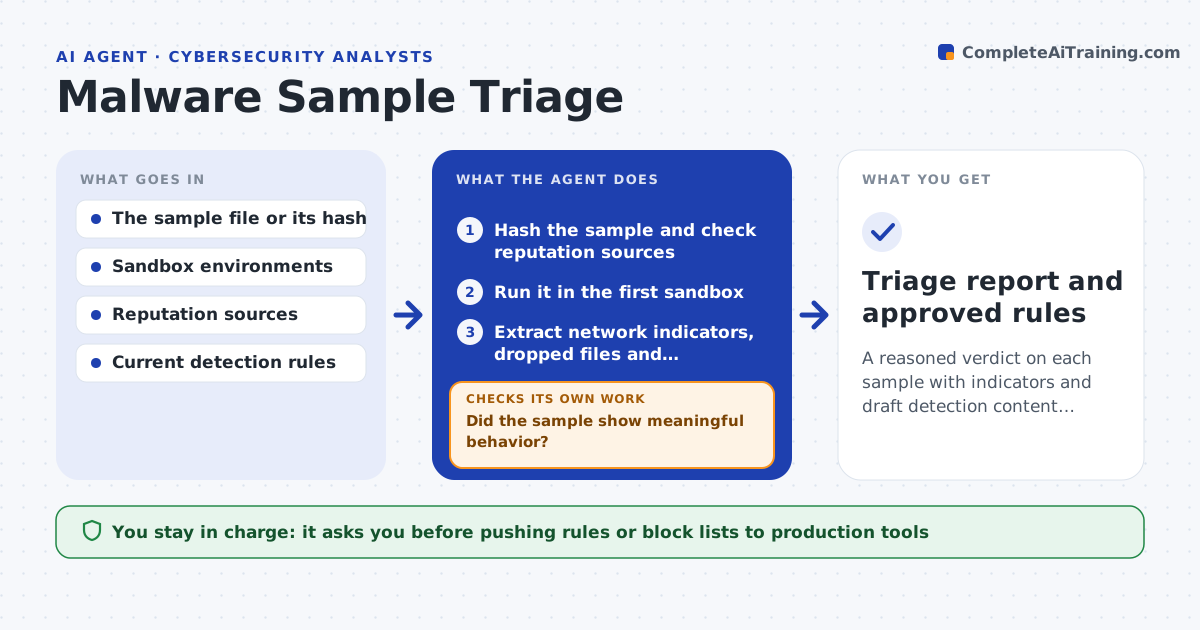
A reasoned verdict on each sample with indicators and draft detection content ready for review
What it does
A suspicious attachment arrives and the analyst starts a long routine: hash it, look it up, detonate it, read the network traffic. This agent does that routine and returns a verdict with evidence. It hashes the sample and checks reputation sources, then runs it in a sandbox and extracts network addresses, dropped files and persistence behavior. If sources disagree, or the sample seems to detect the sandbox and stays quiet, it tries another environment, such as a different operating system or a delay. From the results it drafts detection rules and block lists. The analyst reviews them, and nothing goes to production tools without approval. Edge case: a sample that does nothing in three environments is reported as inconclusive rather than clean.
How it works
Follow the arrows from top to bottom. The orange dashed arrow is the loop: when a check fails, the agent goes back and tries again.
Read the steps as a list
- Suspicious file submitted
- Hash the sample and check reputation sources
- Run it in the first sandbox
- Did the sample show meaningful behavior?If not: try another environment or add a delay, up to 3 environments. Back to step 3.
- Extract network indicators, dropped files and persistence
- Do reputation and sandbox results agree?If not: collect more evidence from a second source and rerun the comparison. Back to step 4.
- Write the verdict with evidence
- Draft detection rules and block lists
- Analyst approves before anything is pushed to production toolsThe agent waits here for your OK.
- Triage report and approved rules
How it decides
Verdict follows combined evidence: reputation matches, sandbox behavior and network indicators. Quiet samples are retried before any clean label.
- Label quiet samples inconclusive after 3 environments
- Treat any outbound connection to a new domain as an indicator
- Skip block-list entries for shared hosting or common cloud addresses
- Require analyst review of any rule that might match many files
Make it yours
Every agent is a starting point. You choose these settings for your own situation.
- Sandbox environments to try (default 3)
- Reputation sources used
- Delay before declaring a sample quiet (default 5 minutes)
- Format of draft rules for your tools
What keeps you in control
It always asks you first
- Pushing rules or block lists to production tools
- Releasing a file marked clean
Hard limits
- Runs samples only inside isolated sandboxes
- Never pushes rules to production without approval
It stops when
- Done: verdict and indicators recorded
- Stop: the sample is too large or will not run safely
Set it up
We guide you through the set-up, step by step
Members get the full set-up guide for this agent. No technical skills needed: you copy, paste and upload.
- One set of instructions to paste into your AI, with the clicks for ChatGPT, Claude, Microsoft 365 Copilot, Gemini and Grok
- The agent then walks you through connecting your own data, one source at a time
- A downloadable copy with the flow chart, the rules and the full guide