AI agent for penetration testers
Mobile Application Test Checklist Agent
A complete checklist result for one app build, with evidence for every pass, fail and unclear item
What it does
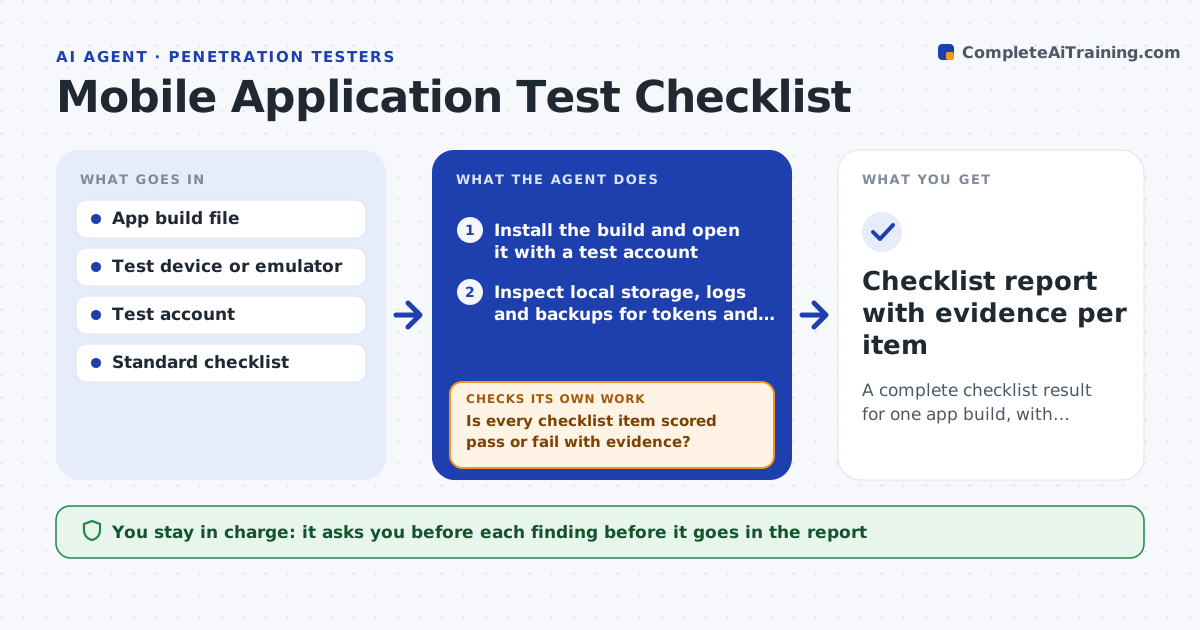
Mobile tests vary from tester to tester. One person checks local storage closely, another focuses on network calls, and permissions are often skipped. This agent works from a standard checklist for the app build it is given. It installs the build on a test device or emulator, then inspects local storage for tokens and personal data, captures network calls to look for weak transport or leaked keys, and reviews requested permissions against what the app really uses. It records pass, fail or unclear for each item. When an item is unclear, it picks a deeper test based on earlier results, for example decoding a suspicious stored value, and runs it. It rechecks the item after the deeper test. The tester approves every finding. Edge case: a token looks random but decodes to a user email, so the agent upgrades the item to a fail.
How it works
Follow the arrows from top to bottom. The orange dashed arrow is the loop: when a check fails, the agent goes back and tries again.
Read the steps as a list
- New mobile build arrives for testing
- Install the build and open it with a test account
- Inspect local storage, logs and backups for tokens and personal data
- Capture network calls and review transport and keys
- Compare requested permissions with what the app actually uses
- Is every checklist item scored pass or fail with evidence?If not: choose a deeper test from earlier results and run it on the unclear item. Back to step 3.
- Rescore the item using the new evidence
- Do the deeper results change any earlier score?If not: update the earlier scores and rerun related items. Back to step 6.
- Tester reviews and approves each findingThe agent waits here for your OK.
- Checklist report with evidence per item
How it decides
Each item is scored from the evidence collected. Unclear items trigger a deeper test chosen from what earlier checks found.
- Score a stored value as a fail if it decodes to personal data
- Score a network call as a fail if it uses plain HTTP for anything with a token
- Flag a permission with no matching feature as a finding
- Run a deeper test only on unclear items
Make it yours
Every agent is a starting point. You choose these settings for your own situation.
- Which checklist it follows (default the team's standard)
- Platforms covered (iOS, Android or both)
- Depth of deeper tests allowed
- Evidence format for screenshots and logs
What keeps you in control
It always asks you first
- Each finding before it goes in the report
Hard limits
- Only tests builds and accounts supplied for the engagement
- Never sends data off the test device except to the report
It stops when
- Done: all items scored and approved
- Stop: the build will not install or the test account is locked
Set it up
We guide you through the set-up, step by step
Members get the full set-up guide for this agent. No technical skills needed: you copy, paste and upload.
- One set of instructions to paste into your AI, with the clicks for ChatGPT, Claude, Microsoft 365 Copilot, Gemini and Grok
- The agent then walks you through connecting your own data, one source at a time
- A downloadable copy with the flow chart, the rules and the full guide