AI agent for public health officers
Outbreak Contact Follow-Up Tracking Agent
Every contact monitored through their full window with no one lost to follow-up
What it does
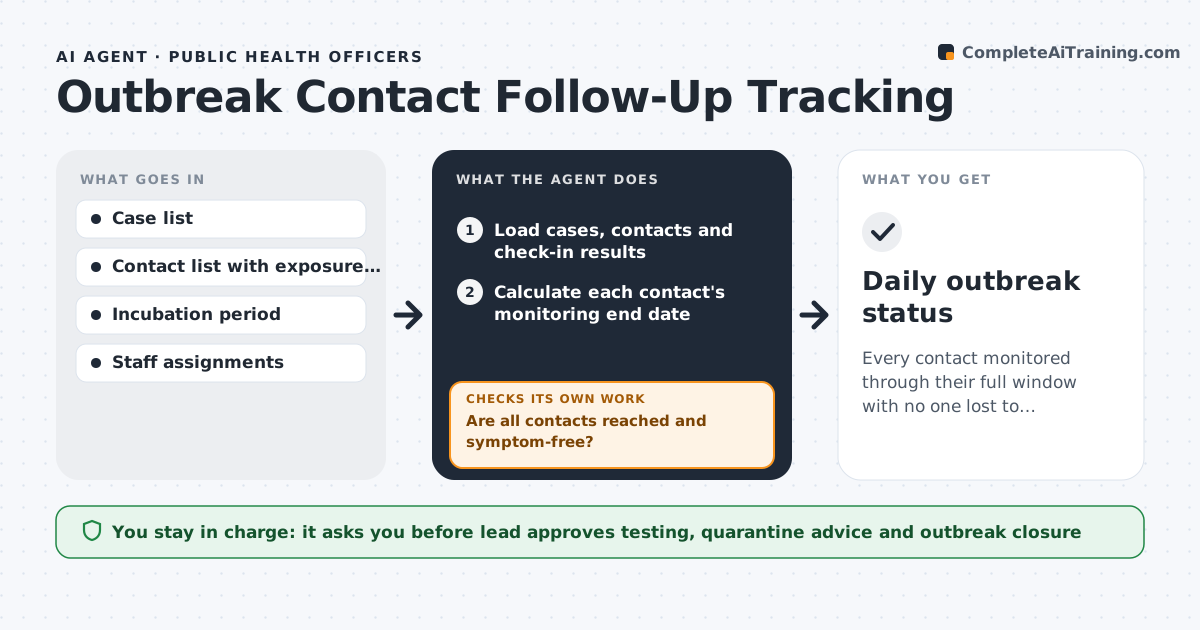
In an outbreak, every contact of a case must be monitored for a set number of days, and missed check-ins are how new chains start. This agent keeps the case and contact list, calculates each contact's monitoring end date from last exposure plus the incubation period, and assigns daily check-ins to staff. It records reported symptoms. Each day it checks whether every contact was reached and is symptom-free. Two missed check-ins or new symptoms are escalated to the team lead and the check-in is reassigned. It also reports what share of new cases came from known contacts, which shows whether the outbreak is under control. The team lead decides testing, quarantine advice and when to close the outbreak. Edge case: if a contact becomes a case, the agent adds that person's own contacts as a new branch.
How it works
Follow the arrows from top to bottom. The orange dashed arrow is the loop: when a check fails, the agent goes back and tries again.
Read the steps as a list
- Daily outbreak update
- Load cases, contacts and check-in results
- Calculate each contact's monitoring end date
- Assign today's check-ins to staff
- Are all contacts reached and symptom-free?If not: escalate missed or symptomatic contacts to the lead and reassign. Back to step 4.
- Report share of new cases from known contacts
- Team lead decides testing and closing actionsThe agent waits here for your OK.
- Daily outbreak status
How it decides
Monitoring ends one incubation period after last exposure. Two missed check-ins or new symptoms trigger escalation.
- Monitoring window equals the incubation period after last exposure
- Two missed check-ins escalate
- New cases from unknown sources are highlighted
Make it yours
Every agent is a starting point. You choose these settings for your own situation.
- Incubation period per disease
- Missed check-ins before escalation (default 2)
- Staff assignment rules
- Report time
What keeps you in control
It always asks you first
- Lead approves testing, quarantine advice and outbreak closure
Hard limits
- Never gives medical advice directly to the public
- Data stays in approved health systems
It stops when
- Done: last contact completes monitoring
- Stop: outbreak declared over by the lead
Set it up
We guide you through the set-up, step by step
Members get the full set-up guide for this agent. No technical skills needed: you copy, paste and upload.
- One set of instructions to paste into your AI, with the clicks for ChatGPT, Claude, Microsoft 365 Copilot, Gemini and Grok
- The agent then walks you through connecting your own data, one source at a time
- A downloadable copy with the flow chart, the rules and the full guide