AI agent for art directors
Photo Shoot Production Planning Agent
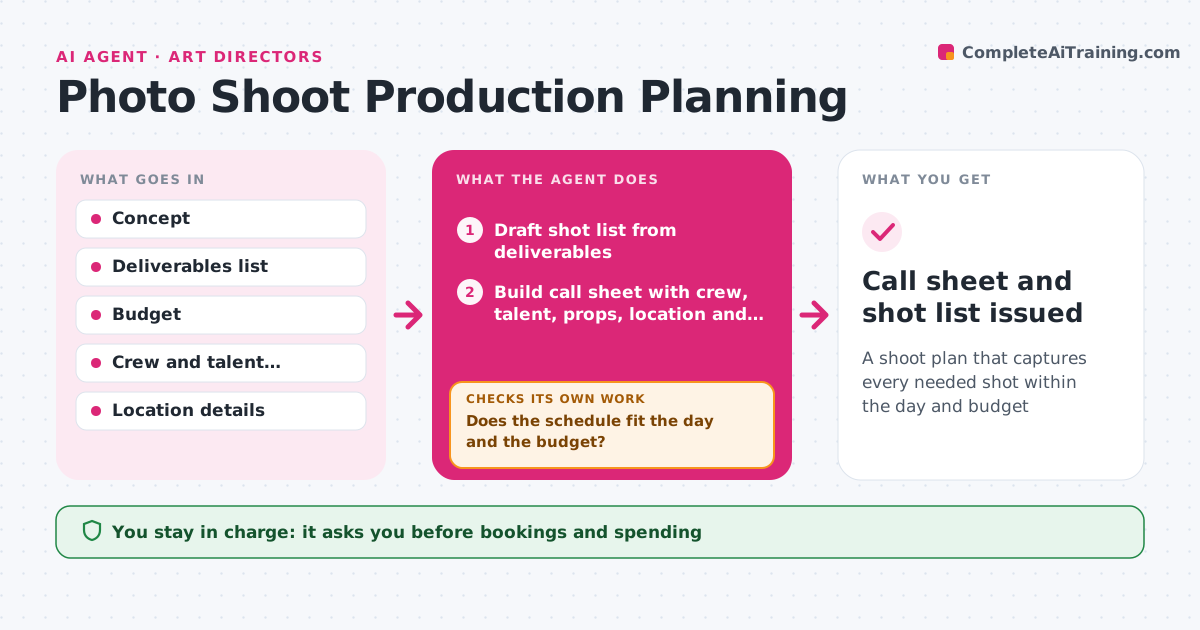
A shoot plan that captures every needed shot within the day and budget
What it does
A photo shoot that runs out of time or lacks a model release can mean a costly reshoot. From the creative concept and deliverables, this agent drafts a shot list with every required image, ratio and usage. It builds the call sheet: crew, talent, wardrobe, props, location, permits and timing. Then it checks the plan: do the shots fit the day with setup times, does each shot have its props and talent, are permits and model releases in place, and does the cost fit the budget. Gaps or overruns lead to options, such as grouping shots by set, splitting days or cutting shots. The art director approves the plan, and every booking needs approval. Edge case: an outdoor shoot gets a weather backup plan and a decision cut-off time.
How it works
Follow the arrows from top to bottom. The orange dashed arrow is the loop: when a check fails, the agent goes back and tries again.
Read the steps as a list
- Shoot confirmed
- Draft shot list from deliverables
- Build call sheet with crew, talent, props, location and permits
- Schedule shots with setup times
- Does the schedule fit the day and the budget?If not: group shots by set, split days or propose cuts. Back to step 4.
- Are permits, releases and props in place for every shot?If not: list what is missing with an owner and deadline. Back to step 3.
- Add weather backup and cut-off time for outdoor shots
- Art director approves the plan and bookingsThe agent waits here for your OK.
- Call sheet and shot list issued
How it decides
It schedules shots by setup and location, then trims or splits when the day or budget doesn't fit.
- Every shot needs its props, talent and usage noted
- Outdoor shoots need a weather backup
- Model releases before the shoot
Make it yours
Every agent is a starting point. You choose these settings for your own situation.
- Setup time per change
- Day length
- Budget lines
- Call sheet template
What keeps you in control
It always asks you first
- Bookings and spending
- Final plan
Hard limits
- Never books or pays without approval
- Never shares talent personal details widely
It stops when
- Done: call sheet issued
- Stop: shoot cancelled
Set it up
We guide you through the set-up, step by step
Members get the full set-up guide for this agent. No technical skills needed: you copy, paste and upload.
- One set of instructions to paste into your AI, with the clicks for ChatGPT, Claude, Microsoft 365 Copilot, Gemini and Grok
- The agent then walks you through connecting your own data, one source at a time
- A downloadable copy with the flow chart, the rules and the full guide