AI agent for insurance agency managers
Policy Cancellation and Nonpayment Notice Agent
Keep every client with a cancellation notice covered or fully informed before the lapse date
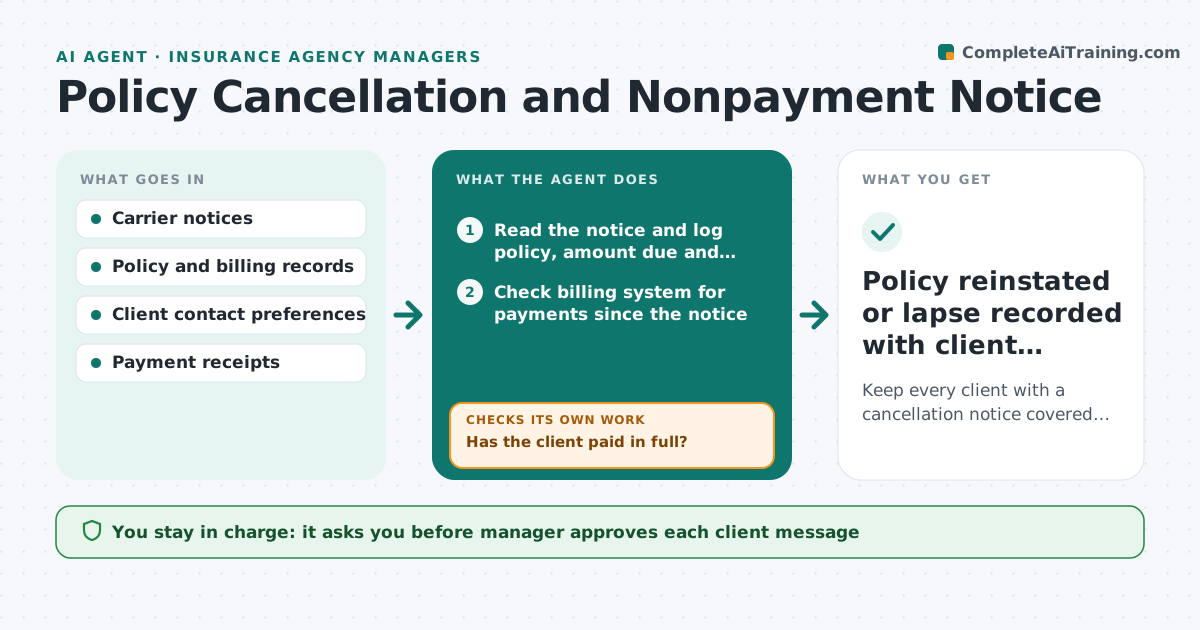
What it does
When a carrier issues a notice of cancellation for nonpayment, the clock is short and the client often does not know. Account managers track these in email and memory, and a lapse can leave a client uninsured and the agency exposed. This agent reads each notice, records the cancellation date and checks payment status daily. It contacts the client through their preferred channel, drafts a clear message with the amount, the deadline and how to pay, and tracks proof of payment. If paid, it requests reinstatement from the carrier and confirms it was accepted. The manager approves every message before it goes out. Edge case: a client pays on the last day by check. The agent flags it as unconfirmed, asks the carrier for a status update and rechecks the next morning.
How it works
Follow the arrows from top to bottom. The orange dashed arrow is the loop: when a check fails, the agent goes back and tries again.
Read the steps as a list
- Notice of cancellation received
- Read the notice and log policy, amount due and cancellation date
- Check billing system for payments since the notice
- Has the client paid in full?If not: Draft a payment reminder in the client's preferred channel and recheck tomorrow. Back to step 3.
- Manager approves the client messageThe agent waits here for your OK.
- Send the message and log the date
- Collect proof of payment from the client
- Send reinstatement request to the carrier
- Did the carrier confirm reinstatement?If not: Resend with proof and call the carrier underwriting desk. Back to step 8.
- Policy reinstated or lapse recorded with client informed
How it decides
It ranks accounts by days left and premium size. Contact intensity rises as the deadline nears, always in the client's preferred channel first.
- Under 5 days left: contact by phone and text, copy the manager
- Premium over $5,000: manager is notified on day one
- Payment made but not posted within 2 business days: request carrier confirmation
- Two unanswered attempts: send a registered notice draft for approval
Make it yours
Every agent is a starting point. You choose these settings for your own situation.
- Days before cancellation to start reminders (default 10)
- Channels and order of contact
- Premium level that alerts the manager
- Message tone and signature
- How often to recheck payments
What keeps you in control
It always asks you first
- Manager approves each client message
- Manager approves any registered letter
Hard limits
- Never tells a client coverage is active before the carrier confirms
- Never sends without manager approval
It stops when
- Done: reinstatement confirmed or client acknowledged the lapse in writing
- Stop: carrier disputes the notice, hand to the manager
Set it up
We guide you through the set-up, step by step
Members get the full set-up guide for this agent. No technical skills needed: you copy, paste and upload.
- One set of instructions to paste into your AI, with the clicks for ChatGPT, Claude, Microsoft 365 Copilot, Gemini and Grok
- The agent then walks you through connecting your own data, one source at a time
- A downloadable copy with the flow chart, the rules and the full guide