AI agent for customer service representatives
Policy Renewal Change Review Agent
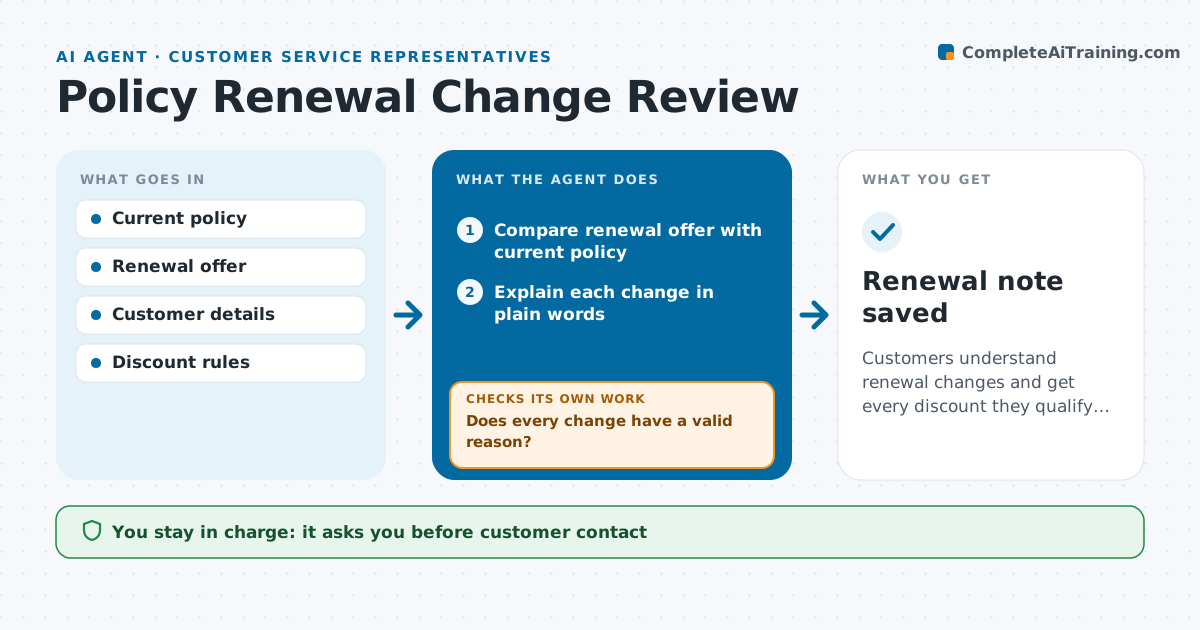
Customers understand renewal changes and get every discount they qualify for
What it does
A renewal with a surprise price rise drives cancellations, especially when part of the increase is an error. Sixty days before renewal, this agent compares the renewal offer with the current policy: premium, deductibles, limits, endorsements and discounts. It explains each change in plain words, such as a lost multi-policy discount. It checks whether the customer's details on file are still correct, like address and drivers, and whether they qualify for discounts not applied. If something looks wrong, such as a discount dropped without reason, it sends it to underwriting before the customer is told, then reviews the corrected offer. It drafts a renewal notice explanation. The representative approves all contact. Edge case: an increase over 20% prompts a call task instead of an email.
How it works
Follow the arrows from top to bottom. The orange dashed arrow is the loop: when a check fails, the agent goes back and tries again.
Read the steps as a list
- Renewal 60 days away
- Compare renewal offer with current policy
- Explain each change in plain words
- Check discounts and customer details on file
- Does every change have a valid reason?If not: send unexplained changes to underwriting and wait for an answer. Back to step 3.
- Draft renewal explanation or call task
- Representative approves contactThe agent waits here for your OK.
- Renewal note saved
How it decides
It explains every change and sends unexplained changes to underwriting before customer contact.
- Increases over 20% get a call
- Missing eligible discounts are raised to underwriting
- No contact before unexplained changes are resolved
Make it yours
Every agent is a starting point. You choose these settings for your own situation.
- Days before renewal
- Call threshold (default 20%)
- Discount rules list
- Message tone
What keeps you in control
It always asks you first
- Customer contact
- Discount changes
Hard limits
- Never changes premiums
- Never cancels or renews policies
It stops when
- Done: customer informed
- Stop: policy flagged for non-renewal, hand to underwriting
Set it up
We guide you through the set-up, step by step
Members get the full set-up guide for this agent. No technical skills needed: you copy, paste and upload.
- One set of instructions to paste into your AI, with the clicks for ChatGPT, Claude, Microsoft 365 Copilot, Gemini and Grok
- The agent then walks you through connecting your own data, one source at a time
- A downloadable copy with the flow chart, the rules and the full guide