
Learning path
Learning AI as an Underwriter
This learning path shows underwriters how to use AI for intake summaries, risk reviews, premium checks, and clear decision notes. You will set up your tools, learn job-specific prompts, and follow video courses chosen for underwriting work.

Your path
Everything in the Underwriter AI kit, in the order that makes sense. Members tick off each step and see their progress.
Set up your AI
We guide you through each click.
Let skills do your everyday tasks
Connect your apps and pick your AI apps
Hand whole tasks to AI agents
Build your own tools
Keep growing
Everything for underwriters
All the courses, certifications, AI tools, MCP servers and apps for underwriters, most relevant first. Open any list to see more.
Take the prompt courses
A short framework course to learn how to ask, then 8 lessons with ready-to-use prompts for underwriters.
Start with this framework: how to talk to AI
TIDD-EC fits underwriting because do, don't, and precise instructions keep outputs compliant when drafting a decision citing policy exclusions and state regulations.
Then your prompt course for underwritersWatch the video courses or add them to your Favorites for later
106 video courses our AI picked for underwriters, most useful first. Save the ones you want to watch later with the heart.
Favorites are saved to your account: sign in or get your AI kit first.
Show all 106 video courses
Get certified, or add certifications to your Favorites
Every course ends in an exam and a certificate you can add to LinkedIn. Save the certifications you are aiming for with the heart.
Favorites are saved to your account: sign in or get your AI kit first.
More certifications for underwritersShow all 24 certifications
Try the AI tools for underwriters
24 AI tools our AI matched to the work of underwriters, best fit first. Each review shows what it does, its alternatives and the jobs it suits.
Favorites are saved to your account: sign in or get your AI kit first.
Show all 24 AI tools
Connect your AI to the apps underwriters use
MCP servers let ChatGPT, Claude or Copilot look things up and get work done in other apps, like your email, calendar or bookkeeping software. These 12 fit the work of underwriters best, well-known apps first.

Box MCP server
by boxLet your AI search your Box files, answer questions about them, and pull out details for you.
Productivity Official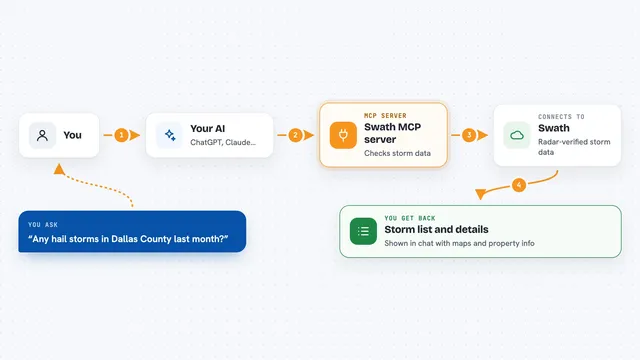
Swath MCP server
by vibecodebeastAsk your AI about radar-verified hail and wind storms, and get storm history for any US address.
Analytics Official
OfficeAgent MCP server
by ilia-sokolovLet your AI edit Word, PowerPoint and Excel files, with changes you can review before saving.
Productivity Official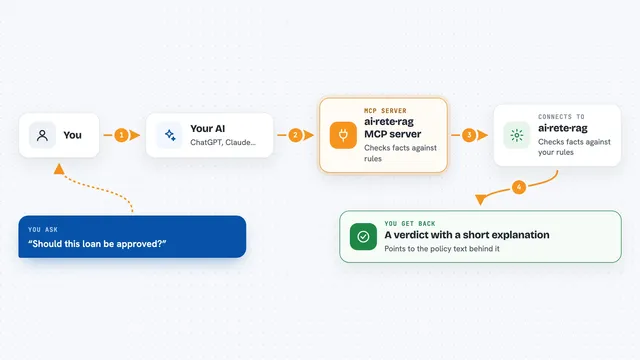
ai·rete·rag MCP server
by zaharajabeen13-createLet your AI make rule-based decisions and explain them using your own policy documents.
No-codeNo install
floodwise MCP server
by qinisolabsLook up the official long-term flood-risk band for any England postcode, straight from your AI chat.

Outlook Attachment Reader MCP server
by ZacccckLet your AI open and read the files attached to your Outlook emails, and send local files as drafts.
Show all 12 MCP servers
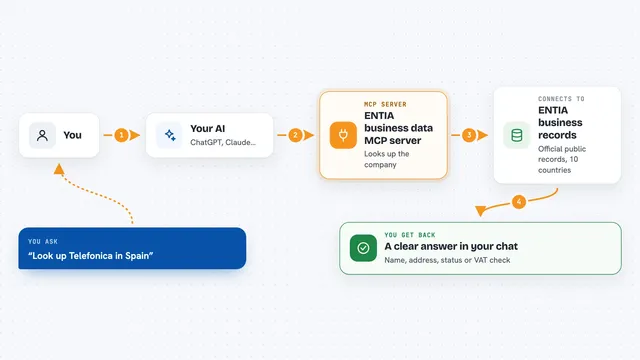
ENTIA business data MCP server
by ENTIA-IALook up companies, VAT numbers and business details across 10 countries right from your AI chat.
Research Official
US Government Open Data MCP server
by malonestarAsk your AI about US government data on land, flood risk, banks, licenses and more, and get answers from official sources.

GAUGE MCP server
by CHANGCHINFULets your AI check official facts like floods, air quality, and SEC filings, with a Bitcoin-backed receipt.

DaedalMap MCP server
by xyverLets your AI turn coordinates and area codes into real places, and pull disaster, currency and population data.
ResearchNo install
DataCharter MCP server
by datacharterLets your AI query your files and databases locally, with only the columns you allow and private details hidden.
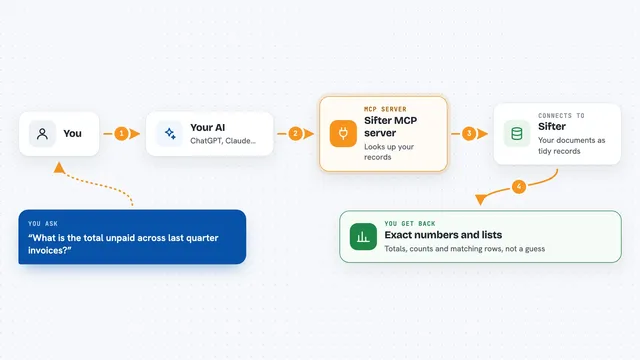
Sifter MCP server
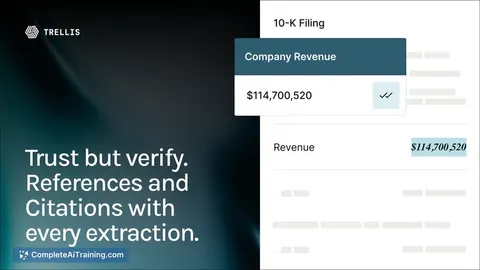
by sifter-aiAsk your AI questions about your documents and get exact numbers, lists and totals back.
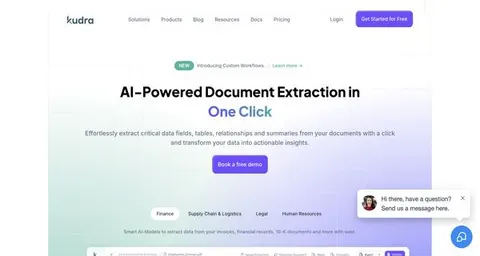
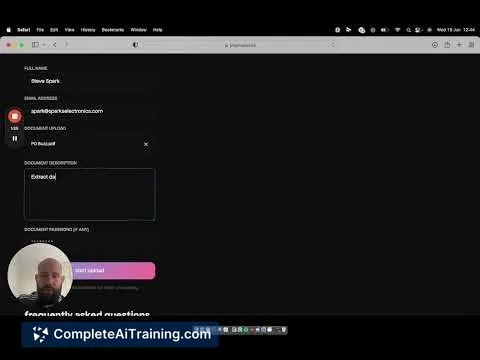
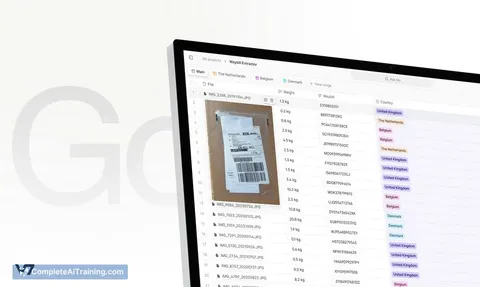
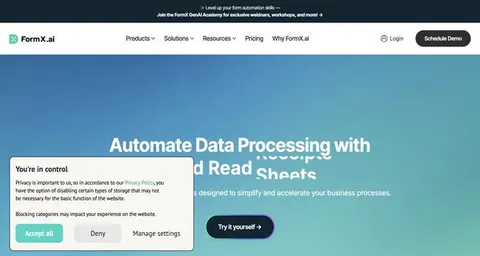
Build your own AI apps for underwriters
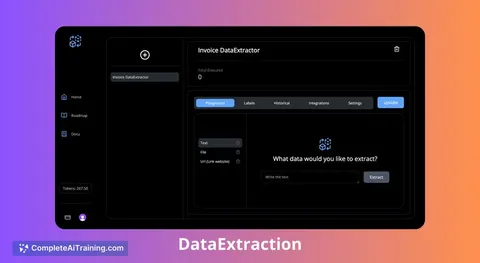
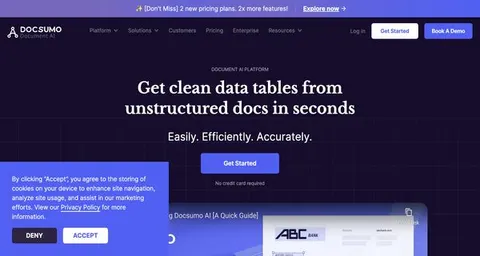
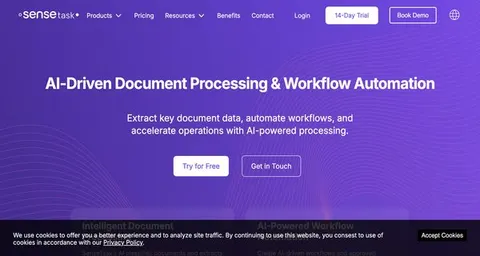
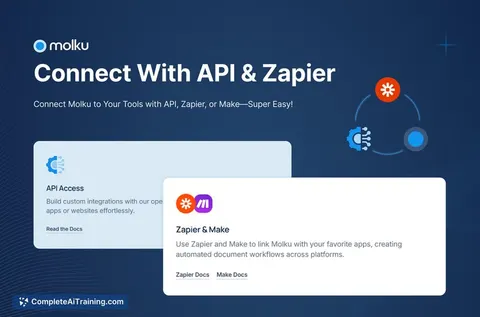
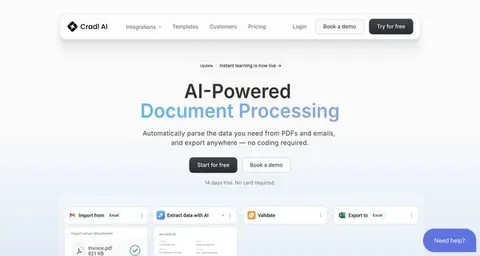
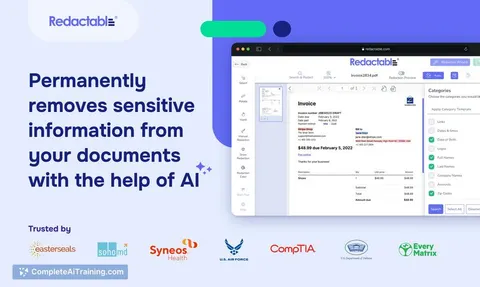
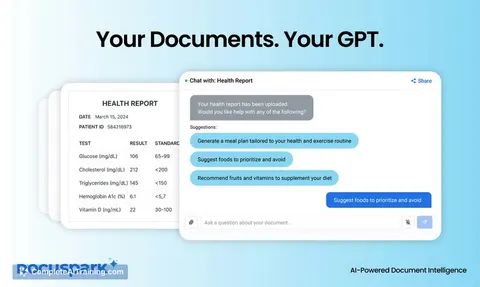
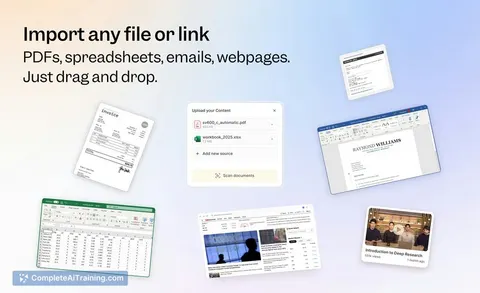
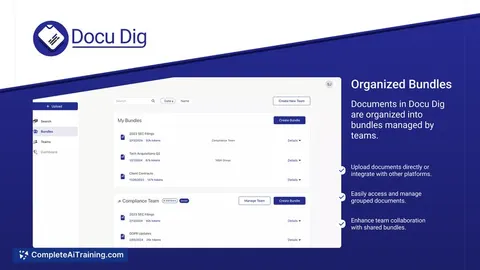
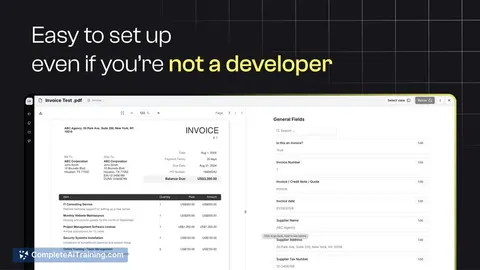
Apps you build yourself with your own AI, no coding needed and no monthly fee. Our AI picked the 2 that fit the work of underwriters.






































































































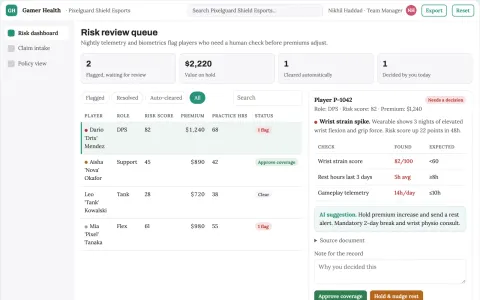
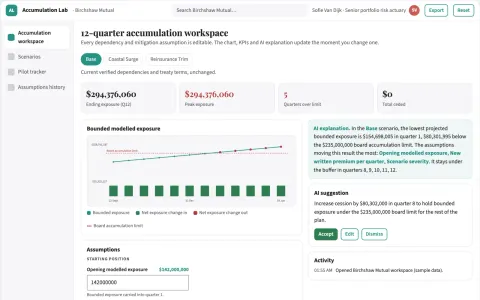
About this learning path
7 topicsAI for Underwriters: Clearer Decisions, Less Busywork
Underwriting is a job of careful reading and clear judgment. AI can help you gather facts, compare details, and draft notes, while you stay the person who decides.
This path starts with simple setup questions, then shows you how to connect your AI tool and use prompts built for underwriting tasks. You will also follow video courses chosen for this job and see the certifications that come with them.
Why AI Matters Now
Submissions arrive faster than ever, with more attachments and broker questions. AI helps you turn that pile into a clean summary, spot missing information, and prepare your review before you open the policy file.
It does not replace underwriting judgment. It gives you a reliable first pass so you can spend more time on the risks that need a human decision.
What The Path Includes
You will work through setup questions, connect your AI tool, and learn skills for the job inside your AI. The path then brings you into this prompt course, where each lesson follows a real underwriting task from intake to broker message.
You will also watch video courses picked for underwriters and review the certifications of those courses, so you know what each one covers and why it was chosen.
How It Saves Time
AI can read a submission and pull out the named insured, loss runs, payroll, and missing items in seconds. It can also draft a premium worksheet or a decision summary that you edit instead of starting from a blank page.
The time you save on gathering and drafting goes back into risk review, broker conversations, and files that close before the end of the day.
How It Protects Your Career
Underwriters are trusted to explain decisions and follow guidelines. When you use AI to organize facts and check consistency, your notes are clearer and your reasoning is easier to defend.
You also learn where to keep human judgment, how to protect private data, and how to avoid relying on an answer you have not checked.
How To Start
Begin with the setup questions and connect one AI tool you already have access to. Then take the first prompt lesson, Application Intake Review, and try it on a submission you know well.
Move at your own pace. The goal is a habit you can use on Tuesday morning, not a new system to learn all at once.
Where Your Judgment Stays
AI can summarize, sort, and draft. It cannot decide whether a risk fits your company's appetite or whether an exception is fair.
Every lesson reminds you to check the output against the policy, the guidelines, and your own experience before you act.
Frequently asked questions
Do I need technical skills to start?
No. If you can use email and a web browser, you can follow the setup questions and connect your AI tool. The lessons use plain language and show each step.Will AI make underwriting decisions for me?
No. AI helps you gather facts, compare details, and draft messages or summaries. You remain responsible for the final decision and for the reasoning behind it.How do I protect sensitive policy information?
Use the safety and privacy guidance in the course, and follow your company rules for client data. Remove or mask personal details when your AI tool allows it, and never paste information you are not cleared to share.How long does the learning path take?
Most people move through the lessons over a few sittings, depending on their schedule. You can revisit any prompt or video when a real file raises a new question.