
AI agent for communication managers
Post-Crisis Review Agent
Produce a verified incident timeline, a gap analysis and proposed plan changes within two weeks.
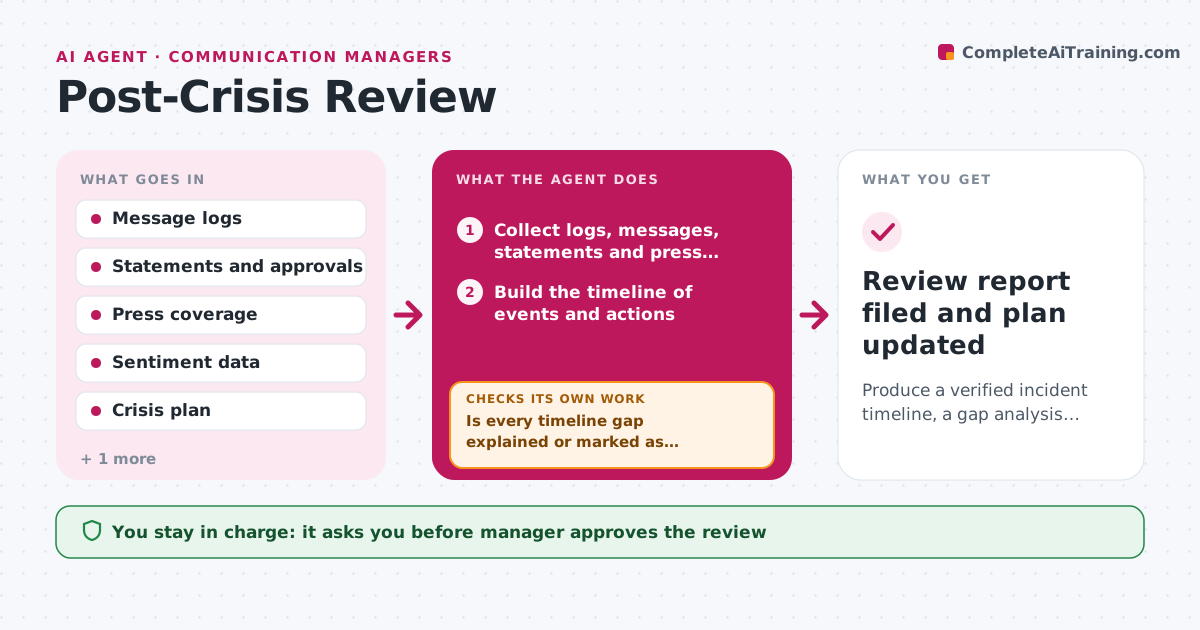
What it does
After a crisis, everyone is busy, and the lessons fade before they reach the plan. The agent builds a timeline of the incident from logs, chat messages, statements and press coverage. It measures response times, such as time to first statement, and how sentiment recovered afterward. It compares the actual steps with the crisis plan to find missed or late steps. Where the timeline has gaps, such as an unexplained two-hour delay, it sends specific questions to the people involved and waits for their answers, then updates the timeline. Finally it drafts changes to the plan and a review report. Edge case: two people remember the order of events differently. The agent shows both versions with the log evidence. The manager approves the review and plan updates.
How it works
Follow the arrows from top to bottom. The orange dashed arrow is the loop: when a check fails, the agent goes back and tries again.
Read the steps as a list
- Incident is closed
- Collect logs, messages, statements and press coverage
- Build the timeline of events and actions
- Find periods over 30 minutes with no recorded action
- Send questions to the people involved for each gap
- Is every timeline gap explained or marked as unknown?If not: send a reminder and, after 3 days, mark the gap as unknown. Back to step 4.
- Measure response times and sentiment recovery
- Compare actual actions with the crisis plan to find missed steps
- Draft plan changes and a review report
- Manager approves the review and plan updatesThe agent waits here for your OK.
- Review report filed and plan updated
How it decides
A gap is anything in the plan that was skipped, late or unclear. A timeline gap is any period over 30 minutes with no recorded action.
- Flag a gap when 30 minutes pass without a logged action
- Report both versions when accounts of events conflict
- Compare time to first statement with the plan target
- Propose a plan change only for a gap that happened
Make it yours
Every agent is a starting point. You choose these settings for your own situation.
- Gap length that triggers a question (default 30 minutes)
- Target response times
- Sources for the timeline
- People who must answer
- Review report format
What keeps you in control
It always asks you first
- Manager approves the review
- Manager approves plan changes
Hard limits
- Do not assign blame to individuals
- Show evidence for each finding
It stops when
- Done: review approved and plan updated
- Stop: key logs are missing, note the limits in the report
Set it up
We guide you through the set-up, step by step
Members get the full set-up guide for this agent. No technical skills needed: you copy, paste and upload.
- One set of instructions to paste into your AI, with the clicks for ChatGPT, Claude, Microsoft 365 Copilot, Gemini and Grok
- The agent then walks you through connecting your own data, one source at a time
- A downloadable copy with the flow chart, the rules and the full guide



