AI agent for electrical engineers
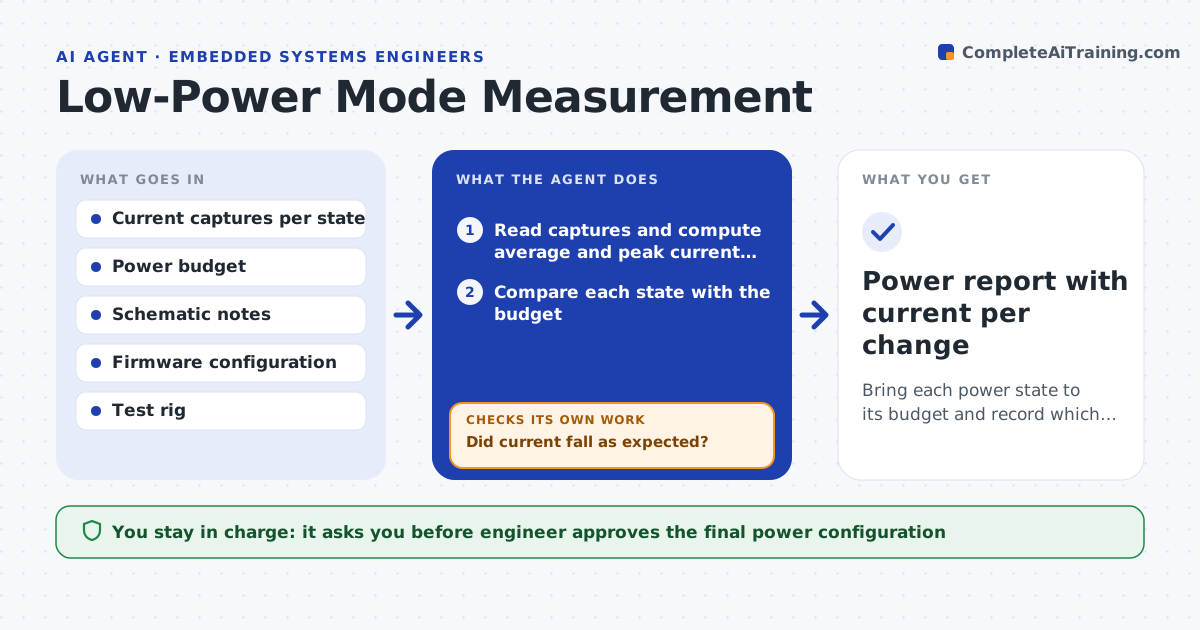
Power Budget Analysis Agent
A power budget that meets battery life and thermal targets with evidence
What it does
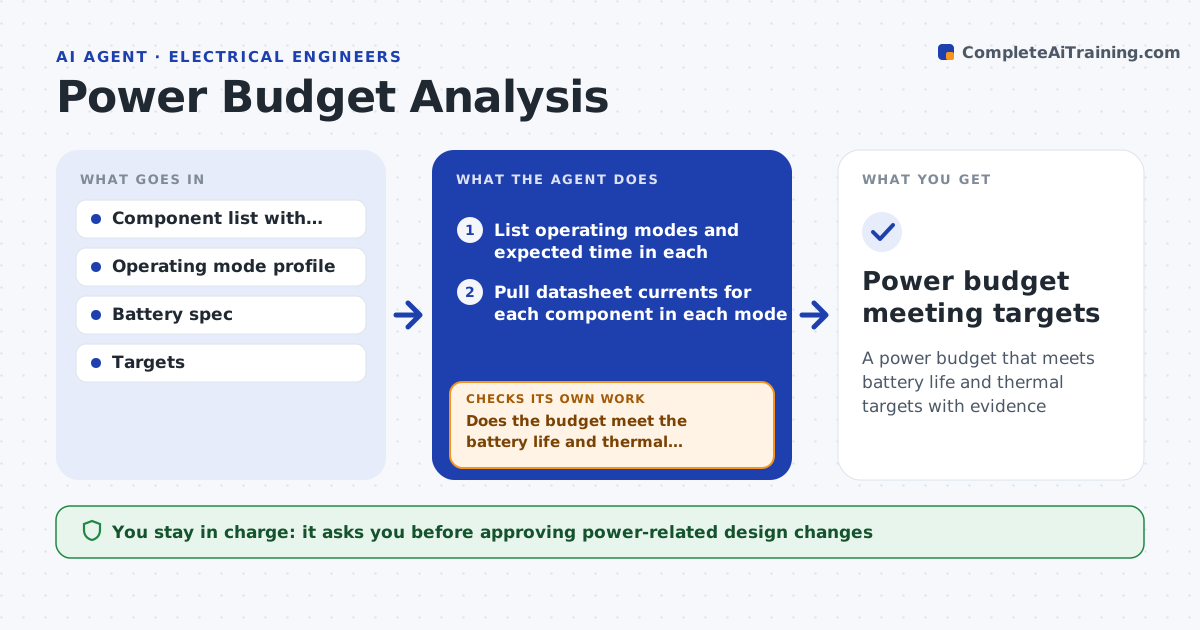
Battery life and heat depend on a careful power budget, and rough estimates lead to missed targets. This agent builds a power budget from the components, their datasheet currents in each operating mode and the expected time in each mode. It calculates average and peak current, battery life and heat per component, and compares them with the targets. Where the budget misses a target, it finds the biggest contributors and proposes options, such as a lower-power part, a deeper sleep mode or duty-cycling, then recalculates. It also checks peak current against the battery and every regulator's limit. You approve design changes. Edge case: a peak current above the battery's rated output is flagged as a brownout risk even when the average looks fine.
How it works
Follow the arrows from top to bottom. The orange dashed arrow is the loop: when a check fails, the agent goes back and tries again.
Read the steps as a list
- Power budget needed for a design
- List operating modes and expected time in each
- Pull datasheet currents for each component in each mode
- Calculate average and peak current, battery life and heat
- Does the budget meet the battery life and thermal targets?If not: find the biggest contributors, propose lower-power options and recalculate. Back to step 3.
- Is peak current within battery and regulator limits?If not: propose buffering or staggered loads and recalculate. Back to step 4.
- Write the budget with options and their trade-offs
- Engineer approves design changesThe agent waits here for your OK.
- Power budget meeting targets
How it decides
It computes current and life from datasheet values and mode times, and does not pass a budget that misses a target or exceeds a rail limit.
- Flag peak current above the battery's rated output
- Target the largest consumers first
- Keep margin on every regulator
Make it yours
Every agent is a starting point. You choose these settings for your own situation.
- Operating mode profile
- Life and thermal targets
- Regulator margin
- Battery spec
What keeps you in control
It always asks you first
- Approving power-related design changes
Hard limits
- Uses datasheet values, not guesses
- Does not change the design itself
It stops when
- Done: budget meets all targets
- Stop: datasheet currents are missing for key parts
Set it up
We guide you through the set-up, step by step
Members get the full set-up guide for this agent. No technical skills needed: you copy, paste and upload.
- One set of instructions to paste into your AI, with the clicks for ChatGPT, Claude, Microsoft 365 Copilot, Gemini and Grok
- The agent then walks you through connecting your own data, one source at a time
- A downloadable copy with the flow chart, the rules and the full guide