AI agent for head of operations
Regulatory Obligation Register Agent
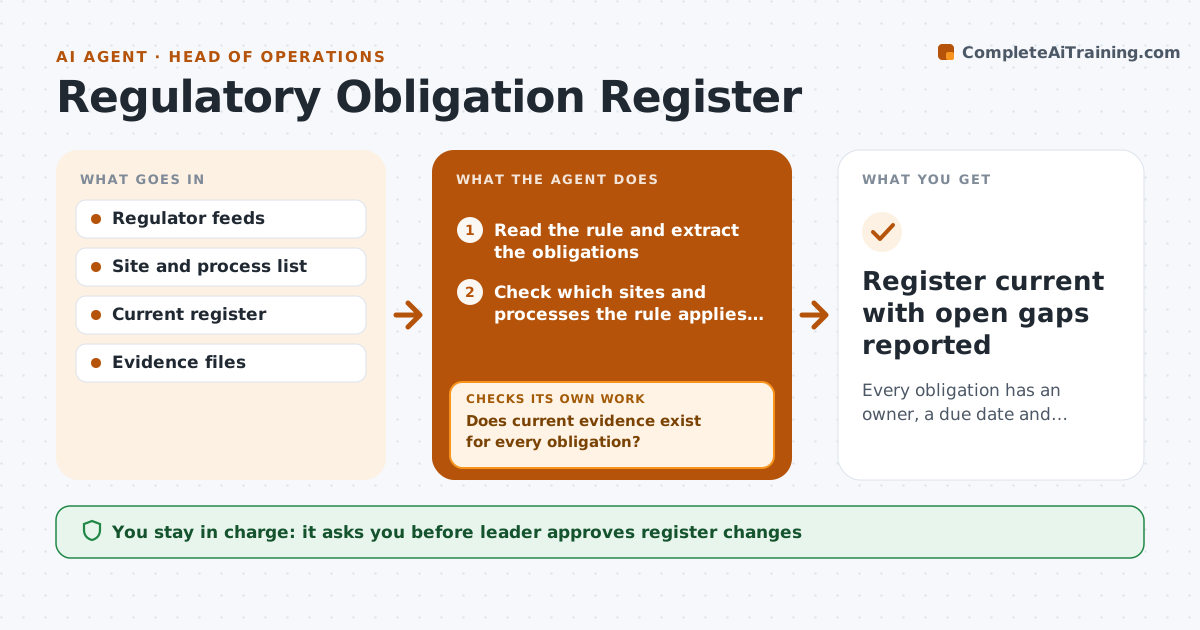
Every obligation has an owner, a due date and current evidence in one register.
What it does
A new rule changes inspection frequency, and no one knows who owns the task or whether last year's certificate is still valid. This agent reads new rules and notices from the regulators you follow and maps each to an obligation with an owner, a frequency and a due date. It checks whether evidence exists, such as a record, certificate or inspection report, and whether it is still in date. Missing or expired evidence triggers a request to the owner and a recheck after they respond. It keeps the register current and reports gaps. The leader approves register changes. Edge case: a rule applies only to sites above a size, so the agent checks each site against the threshold.
How it works
Follow the arrows from top to bottom. The orange dashed arrow is the loop: when a check fails, the agent goes back and tries again.
Read the steps as a list
- New rule or notice detected
- Read the rule and extract the obligations
- Check which sites and processes the rule applies to
- Map each obligation to an owner, frequency and due date
- Check the evidence files for each obligation
- Does current evidence exist for every obligation?If not: send the owner a request for the evidence with the due date and recheck after 5 days. Back to step 5.
- Leader approves register changesThe agent waits here for your OK.
- Update the register and set reminders
- Run the weekly evidence check on all obligations
- Is any evidence expiring in the next 30 days?If not: mark as current and move to the next obligation. Back to step 9.
- Register current with open gaps reported
How it decides
It adds an obligation when a rule applies to a site or process on the list, and marks it a gap when evidence is missing or expired.
- Add an obligation when the rule applies to a listed site or process.
- Treat expired evidence as a gap.
- Warn owners 30 days before expiry.
- Escalate to the leader when a gap is over 10 days old.
Make it yours
Every agent is a starting point. You choose these settings for your own situation.
- Regulators followed
- Sites and processes in scope
- Expiry warning (default 30 days)
- Owner assignment rules
What keeps you in control
It always asks you first
- Leader approves register changes
Hard limits
- Cite the rule for each obligation
- Do not give legal advice
It stops when
- Done: register current.
- Stop: rule unclear, so the leader asks for legal review.
Set it up
We guide you through the set-up, step by step
Members get the full set-up guide for this agent. No technical skills needed: you copy, paste and upload.
- One set of instructions to paste into your AI, with the clicks for ChatGPT, Claude, Microsoft 365 Copilot, Gemini and Grok
- The agent then walks you through connecting your own data, one source at a time
- A downloadable copy with the flow chart, the rules and the full guide