
AI agent for research associates
Research Method Comparison Agent
A fair, source-linked methods comparison.
What it does
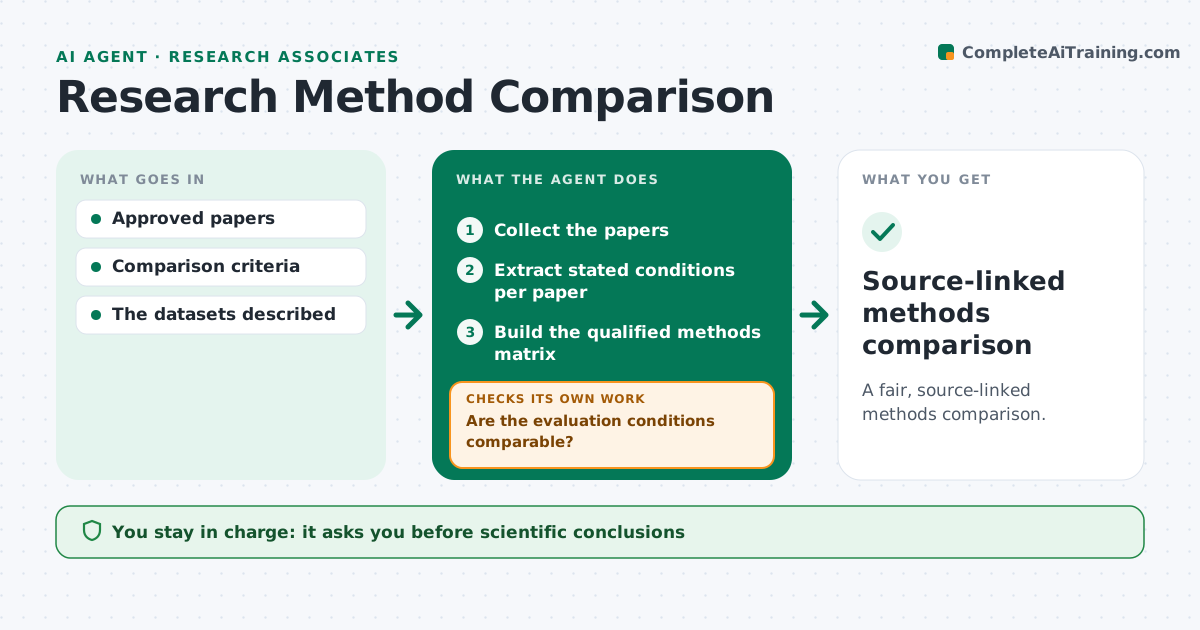
Literature comparisons of research methods often rank them by headline numbers that came from different datasets, metrics or setups, which is misleading. This agent extracts each paper's stated conditions: dataset, metric, test split, hardware and key settings. Where conditions differ in ways that might explain a performance gap, it reads the methods and appendix more closely. It then builds a methods matrix that shows results with their conditions. Methods evaluated on substantially different datasets are never ranked against each other; the matrix says plainly that the comparison is not direct. The research lead reviews any conclusions drawn from the matrix. Edge case: two papers that both report accuracy but define it differently are treated as not comparable.
How it works
Follow the arrows from top to bottom. The orange dashed arrow is the loop: when a check fails, the agent goes back and tries again.
Read the steps as a list
- Comparison requested
- Collect the papers
- Extract stated conditions per paper
- Are the evaluation conditions comparable?If not: read deeper; mark as not directly comparable. Back to step 3.
- Build the qualified methods matrix
- Research lead reviews conclusionsThe agent waits here for your OK.
- Source-linked methods comparison
How it decides
It checks comparability of conditions before any comparison.
- Never rank methods tested on different datasets.
- Same metric name with different definitions is not comparable.
- Every cell links to its source.
- Conclusions are left to the research lead.
Make it yours
Every agent is a starting point. You choose these settings for your own situation.
- Condition fields to extract
- Which differences count as substantial
- Paper sources and access
- Who reviews conclusions (default: research lead)
- Matrix output format (default: table with source links)
What keeps you in control
It always asks you first
- Scientific conclusions
- Redistributing restricted text
Hard limits
- No restricted text redistribution.
It stops when
- Done: matrix ready.
Set it up
We guide you through the set-up, step by step
Members get the full set-up guide for this agent. No technical skills needed: you copy, paste and upload.
- One set of instructions to paste into your AI, with the clicks for ChatGPT, Claude, Microsoft 365 Copilot, Gemini and Grok
- The agent then walks you through connecting your own data, one source at a time
- A downloadable copy with the flow chart, the rules and the full guide



