AI agent for chief product officers
Roadmap Capacity Alignment Agent
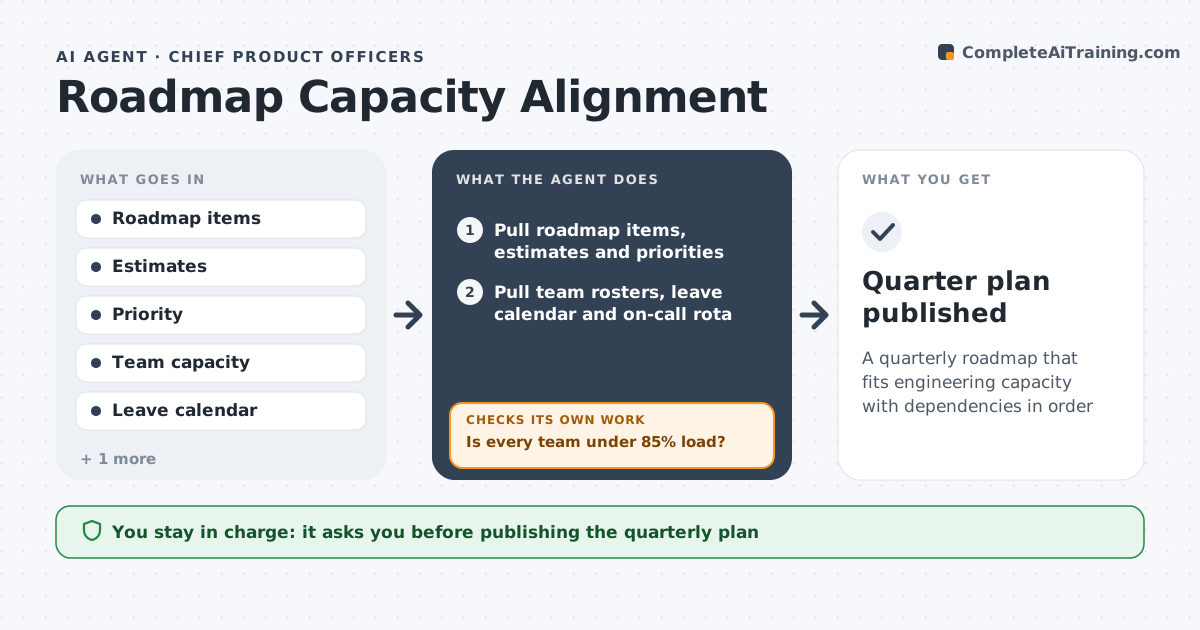
A quarterly roadmap that fits engineering capacity with dependencies in order
What it does
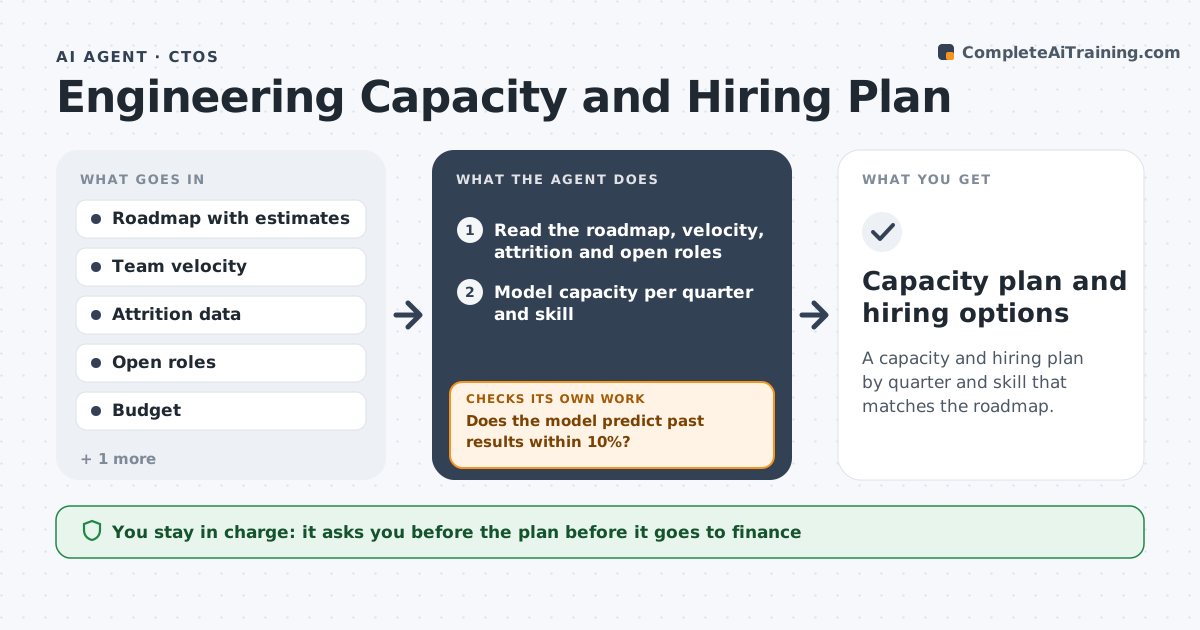
Every quarter the roadmap promises more than engineering can build, and the gap only shows up mid-quarter when dates slip. This agent pulls planned roadmap items with their estimates, then works out each team's real capacity after holidays, leave, on-call and maintenance work. It allocates items to teams in priority order and fills each team up to 85% of real capacity. After allocating, it checks two things: is any team over the cap, and does any item start before the work it depends on? If either fails, it moves or splits lower-priority items, reorders dependent work and recalculates until the plan fits. It drafts the plan with a list of deferred items and the reason for each. The CPO and engineering leads approve the plan; the agent never changes priorities or assigns named people. Edge case: a key engineer is on leave for six weeks, so the agent lowers that team's capacity and flags items that need their skills.
How it works
Follow the arrows from top to bottom. The orange dashed arrow is the loop: when a check fails, the agent goes back and tries again.
Read the steps as a list
- Quarterly planning begins
- Pull roadmap items, estimates and priorities
- Pull team rosters, leave calendar and on-call rota
- Subtract leave, on-call and maintenance from capacity
- Allocate items to teams by priority up to 85% load
- Is every team under 85% load?If not: move or split the lowest-priority items on overloaded teams. Back to step 5.
- Does every item start after the work it depends on?If not: shift dependent items to later weeks or other teams. Back to step 5.
- Draft the capacity plan and deferred-items list with reasons
- CPO and engineering leads approve the planThe agent waits here for your OK.
- Quarter plan published
How it decides
It fills each team up to 85% of real capacity by priority and moves lower items when over.
- Load cap 85% of real capacity
- Dependencies must finish before dependent items start
- Deferred items listed with reason
Make it yours
Every agent is a starting point. You choose these settings for your own situation.
- Load cap
- Capacity deductions
- Estimate units
- Plan format
What keeps you in control
It always asks you first
- Publishing the quarterly plan
- Telling customers about deferred items
Hard limits
- Does not assign named people
- Does not change priorities set by the CPO
It stops when
- Done: plan approved
- Stop: estimates missing for top items
Set it up
We guide you through the set-up, step by step
Members get the full set-up guide for this agent. No technical skills needed: you copy, paste and upload.
- One set of instructions to paste into your AI, with the clicks for ChatGPT, Claude, Microsoft 365 Copilot, Gemini and Grok
- The agent then walks you through connecting your own data, one source at a time
- A downloadable copy with the flow chart, the rules and the full guide