AI agent for quality control inspectors
SPC Out-of-Control Investigation Agent
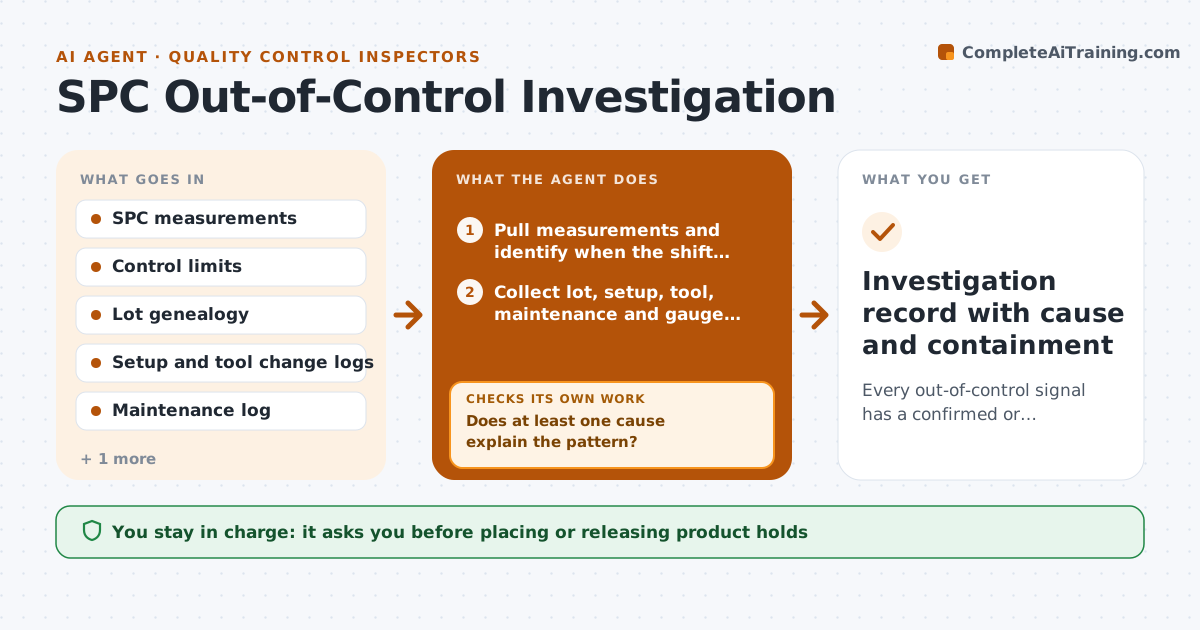
Every out-of-control signal has a confirmed or ruled-out cause and a documented containment
What it does
Control charts flag when a process drifts, but someone still has to work out why, while parts keep coming off the line. This agent watches SPC data for rule violations, such as a point outside limits or seven points on one side of the mean. When one appears, it finds when the shift began and collects every change in that window: material lots, operators, machine settings, tool changes, maintenance and gauge records. Gauge and calibration changes are checked first, because a measurement change can look like a process shift. It ranks candidate causes by how closely their timing matches the signal start, within one subgroup. If no cause explains the pattern, it widens the window by one shift and adds operator and environment data. It drafts containment and the suspect product range. The quality lead approves holds or disposition.
How it works
Follow the arrows from top to bottom. The orange dashed arrow is the loop: when a check fails, the agent goes back and tries again.
Read the steps as a list
- Control rule violation detected
- Pull measurements and identify when the shift began
- Collect lot, setup, tool, maintenance and gauge changes in that window
- Rank candidate causes by timing match
- Does at least one cause explain the pattern?If not: widen the time window by one shift and add operator and environment data. Back to step 3.
- Draft containment and suspect-product range
- Quality lead approves holds or dispositionThe agent waits here for your OK.
- Investigation record with cause and containment
How it decides
It ranks candidate causes by how closely their timing matches the start of the signal and keeps only those that explain the pattern in the data.
- Check gauge and calibration changes before blaming the process
- A cause must line up within one subgroup of the signal start
- Suspect range runs from the last good subgroup to the current one
Make it yours
Every agent is a starting point. You choose these settings for your own situation.
- Which control rules to watch
- How wide the first search window is
- Data sources to include
- Who approves holds
What keeps you in control
It always asks you first
- Placing or releasing product holds
- Closing the investigation
Hard limits
- Never releases held product
- Never changes control limits on its own
It stops when
- Done: cause confirmed or all candidates ruled out and recorded
- Stop: data gaps make the suspect range unknown; escalate to quality lead
Set it up
We guide you through the set-up, step by step
Members get the full set-up guide for this agent. No technical skills needed: you copy, paste and upload.
- One set of instructions to paste into your AI, with the clicks for ChatGPT, Claude, Microsoft 365 Copilot, Gemini and Grok
- The agent then walks you through connecting your own data, one source at a time
- A downloadable copy with the flow chart, the rules and the full guide