
Learning path
Learning AI as an Industrial Engineer
This path helps industrial engineers use AI for process maps, metrics, and project communication. It starts with setup, then builds practical prompts and video courses for the job.

Your path
Everything in the Industrial Engineer AI kit, in the order that makes sense. Members tick off each step and see their progress.
Set up your AI
We guide you through each click.
Let skills do your everyday tasks
Connect your apps and pick your AI apps
Hand whole tasks to AI agents
Build your own tools
Everything for industrial engineers
All the courses, certifications, AI tools, MCP servers and apps for industrial engineers, most relevant first. Open any list to see more.
Take the prompt courses
A short framework course to learn how to ask, then 9 lessons with ready-to-use prompts for industrial engineers.
Start with this framework: how to talk to AI
RISEN structures your line balancing work into clear steps, so the final workstation specification is complete for the floor.
Then your prompt course for industrial engineers- 1Everyday AI for IE4 prompts
- 2Process Mapping and Docs5 prompts
- 3Data Analysis and Metrics3 prompts
- 4Workstation Design and Ergonomics2 prompts
- 5Simulation and Scenario Planning3 prompts
- 6Bottleneck and Troubleshooting4 prompts
- 7Lean Methods and Waste Reduction3 prompts
- 8Time Studies and Quality Control3 prompts
- 9Client and Project Communication5 prompts
Watch the video courses or add them to your Favorites for later
101 video courses our AI picked for industrial engineers, most useful first. Save the ones you want to watch later with the heart.
Favorites are saved to your account: sign in or get your AI kit first.
Show all 101 video courses
Get certified, or add certifications to your Favorites
Every course ends in an exam and a certificate you can add to LinkedIn. Save the certifications you are aiming for with the heart.
Favorites are saved to your account: sign in or get your AI kit first.
More certifications for industrial engineersShow all 24 certifications
Try the AI tools for industrial engineers
24 AI tools our AI matched to the work of industrial engineers, best fit first. Each review shows what it does, its alternatives and the jobs it suits.
Favorites are saved to your account: sign in or get your AI kit first.
Show all 24 AI tools
Connect your AI to the apps industrial engineers use
MCP servers let ChatGPT, Claude or Copilot look things up and get work done in other apps, like your email, calendar or bookkeeping software. These 12 fit the work of industrial engineers best, well-known apps first.

Excel MCP server
by haris-musaLets your AI create, read and edit Excel workbooks for you, without opening Excel.

Excel Vision MCP server
by VOYAGER-IncLet your AI read Excel files fully, including the images and colors inside them.

FoundryNet Forge MCP server
by FoundryNetLets your AI read and manage data from industrial machines like CNC machines and robots in plain language.
AnalyticsNo install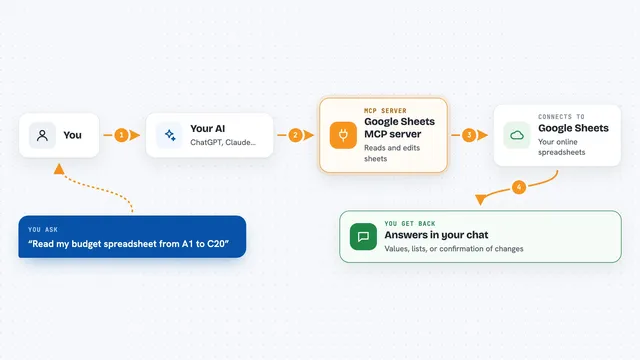
Google Sheets MCP server
by xing5Lets your AI read, write, and manage your Google Sheets for you, right from the chat.

Spreadsheet MCP server
by PSU3D0Lets your AI read, edit, and recalculate Excel files safely, without you opening Excel.

MCP Dashboards
by KyuRishYour AI can turn plain numbers into interactive charts and dashboards right inside the chat.
Show all 12 MCP servers

Mermaid Diagram MCP server
by hustccLet your AI turn plain words into Mermaid diagrams and charts you can save or share.

Calculator MCP server
by avisangleLets your AI do accurate math, statistics, unit conversions and finance calculations for you.
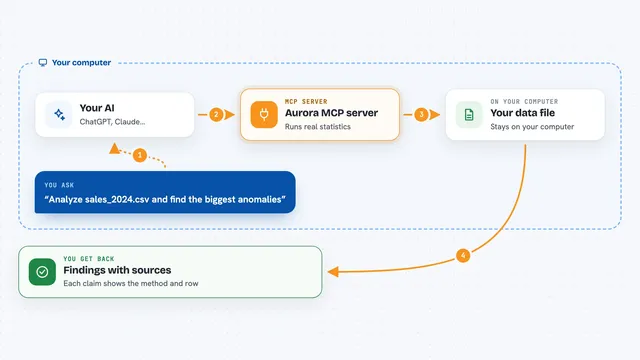
Aurora MCP server
by FantasyLab-aiLet your AI run honest statistics on your data and cite every finding, instead of guessing.

Math MCP server
by clouatre-labsLets your AI do math, statistics, matrices, and charts, and save its work for later.
AnalyticsNo install
LogiSheets MCP server
by logiskyLet your AI build and edit real Excel spreadsheets with live formulas, then save a .xlsx file you can open.
Productivity Official
AntV Chart MCP server
by antvisTurn your data into charts and diagrams just by asking your AI in plain words.
Analytics OfficialBuild your own AI apps for industrial engineers
Apps you build yourself with your own AI, no coding needed and no monthly fee. Our AI picked the 12 that fit the work of industrial engineers.
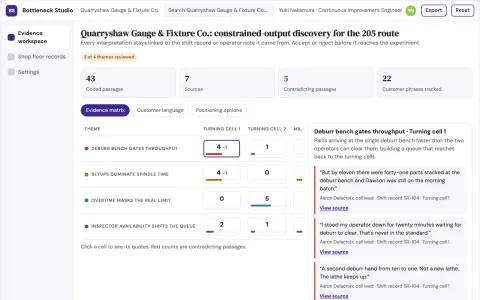
Operational process bottleneck discovery studio
Test the cause of constrained output before buying equipment.
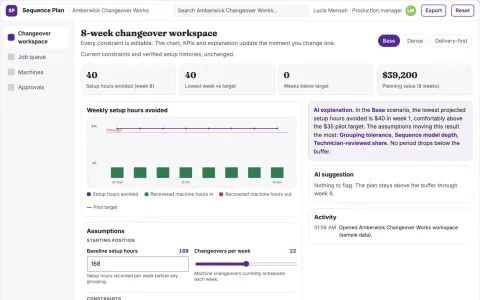
Machine changeover sequence optimizer
Recover capacity by reducing avoidable setup work.
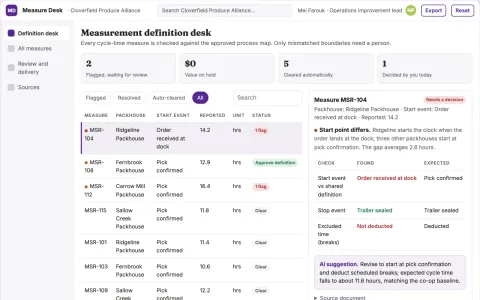
Process measurement definition desk
Comparable process metrics through explicit boundaries.
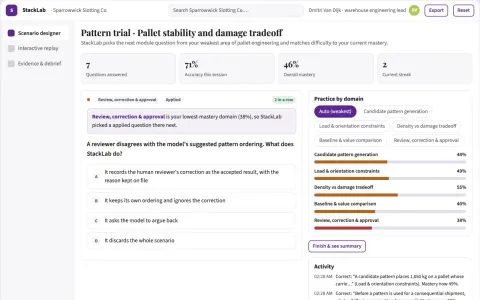
Pallet stability and damage tradeoff sandbox
Improve useful truck capacity without accepting hidden damage costs.
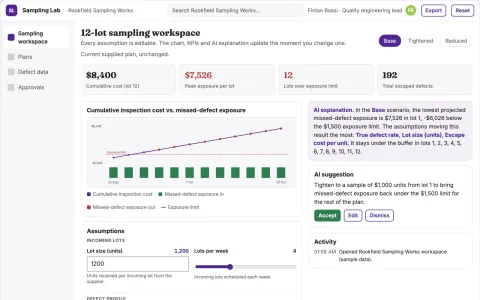
Production quality sampling economics lab
Make inspection-resource tradeoffs visible.
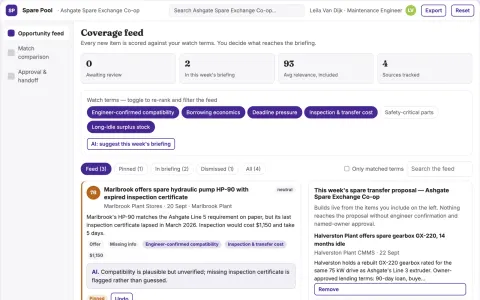
Industrial maintenance spare pooling exchange
Reduce emergency procurement delay using existing stock.
Show all 12 apps
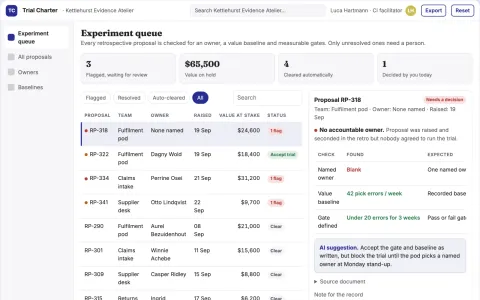
Meeting-to-experiment execution studio
Convert discussion into measurable operational learning.
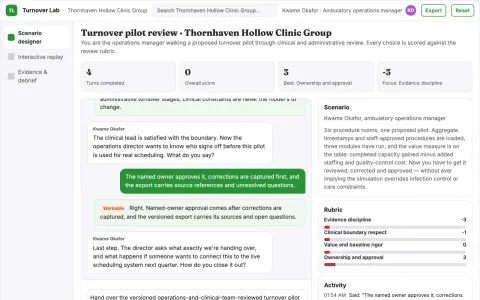
Clinic room turnover capacity lab
Find operational improvements without shortening required care or cleaning.
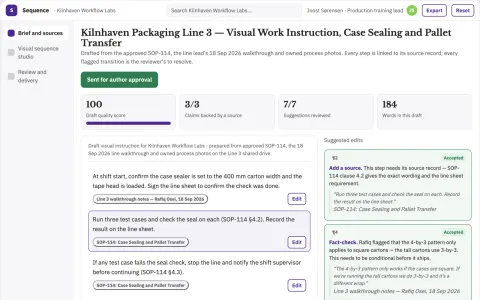
Work instruction visual sequence studio
Visual sequencing from validated procedures.
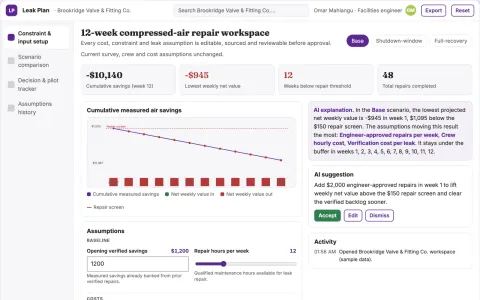
Compressed-air repair investment optimizer
Target verified repairs with measurable operating value.
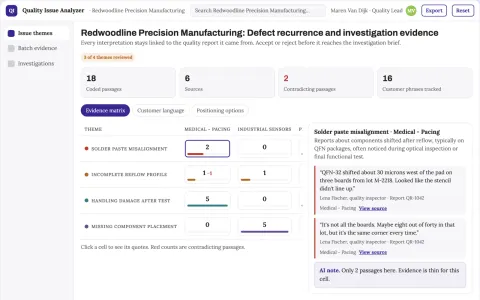
Quality issue analyzer
Connects recurring symptoms to investigation evidence without inventing root causes.
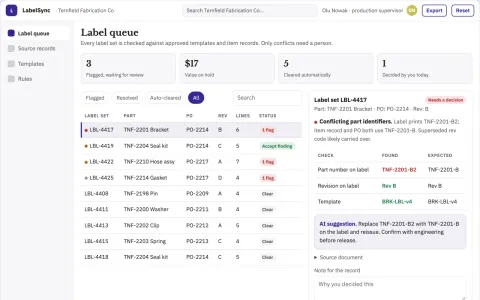
Operational label consistency checker
Mechanical label consistency before production.










































































































About this learning path
6 topicsAI Skills for Industrial Engineering Work
Industrial engineers are asked to improve flow, cut waste, and keep people safe. AI can help you draft, check, and explain that work faster while you stay in charge of the decisions.
This path is made for working engineers who are not programmers. You will set up your AI tool, connect it to your notes and files, learn prompts for everyday industrial engineering tasks, and pick video courses that match your industry. Each video course recommendation includes its certificate details so you know what you earn.
Why AI Matters Now
Industrial engineering work often starts with a flood of details: shift notes, cycle counts, layout sketches, and meeting comments. AI can help you sort that material, draft first versions, and ask better questions sooner. You still check the math, walk the floor, and make the call.
What the Path Includes
You begin with setup questions so your AI tool works for your role. Then you connect your AI to approved notes, files, and templates. You build job skills inside your AI for process maps, metrics, and updates. The path includes this prompt course, plus video courses chosen for industrial engineering work. Each video course listing shows the certificate you can earn.
How It Saves Time
The prompts help you turn rough notes into a first draft of a process map, a status report, or a training sheet. That means less staring at a blank page and more time for floor checks, operator conversations, and testing fixes. You also get a repeatable way to prepare for meetings.
How It Protects Your Career
AI will not replace the judgment an industrial engineer brings to a system. It can replace the slow drafting and searching that eats your day. When you learn to direct the tool and check its work, you become the person who can improve processes with more speed and less risk.
How to Start
Start with one task you do every week, such as summarizing production meetings or drafting a work instruction. Set up your AI tool, try two or three prompts from the course, and keep what works. Then add a video course that matches your industry and schedule.
Frequently asked questions
Do I need to know how to code?
No. The course uses plain language prompts and shows you how to ask AI to write code when you need it. You can stay focused on the process, not the programming.Will AI replace industrial engineers?
AI changes how fast the work gets done, but it does not replace floor knowledge, safety judgment, or client trust. Engineers who use AI well are likely to be more valuable, not less.How much time does the path take?
You can move through the lessons in short sessions and apply each prompt to real work. Most learners start with one lesson a week and add video courses as their schedule allows.Is my company data safe?
Use only approved AI tools and follow your company rules. Avoid sharing employee health details, private customer data, or secret process numbers unless you have clear permission.