AI agent for speechwriters
Speech Adaptation Package Agent
Release press, social and transcript pieces that match what the speaker actually said.
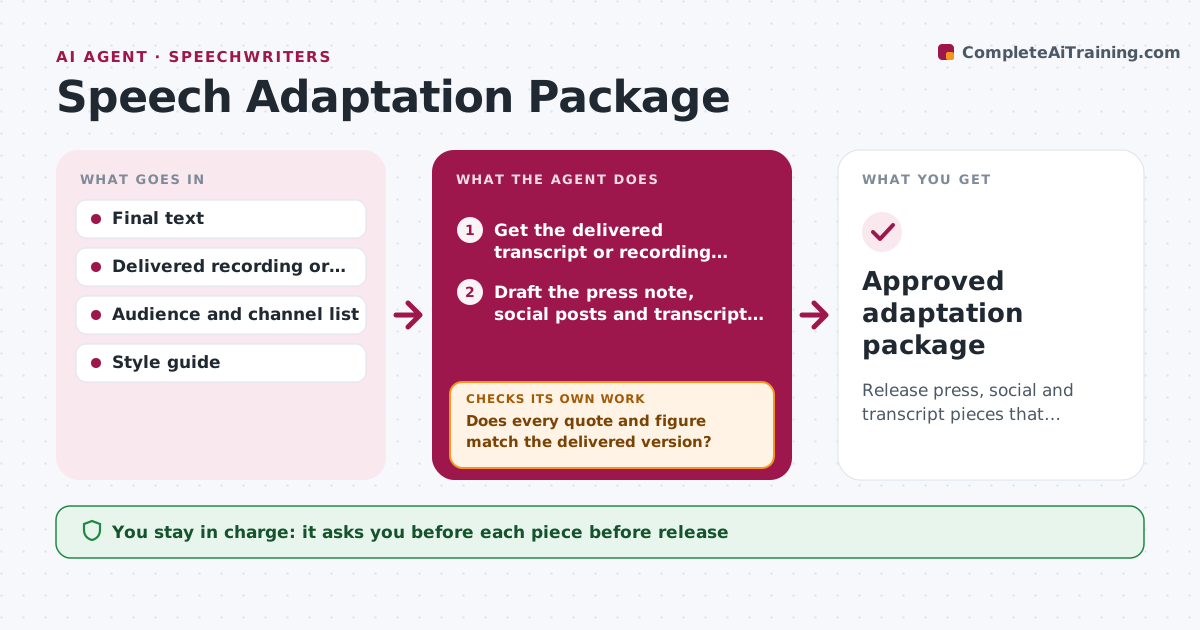
What it does
Once a speech is final, you still need a press note, social posts and a transcript, and each can drift from what was actually said. This agent builds the derived pieces from the final text. It then checks each quote and each number against the delivered version, using the video transcript or your delivery notes. Where the speaker changed a line or skipped a section, it flags the piece and rewrites the affected sentence. It repeats the comparison until every quote and figure matches. You approve each piece before release. Edge case: the speaker ad-libbed a new target of 30,000 jobs, and the agent updates the press note and marks it for confirmation.
How it works
Follow the arrows from top to bottom. The orange dashed arrow is the loop: when a check fails, the agent goes back and tries again.
Read the steps as a list
- Speech has been delivered
- Get the delivered transcript or recording notes
- Draft the press note, social posts and transcript from the final text
- Compare each quote and number with the delivered version
- Does every quote and figure match the delivered version?If not: List each mismatch and what was actually said. Back to step 4.
- Rewrite the affected sentences
- Flag anything the speaker changed or skipped
- Do the rewritten pieces now match?If not: Repeat the comparison on the pieces still failing. Back to step 4.
- Speechwriter approves each pieceThe agent waits here for your OK.
- Approved adaptation package
How it decides
It treats the delivered version as the source of truth. A quote is valid only if it appears word for word in the delivered text.
- Quotes must match the delivered text word for word
- Numbers must match the delivered version, not the draft
- Ad-libbed claims need speaker confirmation before use
- Transcript marks cuts and additions
Make it yours
Every agent is a starting point. You choose these settings for your own situation.
- Output types needed
- Transcript source
- Quote accuracy rule (default exact)
- Channels and character limits
- Who confirms ad-libbed claims
What keeps you in control
It always asks you first
- Each piece before release
- Any ad-libbed claim
Hard limits
- Never publishes
- Never puts words in the speaker's mouth
- Marks every ad-libbed addition
It stops when
- Done: all pieces match the delivered version
- Stop: speaker confirmation missing for an ad-libbed claim
Set it up
We guide you through the set-up, step by step
Members get the full set-up guide for this agent. No technical skills needed: you copy, paste and upload.
- One set of instructions to paste into your AI, with the clicks for ChatGPT, Claude, Microsoft 365 Copilot, Gemini and Grok
- The agent then walks you through connecting your own data, one source at a time
- A downloadable copy with the flow chart, the rules and the full guide