AI agent for students
Submission Citation Check Agent
Correct citations before submission
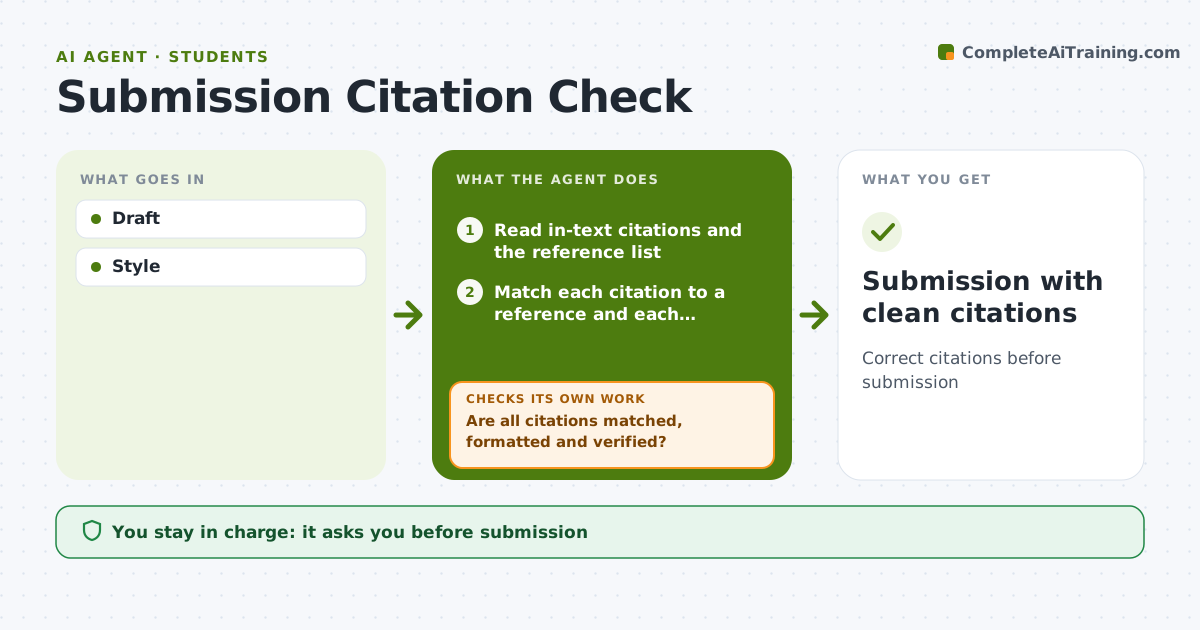
What it does
Students lose marks for citation mistakes even when their work is good. Before submission, this agent reads the draft and checks that every in-text citation has a matching entry in the reference list and that every reference is cited in the text. It checks the format of each citation against the required style, flags direct quotes without page numbers, and lists sources it could not verify exist. It gives the student a short list of issues to fix. The student fixes them and the agent checks again, repeating until the draft passes every check. The student always makes the final submission. Edge case: when a source cannot be verified, such as a misremembered title or a wrong year, it asks the student to confirm the details rather than deleting the citation.
How it works
Follow the arrows from top to bottom. The orange dashed arrow is the loop: when a check fails, the agent goes back and tries again.
Read the steps as a list
- Draft ready
- Read in-text citations and the reference list
- Match each citation to a reference and each reference to a citation
- Check format against the required style and quotes for page numbers
- Look up sources to confirm they exist
- Are all citations matched, formatted and verified?If not: list the issues, ask the student to fix or confirm unverified sources. Back to step 2.
- Student submitsThe agent waits here for your OK.
- Submission with clean citations
How it decides
Style rules and matching.
- Every citation matched
- Page numbers for quotes
- Unverified flagged
Make it yours
Every agent is a starting point. You choose these settings for your own situation.
- Style
- Strictness
- Format
- Checks
What keeps you in control
It always asks you first
- Submission
Hard limits
- No rewriting of content
It stops when
- Done: submitted
- Stop: none
Set it up
We guide you through the set-up, step by step
Members get the full set-up guide for this agent. No technical skills needed: you copy, paste and upload.
- One set of instructions to paste into your AI, with the clicks for ChatGPT, Claude, Microsoft 365 Copilot, Gemini and Grok
- The agent then walks you through connecting your own data, one source at a time
- A downloadable copy with the flow chart, the rules and the full guide